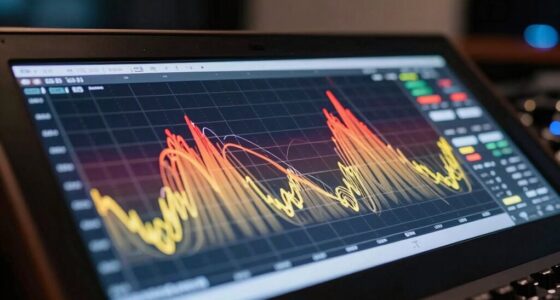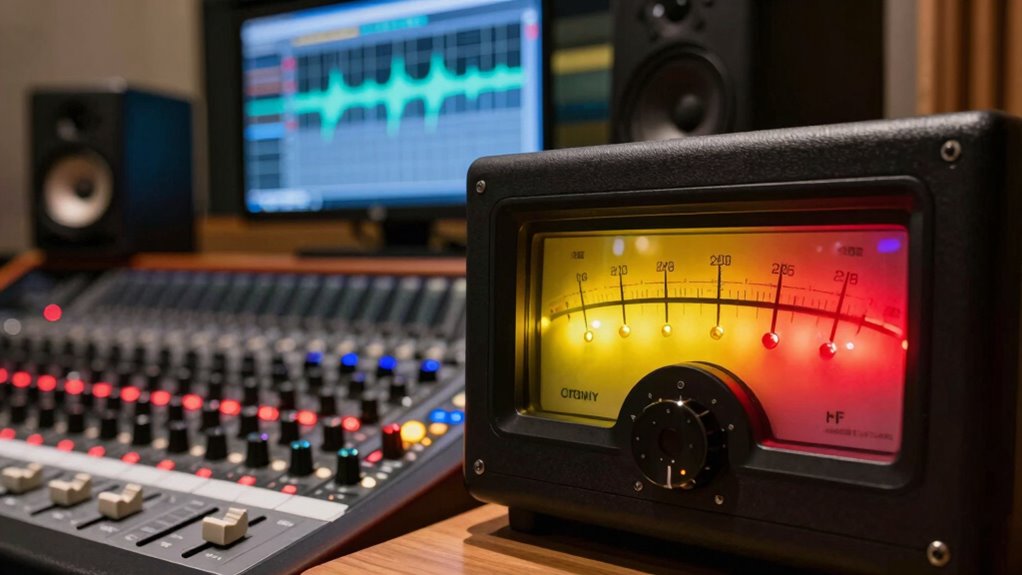

Clipping can happen even when your levels look fine if your microphone is placed too close, causing sudden spikes, or if your gain is set too high. Sometimes, your signal chain isn’t balanced, leading to distortion before levels show trouble. Proper mic positioning, gain adjustment, and equipment setup are key to avoiding overloads. If you keep these factors in check, you’ll reduce clipping and improve your sound quality—more details await to help you master your recordings.

Get audio and creator gear delivered free with Prime
- Fast, free delivery on millions of items
- Prime Video, Amazon Music and more included
- Member-only deals all year
Key Takeaways
- Microphone placement or technique can cause sudden peaks, leading to clipping despite normal level readings.
- Excessive gain settings or improper gain staging may overload equipment without visible level indicators.
- Using proximity effects or plosive sounds can create spikes that clip even at moderate levels.
- Signal chain issues, such as faulty cables or mismatched equipment, can introduce distortion unnoticed by meters.
- Monitoring and level management errors, like not watching for transient peaks, can result in clipping despite apparent levels.
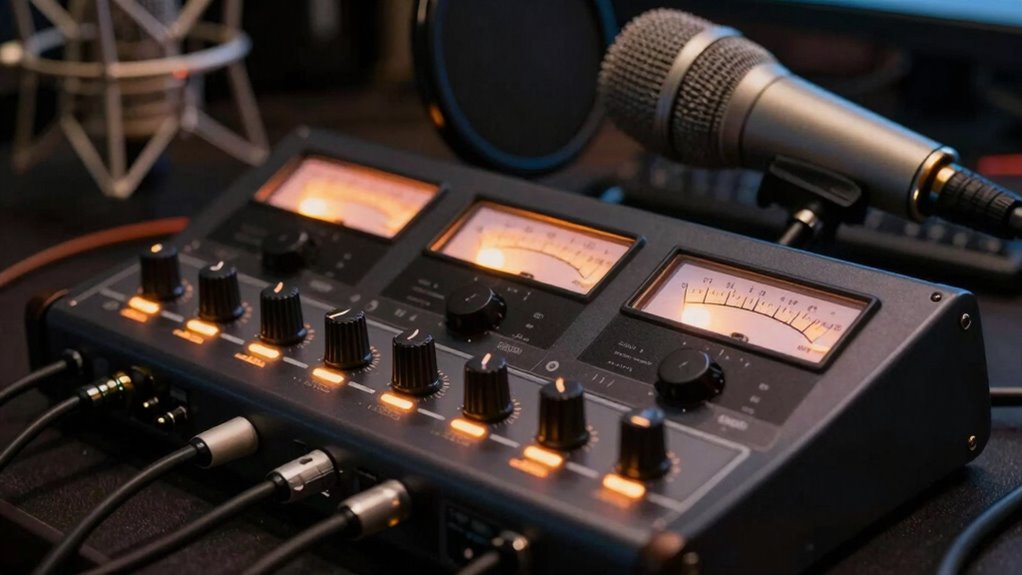
Even when your levels are set correctly on your recording device, where you position your microphone makes a big difference. Placing the mic too close to a loud sound source can cause the input to spike sharply during certain moments, leading to clipping. For example, if you’re recording vocals and hold the mic right up against your mouth, the initial plosive sounds or sudden bursts of air can overload the microphone capsule, causing distortion. Conversely, placing the mic too far away might require increasing gain to pick up the sound, which can also introduce noise or cause the signal to reach clipping levels at certain points. Proper gain staging involves setting each piece of equipment in your chain so that no stage is overdriven, ensuring a clean, undistorted signal from start to finish. The key is to find an ideal distance that captures your sound clearly without overloading the microphone. Using proper microphone technique—like angling the mic slightly off-axis or adding a pop filter—can help reduce sudden peaks and prevent clipping. Additionally, understanding how the entire signal chain impacts your audio helps you prevent unexpected distortion. In essence, even when your levels look fine on the surface, clipping can still occur due to small but impactful details like gain staging and microphone placement. Paying close attention to how you set your input levels and where you position your microphone ensures your recordings stay clean and distortion-free. It’s about managing the entire signal flow carefully, so no single element pushes your audio into distortion. By mastering these aspects, you’ll produce recordings that sound professional and free of unexpected clipping surprises.
As an affiliate, we earn on qualifying purchases.
Frequently Asked Questions
How Does Microphone Placement Affect Clipping?
Microphone positioning considerably impacts clipping because placing it too close or too far from the source can cause the signal to peak unexpectedly. Room acoustics also play a role, as reflective surfaces can boost certain frequencies, leading to clipping even when levels seem safe. Adjusting your microphone placement and considering room acoustics helps maintain consistent levels, preventing clipping and achieving clearer, more balanced recordings.
Can Software Settings Cause Clipping Without High Input Levels?
Your software settings can cause clipping even at modest input levels, like a sneaky ninja hiding in plain sight. When you neglect proper gain staging, your digital audio can overload the system’s dynamic range, leading to clipping. Check your input gain and make certain your software’s compressor, limiter, or boost settings aren’t pushing the signal too high. Properly managing these settings keeps your recordings clear without distortion.
What Role Does Audio Interface Quality Play in Clipping?
Your audio interface quality substantially affects clipping because lower-quality interfaces often struggle with accurate input gain management. Poor build quality or faulty components can cause distortion even at moderate levels. To prevent this, always set your input gain carefully, ensuring it isn’t too high. Investing in a good-quality audio interface helps maintain clean recordings by providing precise input gain control and reducing the risk of clipping, even at higher levels.
Are Certain Genres More Prone to Clipping Issues?
Certain genres, like metal or loud rock, are more prone to clipping due to their genre dynamics, which often involve high-volume recordings. In recording environments where intense dynamics are common, you might notice clipping even if levels seem fine. To avoid this, adjust your gain staging and use compressors or limiters. Understanding your genre’s typical sound and dynamics helps you set appropriate levels and prevent unwanted clipping.
How Can I Detect Subtle Clipping Artifacts in Recordings?
Did you know that subtle clipping artifacts can affect up to 30% of recordings? To detect them, listen carefully for harsh, distorted sounds during quiet passages, which indicate dynamic range compression gone too far. Use spectral analyzers to spot high-frequency distortions, and compare your waveform with original levels. Keep an eye on your signal’s headroom; even slight reductions can reveal hidden clipping issues affecting your audio quality.
As an affiliate, we earn on qualifying purchases.
Conclusion
So, next time your recordings clip despite seemingly perfect levels, consider that the issue might lie elsewhere—like your audio interface’s headroom or the compression settings. Some experts believe that visual meters can be misleading, and your ears are the real judge. Trust your listening, not just the meters, and experiment with different settings. After all, true clarity often comes from understanding the nuances beyond what the levels show on your screen.
As an affiliate, we earn on qualifying purchases.
As an affiliate, we earn on qualifying purchases.
Halloween Picks
halloween
As an affiliate, we earn on qualifying purchases.