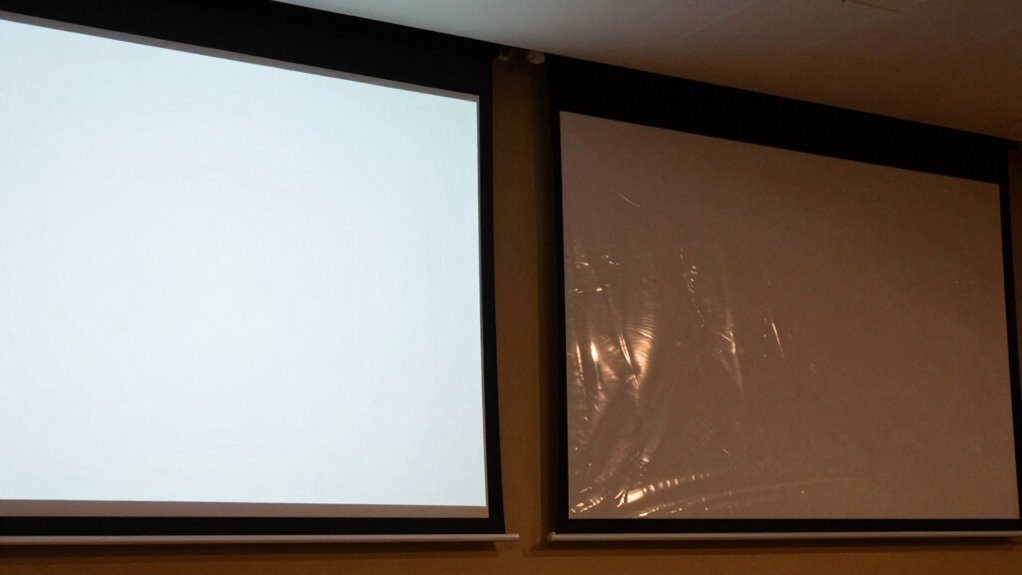

When comparing projector screens for bright rooms and night use, focus on their reflectivity, gain, and surface materials. High-gain screens reflect more light, making images brighter in well-lit spaces, but can cause glare if glossy. Matte surfaces reduce glare and are better for uncontrolled lighting, while low-gain screens provide wider viewing angles ideal for dark rooms. Match the screen’s features to your lighting and seating layout, and you’ll find the perfect setup to suit any environment.
Key Takeaways
- Choose high-gain screens for bright rooms to enhance brightness and contrast, and matte surfaces for glare reduction in uncontrolled lighting.
- For night use, opt for lower gain screens to improve color accuracy and wider viewing angles.
- Compare screen reflectivity and surface materials to balance brightness, glare, and image clarity based on room lighting.
- Assess the screen’s viewing angle to ensure clear images for multiple viewers, especially in larger or dispersed seating setups.
- Consider ambient light rejection features to optimize image quality in challenging lighting conditions.
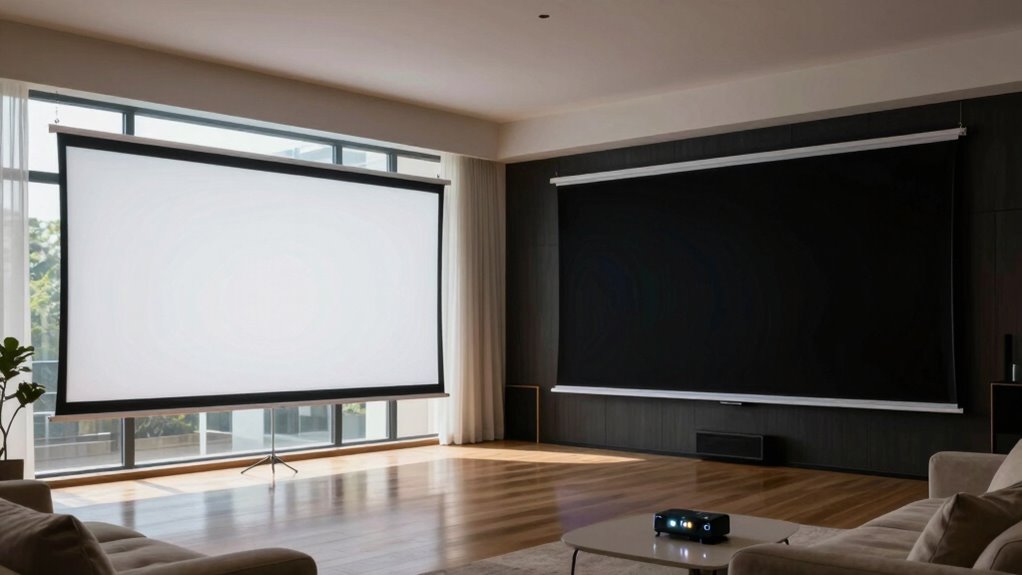
Are you unsure how to choose the right projector screen for your needs? When you’re comparing options, one of the most important factors to contemplate is the screen material. Different materials reflect light differently, which directly impacts image quality. For bright rooms, you’ll want a screen with a high gain, meaning it reflects more light, making the picture brighter and more vivid even with ambient lighting. Matte surfaces tend to reduce glare and provide a more uniform image, which is ideal for spaces where lighting can’t be controlled. Conversely, for darker environments or night use, screens with lower gain are often better because they offer a wider viewing angle and more accurate color reproduction without the risk of hotspots or glare.
Choosing the right projector screen material is key for optimal image quality in different lighting conditions.
Additionally, considering the screen reflectivity can help ensure you select a surface that works well with your room’s lighting conditions. Speaking of viewing angles, this is another critical aspect you should evaluate closely. The viewing angle determines how far off-center you can sit and still see a clear, vibrant picture. If your seating arrangement involves multiple viewers spread across a large room, you’ll need a screen with a wide viewing angle—often 160 degrees or more. This ensures everyone gets a good view without distortion or color washout. For more intimate setups, a narrower viewing angle might suffice, and it can even enhance contrast and color saturation. When comparing screens, check the specifications for viewing angle; it’s a key indicator of how flexible your setup can be.
Matching the screen material with your room’s lighting conditions is essential. In bright rooms, opt for a screen that emphasizes brightness and contrast, like a high-gain screen with a reflective surface designed to bounce more light back to the viewer. Make sure the material isn’t overly glossy, as excessive glare can cause reflections and reduce image clarity. Furthermore, selecting a reflective surface that balances brightness and glare control can improve your viewing experience significantly. It’s also helpful to consider ambient light rejection features, which can significantly improve image quality in challenging lighting conditions. In darker rooms, you can prioritize screens that deliver better color accuracy and wider viewing angles, even if they reflect less light. Matte screens with low gain often work well here, providing rich colors and consistent image quality from multiple angles.
Ultimately, comparing projector screens involves balancing the screen material and viewing angle based on your room’s lighting and seating layout. Think about how much ambient light you’ll encounter and how many people will be watching. By paying attention to these details, you’ll select a screen that enhances your viewing experience, whether during the day or at night.
high gain projector screen for bright rooms
As an affiliate, we earn on qualifying purchases.
As an affiliate, we earn on qualifying purchases.
Frequently Asked Questions
What Is the Best Material for a Bright Room Projector Screen?
For a bright room, you should choose a projector screen with high contrast and reflective qualities. Matte white screens are popular due to their Screen material variations that reduce glare and provide good color contrast options. Silver screens are great if you want enhanced brightness and deeper blacks, making them ideal for bright environments. Focus on materials that maximize reflectivity and contrast to guarantee clear, vibrant images even in well-lit spaces.
How Do Ambient Light Sensors Affect Projector Screen Performance?
Think of ambient light sensors like a smart window shade, adjusting to changing light. They detect ambient light levels, helping you optimize your projector screen’s performance. Proper sensor calibration guarantees your screen adapts seamlessly, reducing glare in bright rooms and enhancing contrast at night. This dynamic adjustment keeps your image clear and vibrant, no matter the lighting conditions. So, ambient light sensors are essential for a consistently impressive viewing experience.
Are There Portable Screens Suitable for Both Day and Night Use?
Yes, there are portable screens designed for both day and night use. These screens offer portable versatility, allowing you to enjoy clear images whether it’s bright daylight or dark evening. Look for models with high gain or ambient light rejection features, ensuring good visibility in various lighting conditions. Their lightweight, foldable design makes them easy to set up anywhere, providing reliable day-night compatibility for your on-the-go entertainment or presentations.
How Does Screen Size Impact Image Brightness and Clarity?
A larger screen size can reduce perceived brightness and clarity because the image spreads over a bigger surface, making details less sharp. To counter this, opt for a high screen resolution and a strong contrast ratio, which enhance clarity and vibrancy regardless of size. Balancing screen size with resolution and contrast guarantees you get a bright, crisp image both in bright rooms and at night.
What Maintenance Is Required to Keep Screens in Optimal Condition?
To keep your projector screen in ideal condition, follow regular cleaning routines using gentle, non-abrasive cleaners suitable for your screen material. Avoid harsh chemicals that can damage the surface. Check the material’s durability periodically for signs of wear or damage, especially if you frequently roll or fold the screen. Proper maintenance preserves image quality, extends the lifespan, and guarantees your viewing experience remains bright and clear.
matte projector screen for glare reduction
As an affiliate, we earn on qualifying purchases.
As an affiliate, we earn on qualifying purchases.
Conclusion
When choosing a projector screen for bright rooms and nighttime use, remember to take into account factors like gain, material, and ambient light rejection. A high-gain screen can boost brightness in well-lit spaces, while a matte or ambient light rejecting screen minimizes glare in darker settings. Did you know that a screen with a gain of 1.5 can increase perceived brightness by up to 50%? By weighing these aspects, you’ll find the perfect screen for any environment, ensuring a clear and vibrant projection every time.
ambient light rejecting projector screen
As an affiliate, we earn on qualifying purchases.
As an affiliate, we earn on qualifying purchases.
wide viewing angle projector screen
As an affiliate, we earn on qualifying purchases.
As an affiliate, we earn on qualifying purchases.