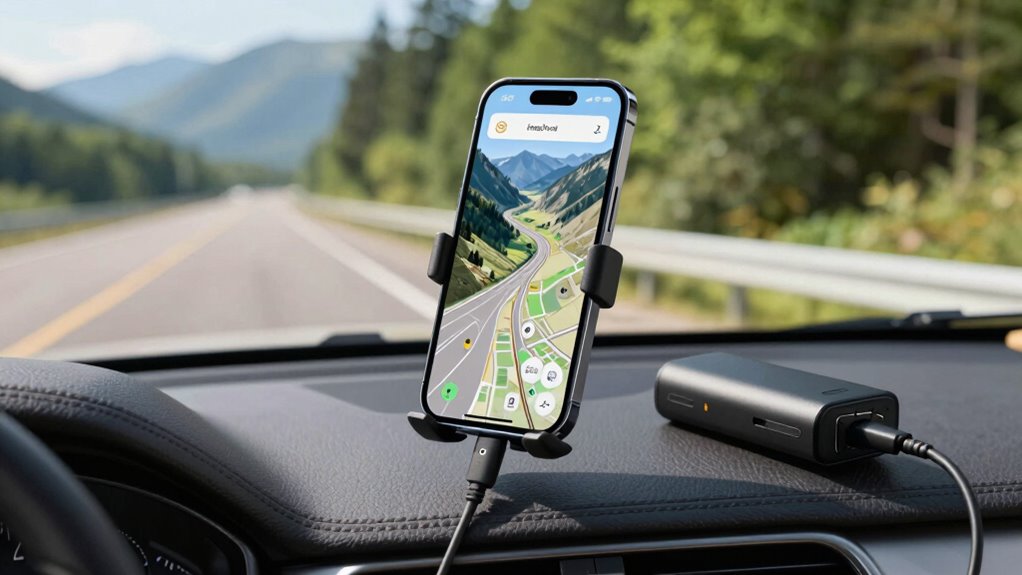

To save your phone’s battery during a road trip, turn off unnecessary features like Bluetooth, Wi-Fi, and mobile data when not needed. Lower your screen brightness and enable battery saver mode. Use offline maps and preload routes to reduce GPS power drain. Consider connecting an external GPS device or using a power bank to extend your device’s runtime. Keep in mind, more tips on optimizing power while steering are just ahead.
Key Takeaways
- Enable battery saver mode and turn off non-essential features like Bluetooth and Wi-Fi during navigation.
- Use offline maps and preloaded routes to reduce GPS and data usage.
- Switch to low-power GPS modes and avoid live traffic updates to conserve battery.
- Carry a portable power bank or use a car charger to recharge during stops.
- Close background apps and lower screen brightness to minimize overall power consumption.
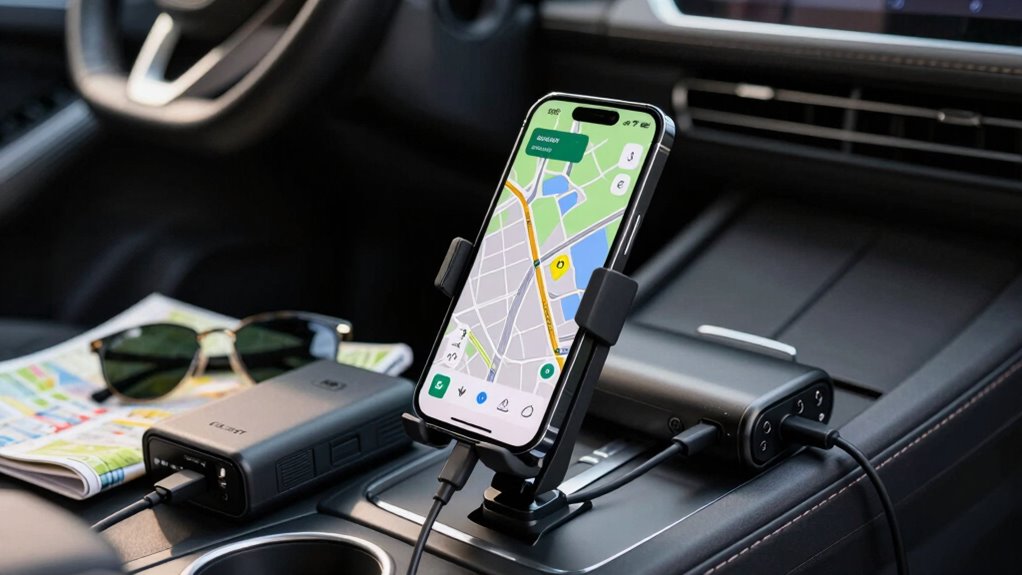
If your phone’s GPS drains its battery faster than expected during road trips, it can quickly turn into a frustrating experience. You rely on your device to guide you, but a quick battery drain can leave you stranded without directions. To combat this, start by focusing on battery optimization techniques. Turn off all unnecessary features like Bluetooth, Wi-Fi, and mobile data if you don’t need them, as these can consume extra power. Lower your screen brightness to the minimum comfortable level, since the display is often one of the biggest power drainers. Enable battery saver mode if your phone offers it; this setting reduces background activity and limits some functions, helping extend your device’s lifespan on the road. Additionally, closing all background apps that you don’t need during the trip prevents them from running unnecessarily and draining power.
Another effective way to conserve battery life is to think about alternative navigation options. Instead of using your phone’s GPS continuously, download offline maps ahead of time. Many navigation apps allow you to save maps locally, so you don’t have to keep the GPS active constantly. This helps preserve battery while still giving you reliable directions. If your device supports it, switch to a GPS mode that’s less power-intensive, such as a simplified or low-accuracy mode, which uses less data and processing power. You can also use external GPS devices, like dedicated GPS units or Bluetooth receivers, which tend to consume less power than your smartphone’s built-in GPS. These devices can connect to your phone and provide accurate navigation without draining your phone’s battery as quickly.
Furthermore, choosing a high refresh rate navigation app can sometimes help optimize power consumption by providing smoother updates with less processing load. Another tip involves strategic planning. Instead of relying solely on real-time navigation, plan your route in advance and input it into your device before you start driving. Once you’re on the road, follow the preloaded map instead of constantly updating your position with live GPS data. This reduces the workload on your device’s processor and helps save battery. If you notice your battery getting low, consider turning off live traffic updates and other real-time features that aren’t essential. You might also carry a portable power bank or car charger to recharge your device during longer trips, ensuring you won’t be left without navigation when needed most.
As an affiliate, we earn on qualifying purchases.
Frequently Asked Questions
Can Using Airplane Mode Help Conserve GPS Battery?
Yes, using airplane mode can help conserve your GPS battery. When you enable airplane mode, it disables cellular signals, which reduces power consumption, but your GPS can still function if location services are on. Keep in mind, however, that airplane mode might affect GPS accuracy if you also turn off Wi-Fi and Bluetooth. To maximize battery life, toggle airplane mode on while keeping location services active for reliable GPS navigation.
Is It Better to Use Offline Maps Instead of Online Navigation?
Using offline maps is better for battery optimization because they don’t require a constant internet connection, which drains your phone’s battery faster. Offline maps load data beforehand, reducing GPS power consumption during your trip. This way, you conserve battery life, especially on long road trips where charging options might be limited. Switch to offline maps before you start your journey to make certain of smoother navigation and longer device usage.
How Does Screen Brightness Impact Battery Drain During GPS Use?
Lower your screen brightness to reduce battery drain during GPS use. High display brightness consumes more power, especially when your screen stays on for navigation. Adjust your display settings to a comfortable level or enable adaptive brightness, which automatically adjusts based on ambient light. Doing so helps conserve battery life, making your device last longer during long road trips, ensuring your GPS stays active without quickly draining your battery.
Should I Turn off Background Apps to Extend GPS Battery Life?
Yes, turning off background apps can help extend your GPS battery life. Manage background app management by closing unnecessary apps and enabling battery saving settings on your device. These steps reduce unnecessary processes, preventing your phone from draining power in the background. This way, your GPS uses less energy, helping your phone last longer during your road trip. Always check app settings to optimize battery efficiency.
Are There Specific Phone Models With Better GPS Battery Performance?
Imagine holding a sleek, high-performance phone like the iPhone 13 or Samsung Galaxy S23—these models often offer better GPS battery life due to advanced hardware and software optimization. When comparing phone models, look for devices with efficient GPS chips and supportive features. Combining this with GPS optimization techniques, such as turning off unnecessary services and enabling power-saving modes, helps extend your battery during long trips.
portable power bank for smartphones
As an affiliate, we earn on qualifying purchases.
As an affiliate, we earn on qualifying purchases.
Conclusion
To keep your phone’s GPS running longer on road trips, optimize battery settings, turn off unnecessary apps, and consider a portable charger. Did you know that using your phone’s GPS can drain the battery up to 30% faster? By taking these steps, you guarantee your device stays powered throughout your journey, preventing unexpected dead zones and keeping you on track. Stay prepared, and enjoy stress-free adventures without worrying about your battery dying mid-road trip.
As an affiliate, we earn on qualifying purchases.
As an affiliate, we earn on qualifying purchases.