
During show nights, your phone is likely to die first due to bright screens, loud sounds, and constant app activity. To prevent this, lower your screen brightness, turn on battery saver mode, and disable unnecessary apps and notifications. Using a high-capacity power bank or battery case can keep you powered longer. Planning ahead with fully charged backup options guarantees you’re ready to go. Keep exploring to discover more quick hacks to extend your device’s life when it matters most.
Key Takeaways
- Use power-saving mode, dim screen brightness, and disable unnecessary apps to extend battery life during show nights.
- Limit background activity and notifications from non-essential apps to reduce drain.
- Turn off Wi-Fi, Bluetooth, and location services when not needed to conserve power.
- Carry portable chargers or battery cases for quick recharges during long events.
- Plan outlet access and prioritize critical device functions to avoid unexpected shutdowns.
Why Show Nights Drain Your Phone Battery Faster
Show nights often drain your phone battery faster because you tend to use your device more intensely. Event lighting, especially bright screens and flashing effects, forces your screen to consume more power. Additionally, the loud crowd noise prompts you to increase your device’s volume, which uses extra battery. You might also be taking photos or videos, further draining your battery quickly. The combination of vibrant lighting and constant noise encourages prolonged screen time, making your device work harder. Plus, if you’re using navigation or social media to capture moments and connect, these activities add to the power drain. All of these factors mean your phone’s battery is under constant stress, leading to faster depletion during show nights than usual. Incorporating high refresh rates can help reduce screen flickering and save battery life during extended use.
Which Apps Are Killing Your Phone’s Battery?
You might notice some apps drain your battery faster than others, especially streaming and gaming ones. These apps use a lot of power because they run constantly or require a lot of data. Identifying and managing them can make a big difference on show nights. Incorporating attention to detail when selecting which apps to keep active can help optimize battery life.
Battery Drainers at Play
Many apps can silently drain your phone’s battery without you realizing it. Apps with power-hungry features, like GPS, video playback, or augmented reality, often run background processes that sap energy even when you’re not actively using them. These background processes keep your phone awake longer, accelerating battery drain during show nights. To identify these culprits, check your battery usage stats regularly. Additionally, disabling piercing care and hygiene notifications or updates can help conserve power.
Streaming and Gaming Apps
Ever wonder which apps are silently draining your phone’s battery during show nights? Streaming and gaming apps are notorious for consuming a lot of power, especially if they run in the background or have high-resolution visuals. These apps can quickly diminish your battery health if left unchecked. To save energy, review your app permissions—disable unnecessary access like location or background activity. Limiting background refreshes for streaming services and games reduces their drain. Also, consider lowering video quality or game settings to conserve power. Keeping these apps in check not only prolongs your battery life but also helps maintain your phone’s overall health. Being mindful of how and when you use streaming and gaming apps during show nights can make all the difference. Additionally, choosing energy-efficient cloud solutions can help offload some processing, reducing the strain on your device.
How to Identify Power-Hungry Apps on Your Phone
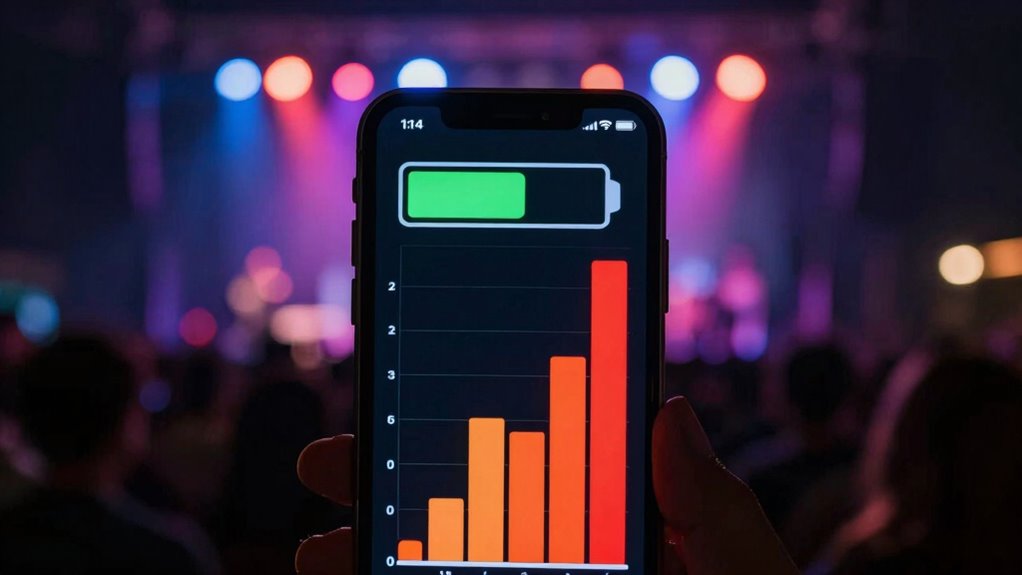
To effectively save battery during show nights, it’s important to identify which apps are draining your phone’s power. Start by checking your phone’s battery usage stats; they show which apps consume the most energy. Pay attention to apps with excessive background activity, as they often run unnoticed but still drain power. Also, review app permissions—some apps request access to features like location or camera, which can increase power consumption even when you’re not actively using them. Unnecessary permissions can lead to apps running in the background more often. Additionally, support breakfast options can include certain apps that promote relaxation and stress relief, which might impact your device’s performance if overused. By spotting these power-hungry apps, you can decide to close or disable them temporarily. Managing app permissions and limiting background activity helps conserve battery, ensuring your phone stays alive through the show.
Top Settings to Save Battery During Shows
To conserve battery during shows, start by dimming your screen brightness to reduce power consumption. Next, disable non-essential apps so they don’t drain your battery in the background. Finally, activate power saving mode to automatically optimize settings and extend your device’s battery life. Additionally, consider turning off Wi-Fi or Bluetooth when not in use to prevent unnecessary battery drain.
Dim Screen Brightness
Lowering your screen brightness is one of the simplest yet most effective ways to conserve battery during show nights. When you reduce brightness, your phone uses less power to display images, saving precious battery life. Pay attention to your screen contrast; increasing contrast can make the display clearer in low light, allowing you to lower brightness further without sacrificing visibility. Consider the ambient lighting around you—if it’s dim, you don’t need your screen to be as bright. Adjusting brightness to match your environment minimizes energy consumption while still providing a good viewing experience. This simple change can extend your phone’s battery life considerably, ensuring it stays powered longer through the show and beyond.
Disable Non-Essential Apps
When you’re trying to stretch your battery during show nights, disabling non-essential apps is one of the quickest ways to save power. Background apps can run silently, draining your battery even when you’re not actively using them. By closing or disabling these apps, you reduce unnecessary background activity and conserve energy. Additionally, turning off notification alerts for non-urgent apps prevents your screen from lighting up frequently, which can considerably drain your battery. Check your app settings and disable notifications for apps that aren’t critical during the show. You can also force-stop apps that aren’t essential. This helps minimize background processes and idle power consumption. Keeping only the apps you need active ensures your phone lasts longer, so you can enjoy the show without worrying about your battery dying prematurely. Implementing a power-saving mode can further optimize your device’s energy use during critical times.
Activate Power Saving Mode
Activating power saving mode is one of the most effective ways to extend your battery life during show nights. Once enabled, it automatically reduces screen brightness and limits background activity, conserving energy. To maximize savings, also adjust screen calibration settings to lower brightness or switch to darker themes, which use less power. Additionally, manage notifications carefully—disable non-essential alerts to prevent your phone from waking up unnecessarily. This not only preserves battery but also minimizes distractions during performances. Power saving mode also restricts app activity and reduces CPU usage, helping your phone last longer. Being aware of battery drain factors such as screen brightness and background processes can further enhance your device’s endurance. By combining these steps—activating power saving mode, fine-tuning screen calibration, and managing notifications—you ensure your device stays powered throughout the show.
Lower Screen Brightness and Set Shorter Timeout
Reducing your screen brightness and setting a shorter timeout can substantially extend your device’s battery life during show nights. Lower brightness minimizes power used by the display, especially in dark environments. Proper screen calibration ensures your screen isn’t brighter than necessary, helping conserve energy. Additionally, adjusting the timeout means your screen turns off sooner when not in use, saving power. Managing notifications also plays a role—disable or limit non-essential alerts that light up your screen unnecessarily. These steps work together to reduce overall energy consumption. By making these simple adjustments, your phone stays active longer, giving you one less thing to worry about when the show heats up. Keep your screen optimized and notifications streamlined for maximum battery efficiency, and consider connected appliances that can help monitor and manage your device’s power usage during busy nights.
Best Power Banks and Accessories for Show Nights
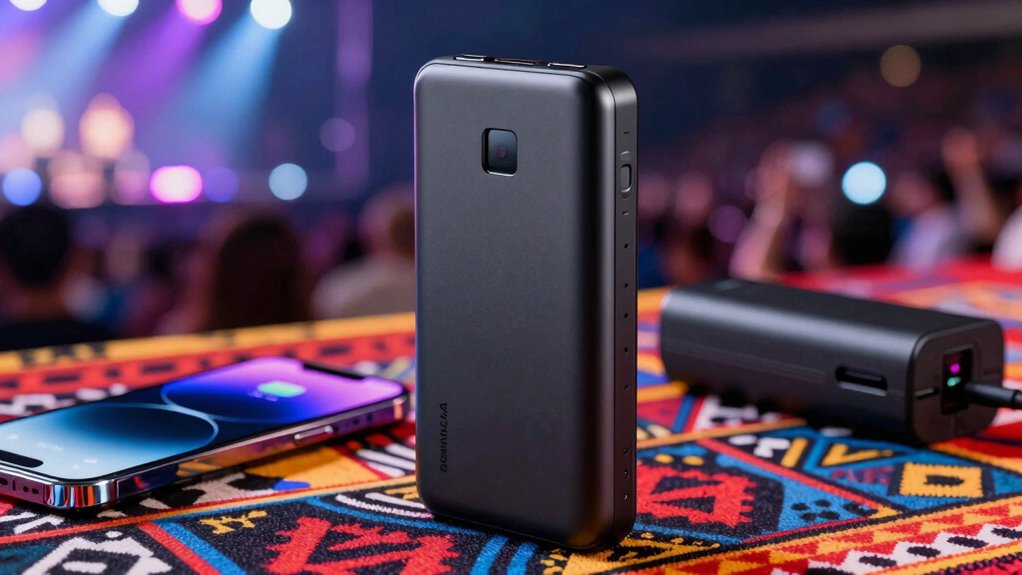
Having a reliable power bank and the right accessories can make all the difference during show nights, guaranteeing your devices stay charged and ready to capture every moment. Portable chargers are compact and convenient, letting you top up your phone quickly without searching for outlets. Look for high-capacity models with fast-charging features to maximize backup power. Battery cases are another smart choice—they protect your phone and provide extra juice, so you don’t have to carry an external charger. Some battery cases even include multiple charging cycles, ideal for long events. Combining a quality portable charger with a battery case ensures you’re prepared for hours of photos, videos, and social sharing. These accessories keep your devices alive until the last encore, so you won’t miss a thing. Ensuring your devices are well-maintained and protected is essential, especially when routine checkups are part of overall health and wellness for your gadgets.
How to Create a Battery Backup Plan Before the Event

Preparing a solid battery backup plan before the event guarantees you won’t run out of power when you need it most. Start by identifying key moments where emergency charging is essential. Carry portable adapters and power banks, ensuring they’re fully charged beforehand. Create a simple plan: know where outlets are located and how to access portable charging options quickly.
Use this table to organize your backup plan:
| Situation | Solution |
|---|---|
| Phone dying mid-performance | Use portable adapters immediately |
| No outlet nearby | Switch to backup power bank |
| Long event duration | Keep multiple charged power banks |
Having these strategies in place keeps your device alive, so you’re always ready to capture memories or stay connected.
Quick Hacks to Save Power When Your Phone Is About to Die
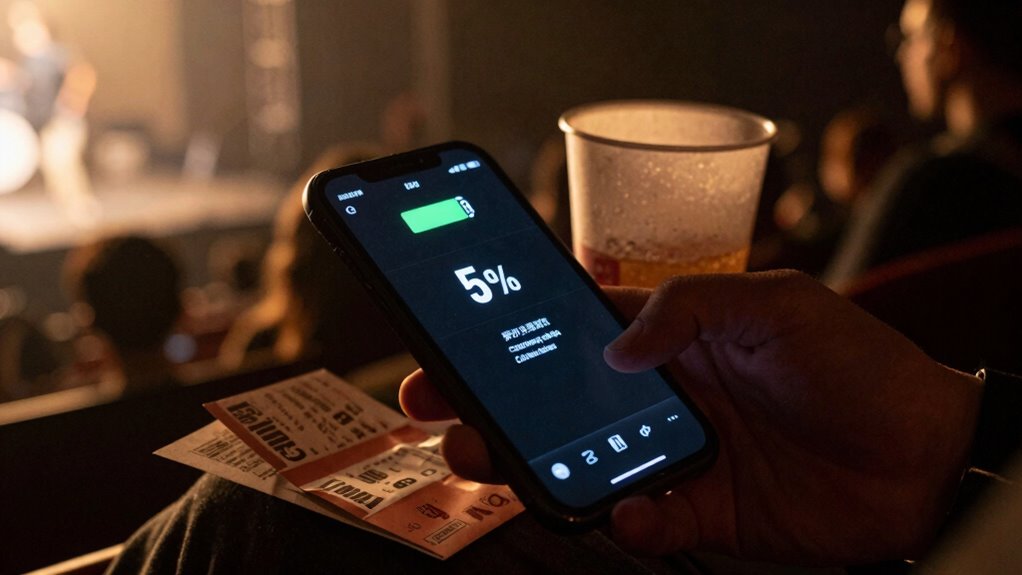
When your phone’s battery is low and time is running out, quick hacks can stretch its remaining power just enough to get through critical moments. First, turn on airplane mode to disable all unnecessary connections, conserving battery. Next, lower your screen brightness and enable battery saver mode—these simple steps reduce energy drain. Also, check your phone case durability; a bulky case can trap heat, causing faster battery loss. If you notice charging port issues, avoid using chargers that require force or cause damage, as they may worsen power problems. Finally, close all background apps and disable location services. These quick hacks maximize your phone’s last moments of life, helping you capture that last photo or send an important message before it dies.
Frequently Asked Questions
Can I Use Airplane Mode to Extend Battery Life During Shows?
Yes, you can use Airplane Mode to extend your battery life during shows. Activating Airplane Mode disables wireless signals, reducing power consumption and preventing your phone from constantly searching for networks. This is an effective Battery Optimization tactic, especially when you don’t need connectivity. Just make sure to turn off Airplane Mode if you want to take photos, use apps, or stay connected with others during the event.
Does Turning off Bluetooth or Wi-Fi Significantly Save Power?
Turning off Bluetooth and Wi-Fi can dramatically extend your battery life—think of it as giving your phone a super-powered boost! Bluetooth optimization and Wi-Fi management cut down on the constant power drain from searching for devices or networks. During show nights, disable these features to conserve energy, ensuring your phone lasts longer. It’s like telling your device, “Stay quiet and save energy for the big moment!”
How Does Background App Refresh Impact Battery Drain at Events?
Background app refresh can considerably impact your battery drain at events. When enabled, apps update in the background, consuming power even if you’re not actively using them. To save battery, you should disable app refresh for apps you don’t need constantly updating. This reduces unnecessary activity, helping your device last longer during show nights. Turn off background app refresh in your settings before heading out to maximize your phone’s battery life.
Are There Specific Battery-Saving Modes Recommended for Show Nights?
For show nights, activate battery-saving modes like Low Power Mode, Power Saving Mode, or Ultra Power Saving Mode to optimize battery life. These modes enhance power management by dimming screens, disabling background refresh, and reducing performance. They work together to conserve energy, letting you focus on the event without worrying about your phone dying. Use these settings proactively, ensuring you stay connected and powered throughout the show.
Is It Better to Keep My Phone Fully Charged or Partially Charged During Events?
It’s better to keep your phone partially charged rather than fully charged during events. Maintaining your battery between 20% and 80% helps with overall charging habits and battery maintenance, preventing unnecessary strain. Avoid constantly charging to 100%, as it can degrade your battery faster. Regularly monitoring your charge level guarantees your phone stays powered longer, making it more reliable during show nights without risking early battery failure.
Conclusion
Now that you know how to save your battery during show nights, are you really prepared to let your phone die when it counts most? By tweaking your settings, managing apps, and carrying the right accessories, you can stay connected longer and avoid missing out. Don’t wait until you’re stranded — take these simple steps today. After all, isn’t it worth keeping your phone alive when unforgettable moments happen right in front of you?