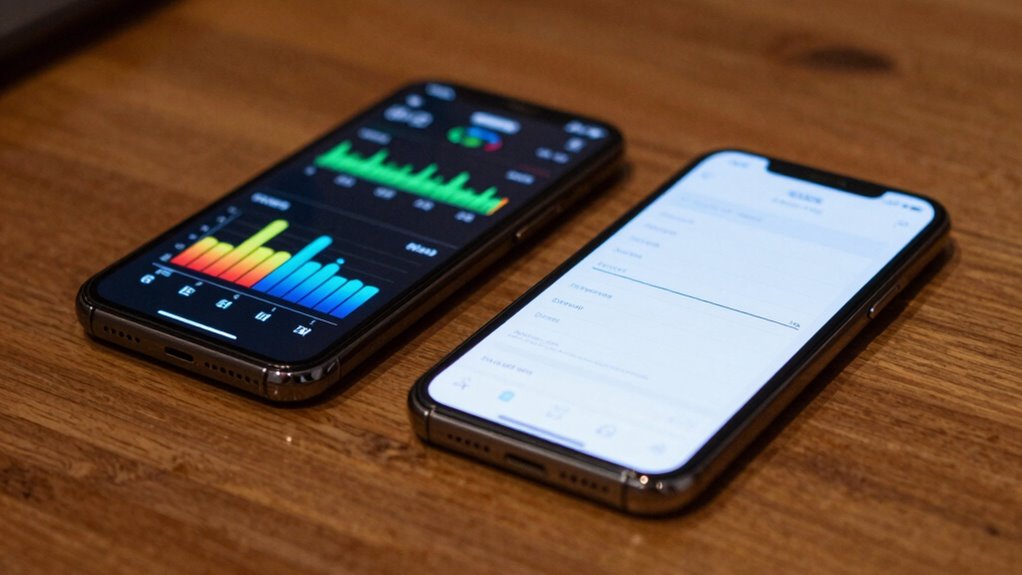

To use decibel apps, you need to calibrate them properly for accurate results. Start by matching the app’s readings with a known reference or calibration tone, following the app’s instructions carefully. Keep in mind that smartphone microphones aren’t as precise as professional meters, so environmental factors like wind or background noise can affect measurements. Doing this guarantees you get reliable data to protect your hearing, and there’s more to learn to maximize their effectiveness.
Key Takeaways
- Always calibrate your decibel app using a known reference sound or calibration tone before measurements.
- Regularly recalibrate to account for microphone drift, environmental changes, and wear.
- Choose apps with clear calibration instructions and features for easy adjustment.
- Be aware of environmental factors like background noise and wind that can affect accuracy.
- Use decibel apps as supplementary tools, not substitutes for professional sound level meters in critical assessments.
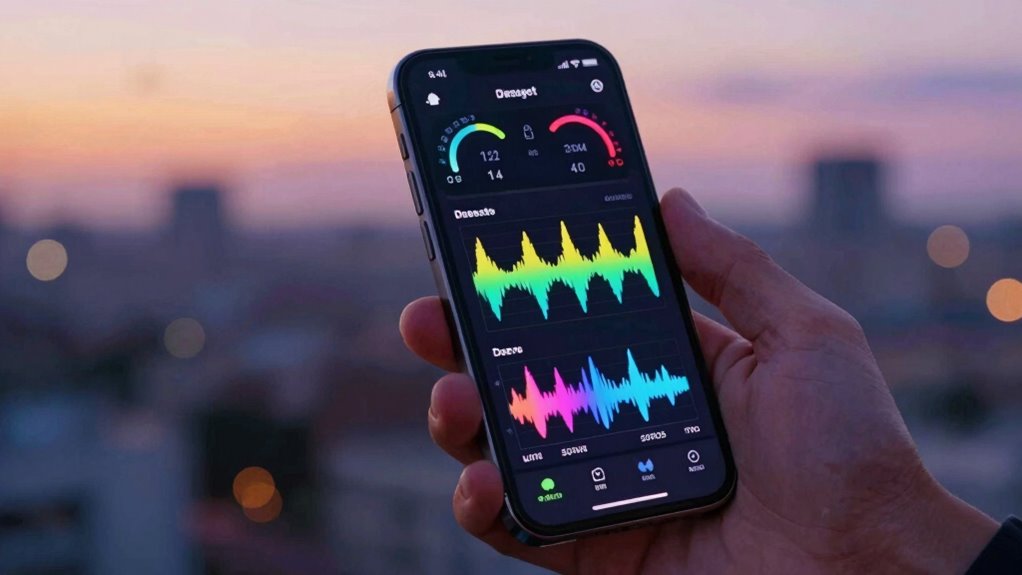
Decibel apps have become popular tools for measuring noise levels on smartphones, but using them correctly is essential to get accurate results. Many factors can influence the accuracy of these apps, and understanding how to properly calibrate your device is critical. Calibration techniques involve adjusting the app to match known sound levels, which helps guarantee that the measurements reflect real-world noise exposure accurately. Without proper calibration, readings can be misleading, either overstating or understating the noise levels around you, potentially leading to inadequate protection from loud environments. It’s also important to understand the limitations of smartphone microphones compared to professional sound level meters, as this can impact measurement precision.
Proper calibration of decibel apps ensures accurate noise level measurements and effective hearing protection.
To properly calibrate your decibel app, you should start by using a known reference sound level, such as a professional sound level meter or a calibration tone provided by the app developer. Many apps include built-in calibration features that guide you through the process—simply follow the instructions and compare the app’s reading to the reference device. If discrepancies occur, adjust the app’s settings accordingly. Regular calibration is necessary because smartphone microphones can fluctuate over time due to wear, dust, or other factors impacting sound measurement accuracy. By maintaining consistent calibration, you guarantee your noise level readings remain reliable, especially when monitoring noise exposure in environments like concerts, construction sites, or busy streets.
Understanding noise exposure is equally important when using decibel apps. Prolonged exposure to high noise levels can cause hearing damage, so accurately evaluating these levels helps you take preventive steps. For instance, if your app indicates noise levels exceeding 85 decibels, you should limit your exposure time or use hearing protection. Recognizing the significance of noise exposure also means paying attention to ambient conditions, such as wind or background noise, which can affect measurements. Proper use of calibration techniques can minimize these inaccuracies, giving you a clearer picture of your actual risk. Additionally, awareness of environmental factors such as background noise interference can help you interpret readings more accurately.
Keep in mind that not all decibel apps are created equal, and some may lack the precision needed for serious noise assessment. Choosing an app with good reviews, clear calibration instructions, and features that support regular recalibration will help you get the most accurate results. Remember, these tools are only as good as their calibration and your understanding of noise exposure risks. Using your decibel app correctly involves more than just opening it; you need to guarantee it’s properly calibrated, understand how to interpret the readings, and remain aware of the environmental factors that could influence your measurements. This way, you can confidently monitor sound levels and protect your hearing effectively.
Frequently Asked Questions
Can Decibel Apps Measure Noise Levels Accurately Everywhere?
Decibel apps can’t measure noise levels accurately everywhere because environmental interference and calibration techniques affect their performance. You need to verify your app is properly calibrated with a reliable sound level meter for precise readings. Environmental factors like wind, echoes, or background noise can distort results. Always test in controlled conditions and understand your app’s limitations to get the most accurate noise measurements possible.
Are Free Decibel Apps Reliable for Professional Noise Assessments?
Free decibel apps aren’t reliable for professional noise assessments because calibration issues and background noise can skew results like a carnival mirror. You might think you have pinpoint accuracy, but even small calibration errors can lead to major misjudgments. Background noise often interferes, making it hard to get true readings. For serious assessments, investing in professional-grade equipment guarantees accuracy, instead of relying on free apps that can’t guarantee precise measurements.
How Do Different Smartphone Models Affect Decibel App Readings?
You should know that different smartphone models can substantially affect decibel app readings because each device’s microphone varies in sensitivity. To get more accurate results, you need to take into account your smartphone microphone’s quality and perform device calibration. This process helps adjust your app’s readings to account for microphone differences, ensuring you get the most reliable noise level measurements possible with your specific device.
Can Decibel Apps Help in Preventing Hearing Loss Effectively?
Yes, decibel apps can help prevent hearing loss by alerting you to unsafe noise exposure levels, encouraging hearing protection when needed. By monitoring your environment, you become more aware of loud sounds that could damage your ears. However, remember that these apps aren’t perfect; they’re best used alongside other hearing protection strategies. Consistently managing noise exposure protects your hearing health effectively over time.
What Are Common Mistakes to Avoid When Using Decibel Measurement Apps?
Avoid alarming inaccuracies by steering clear of common mistakes. You should calibrate your decibel app regularly to prevent calibration errors, and make certain you’re measuring in quiet, controlled environments. Don’t ignore background noise, as it skews sound levels. Double-check device settings, and never rely solely on apps for critical decisions. Staying attentive to these details helps you accurately monitor noise, avoiding misjudgments that could harm your hearing health.
Conclusion
Remember, not all decibel apps are created equal, and your listening environment can sometimes be more delicate than it seems. By using these tools thoughtfully, you’re gently tending to your hearing health, avoiding unnecessary strain. Think of it as a quiet act of self-care—tuning into the subtle signals around you. When you treat your ears with care and awareness, you’re quietly ensuring they stay receptive and vibrant for years to come.