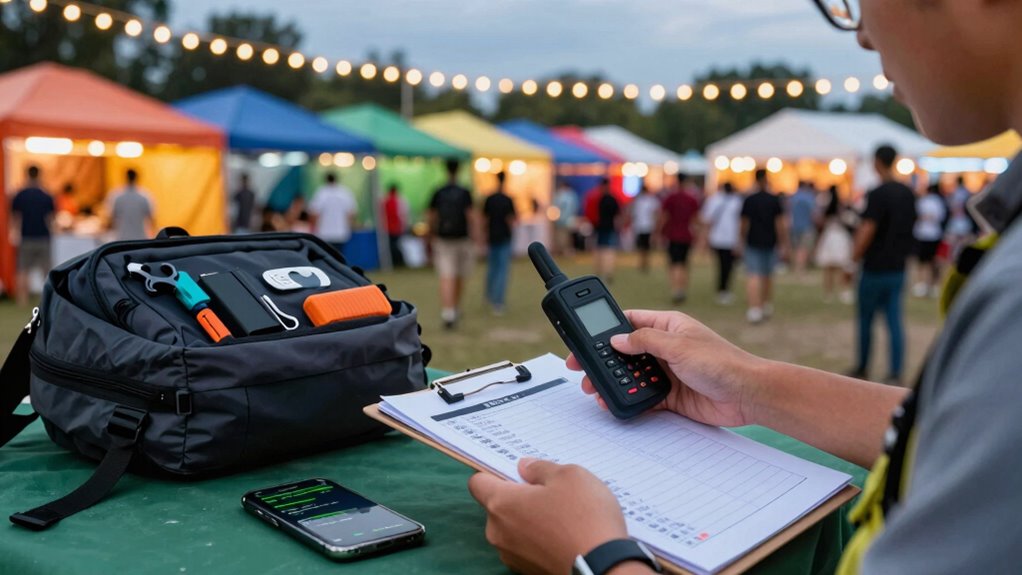

To guarantee your satellite messenger works reliably during festivals and travel, double-check device compatibility with your provider’s bands and register it properly before departure. Select a plan that fits your needs and test the device in coverage areas ahead of time. Follow setup instructions carefully, calibrate GPS, and keep a close eye on message limits. Avoid common mistakes, and you’ll stay connected when it matters most—continue with this checklist to learn more essential tips.
Key Takeaways
- Verify device compatibility with satellite bands and features before purchasing or activation.
- Test the device in known coverage areas to ensure reliable communication during the festival or travel.
- Confirm active subscription and proper registration prior to departure to prevent service interruptions.
- Review coverage maps and understand regional limitations to plan communication strategies effectively.
- Follow all setup, calibration, and testing instructions carefully to avoid common operational mistakes.
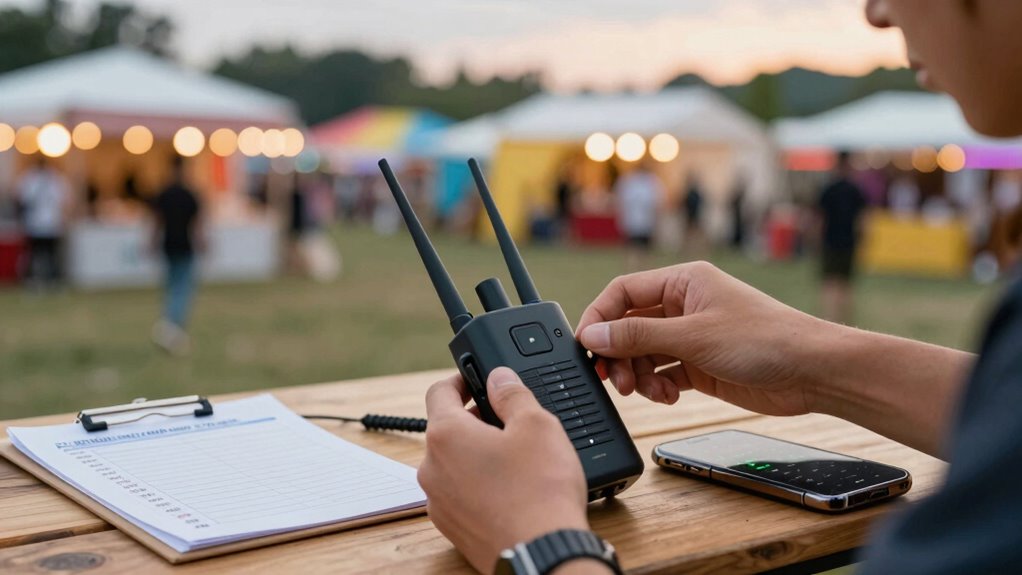
Setting up your satellite messenger correctly is crucial to guarantee reliable communication in remote areas. The first step is verifying your device is compatible with the satellite network you plan to use. Not all satellite messengers work with every provider, so double-check the specifications before purchasing or activating your device. Confirm that your chosen device supports the necessary satellite bands and has the features you need, such as GPS tracking, SOS functions, or messaging capabilities. Compatibility issues can lead to missed messages or inability to call for help when you need it most, especially during festival travels where quick communication can be essential. To ensure optimal operation, consult device compatibility guidelines provided by your satellite service provider. Equally important is selecting the right subscription plan. Many satellite providers offer various plans, from basic emergency-only services to all-inclusive plans that include regular messaging and tracking. Carefully review these options to match your travel needs and budget. Some plans require annual commitments, while others offer pay-as-you-go options. Be aware of any limitations, such as message caps or data restrictions, that could affect your ability to stay connected during extended trips. Make sure your plan provides sufficient coverage for the areas you’ll visit, especially if you’ll be in very remote or less-populated regions where coverage can vary. Before heading out, activate your device and confirm it’s functioning properly with your chosen plan. During setup, pay attention to any specific instructions related to device compatibility and subscription activation. Some providers require online account creation, while others may need you to call customer support. Verify that your device is properly registered and that your subscription is active before leaving familiar territory. This step prevents surprises or service interruptions when you’re in a pinch. Additionally, familiarize yourself with the provider’s coverage map to understand where your satellite messenger will work best. Test your device in a location with known coverage to ensure everything runs smoothly. Many devices come with calibration or setup procedures—don’t skip these steps, as they can impact GPS accuracy and message delivery. Keep your subscription details handy, and consider setting up alerts or notifications for plan renewals or usage limits. This way, you won’t accidentally run out of service during an important moment.
Frequently Asked Questions
Can I Use My Satellite Messenger Internationally Without Extra Charges?
You can use your satellite messenger internationally, but you might face extra charges if you haven’t set up international roaming or data plans. Check with your provider beforehand to see if they offer affordable international roaming options or special data plans for travel. Without these, you could incur high fees, so it’s best to confirm your plan details and consider adding international coverage before heading abroad.
What’s the Best Way to Test Satellite Connectivity Before the Event?
Did you know over 30% of satellite communication failures happen due to poor signal strength? To guarantee reliable connectivity testing, immediately check your satellite messenger’s signal strength in the area where you’ll be. Conduct multiple tests at different times and locations, like near open skies or higher ground. This proactive approach helps you identify weak spots, so you can troubleshoot and secure stable connectivity before your event begins.
How Long Does the Battery Typically Last During Continuous Use?
During continuous use, your satellite messenger’s battery life typically lasts between 8 to 12 hours, depending on the device and settings. To optimize power management, keep the device in low-power mode when possible, disable unnecessary features, and turn it off when not in use. Regularly charging the device during breaks guarantees you stay connected, and carrying a portable charger can extend your battery life for longer trips.
Are There Specific Settings for Emergency Alerts I Should Configure?
You should customize your emergency alert settings to guarantee you’re notified promptly during a crisis. Adjust your emergency alert customization to prioritize urgent notifications and set your notification preferences for immediate alerts. This way, you won’t miss critical updates, especially in busy festival environments. Review and test these settings before heading out, so you’re confident they’ll work when you need them most. Proper configuration can make all the difference in emergencies.
How Do I Update the Firmware on My Satellite Messenger?
Coincidences often lead you to discover that updating your satellite messenger firmware is straightforward. You start by checking your device compatibility and downloading the latest firmware update from the manufacturer’s website or app. Connect your device via USB or Wi-Fi, then follow on-screen prompts. Regular firmware updates guarantee your device operates smoothly and remains compatible with new features, making your festival safety and travel experience more reliable and secure.
Conclusion
By following this setup checklist, you guarantee you’re prepared for any emergency during festivals or travel. Remember, over 60% of outdoor enthusiasts rely on satellite messengers for safety, yet many neglect proper setup, risking connectivity issues. Double-check your device settings and test before heading out. Staying proactive and informed can make all the difference. Protect yourself and loved ones by avoiding common mistakes — your peace of mind depends on it.