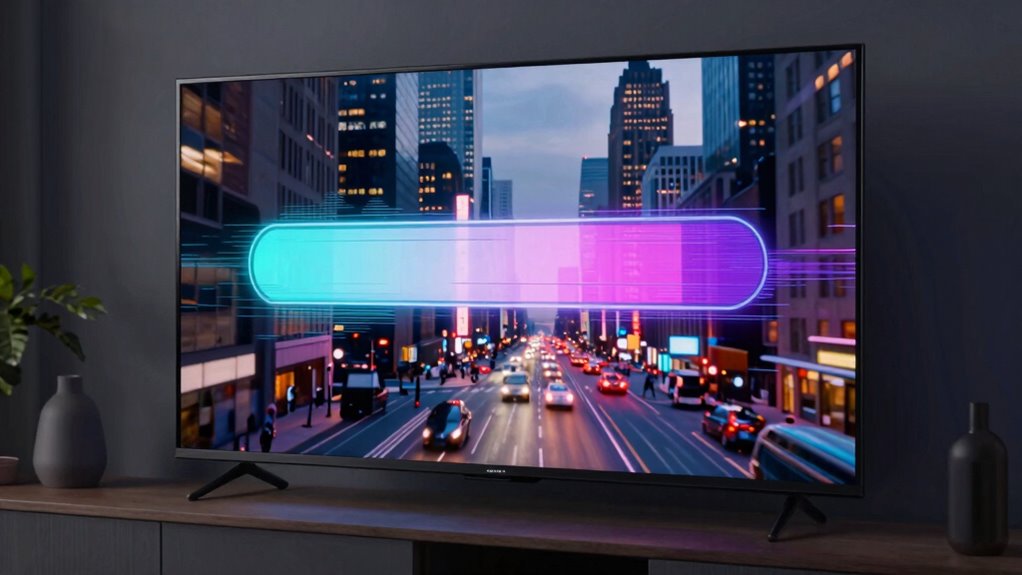

During streaming glitches, buffering happens when your device pauses to load more data because your connection is slow or has high latency, causing pauses in playback. Bitrate drops, however, are intentional adjustments made by the service to lower video quality and keep the stream smooth despite limited bandwidth. Understanding the difference helps you identify if your internet needs an upgrade or if the platform is simply adjusting to network conditions—keep going to learn more.
Key Takeaways
- Buffering occurs when the device pauses playback to load more data due to slow data transfer.
- Bitrate drops are intentional reductions in video quality to maintain smooth playback during network issues.
- Buffering indicates delays in data delivery caused by limited bandwidth or high latency.
- Bitrate drops are adaptive measures by streaming services to prevent interruptions, not errors.
- Recognizing whether a glitch is buffering or a bitrate drop helps determine whether to improve network speed or accept quality reduction.
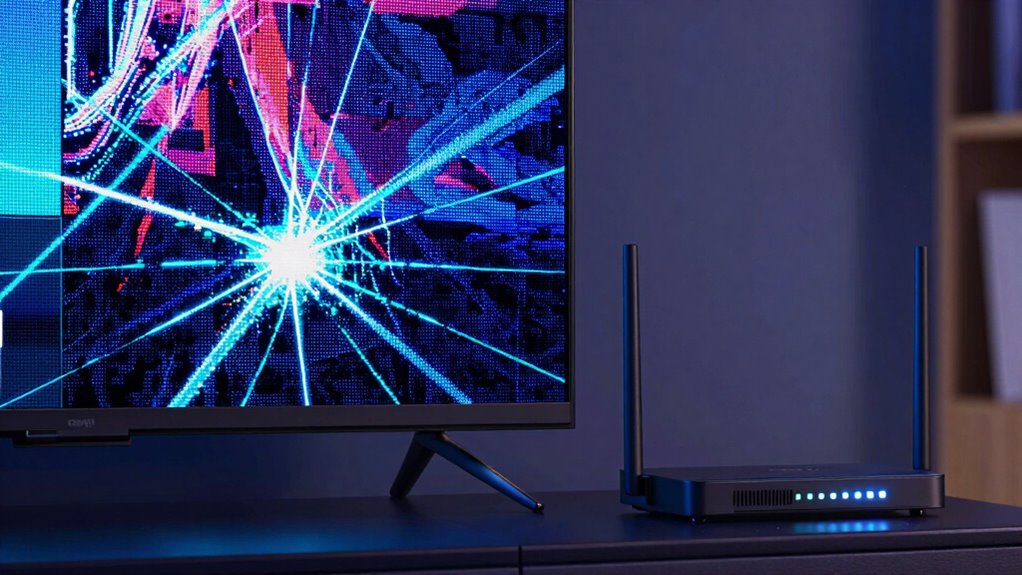
When streaming videos online, you might notice interruptions or quality drops, but understanding the difference between buffering and bitrate drops can help you troubleshoot effectively. Buffering occurs when your device pauses to load more data, which often results from issues with video compression and network latency. Video compression reduces the file size to make streaming feasible, but if your connection isn’t fast enough, the player struggles to download enough data quickly. As a result, it buffers, temporarily stopping to catch up. Network latency, the delay in data transfer between your device and the server, exacerbates this problem. High latency causes delays in data packets arriving, which means your device waits longer to receive the necessary segments of the video, leading to buffering. Additionally, European cloud servers can play a role in improving data transfer efficiency, especially for streaming services that rely on secure and energy-efficient infrastructures.
Buffering happens when your device pauses to load more data due to slow connection or high latency.
In contrast, bitrate drops happen when the streaming service adjusts the quality of the video on the fly. This process, known as adaptive streaming, dynamically reduces the bitrate to maintain a smooth playback experience when your internet connection can’t handle the original quality. When the system detects a drop in available bandwidth or increased network latency, it lowers the bitrate, which decreases the amount of data needed per second. This results in a lower resolution or less detailed image, but it keeps the video playing without interruptions. Bitrate drops are a deliberate response to network conditions, designed to preserve continuous viewing rather than disrupt it with pauses.
Understanding the distinction helps you pinpoint the root cause of your streaming issues. If the video frequently pauses and loads, it’s likely buffering caused by insufficient bandwidth or high network latency. You might notice that your connection is slow, or other devices are consuming bandwidth, making it harder for your device to download enough data in real time. Improving your network speed, reducing the number of devices connected, or switching to a wired connection can mitigate buffering issues. On the other hand, if the video quality reduces noticeably, but playback continues smoothly, it’s a sign of bitrate adaptation. In this case, the streaming platform is responding to network limitations rather than a failure in data transfer.
Ultimately, recognizing whether you’re experiencing buffering or bitrate drops allows you to take targeted actions. Buffering points to issues with data transfer speed or latency, which you can address through network upgrades or troubleshooting. Bitrate drops, however, are a sign of adaptive streaming working as intended, adjusting quality to prevent interruptions. Both situations can be frustrating, but knowing what’s happening behind the scenes helps you make smarter choices to improve your streaming experience.

TP-Link AX1800 WiFi 6 Router (Archer AX21) – Dual Band Wireless Internet, Gigabit, Easy Mesh, Works with Alexa – A Certified for Humans Device, Free Expert Support
DUAL-BAND WIFI 6 ROUTER: Wi-Fi 6(802.11ax) technology achieves faster speeds, greater capacity and reduced network congestion compared to…
As an affiliate, we earn on qualifying purchases.
As an affiliate, we earn on qualifying purchases.
Frequently Asked Questions
Can I Fix Buffering Issues Without Changing My Internet Plan?
Yes, you can fix buffering issues without changing your internet plan. Start by optimizing your router settings, like reducing interference and updating firmware. Consider hardware upgrades, such as a better router or adding range extenders, to improve your connection. These adjustments can enhance your streaming experience without additional costs from your provider, ensuring smoother playback and fewer interruptions during your favorite shows.
How Does Device Performance Affect Streaming Quality During Glitches?
Device performance directly impacts your streaming quality during glitches. If your device has outdated hardware or limited processing power, it struggles to decode and display high-quality videos smoothly. This can cause buffering, pixelation, or sudden drops in resolution. Upgrading your device hardware or closing background apps can improve processing power, helping your device handle streaming demands better. As a result, you’ll experience fewer glitches and enjoy a smoother viewing experience.
Are There Differences in Buffering and Bitrate Drops Across Streaming Platforms?
Yes, buffering and bitrate drops vary across streaming platforms due to differences in adaptive streaming and content delivery methods. Some platforms use advanced adaptive streaming technology, which adjusts quality smoothly to prevent interruptions. Others may experience more frequent bitrate drops because of less efficient content delivery systems. Your experience depends on how well the platform manages these processes, affecting how often you encounter glitches during playback.
What Role Does Content Compression Play in Buffering Problems?
Content compression plays a key role in buffering problems because it uses data reduction techniques to make streaming more efficient. However, excessive compression can introduce compression artifacts, which degrade video quality and cause glitches. When your device struggles to decode these compressed streams quickly enough, buffering occurs. So, while compression helps reduce data load, too much of it can lead to visual imperfections and increased chances of buffering during playback.
Can VPN Usage Influence Buffering or Bitrate Fluctuations?
VPN impact can influence buffering or bitrate fluctuations because it alters your network routing. When you use a VPN, your data takes a different path, which might introduce extra latency or reduce bandwidth. This can lead to slower streaming, buffering issues, or bitrate drops. If your VPN server is far away or overloaded, expect more glitches. To improve your experience, choose a nearby, reliable VPN server with good speed.

UGREEN Cat 8 Ethernet Cable 6FT, High Speed Braided 40Gbps 2000Mhz Network Cord Cat8 RJ45 Shielded Indoor Heavy Duty LAN Cables Compatible with Gaming PC PS5 PS4 PS3 Xbox Modem Router 6FT
40 Gbps 2000 Mhz High Speed: The Cat 8 ethernet cable support max. 40 Gbps data transfer and…
As an affiliate, we earn on qualifying purchases.
As an affiliate, we earn on qualifying purchases.
Conclusion
Think of streaming like a highway journey. Buffering is like a sudden traffic jam, making you pause until the road clears. Bitrate drops are like a scenic detour—your car slows down, but you keep moving. Both disrupt your ride, but understanding which is happening helps you choose the right fix. So next time your stream stutters, remember: it’s just a temporary detour or jam, and soon you’ll be back on smooth streaming roads.

TP-Link AC1200 WiFi Extender, 2023 Engadget Best Budget Pick, 1.2Gbps Signal Booster for Home, Dual Band 5GHz/2.4GHz, Covers Up to 1500 Sq.ft and 30 Devices,Support Onemesh, One Ethernet Port (RE315)
𝐒𝐭𝐫𝐨𝐧𝐠𝐞𝐫 𝐖𝐢-𝐅𝐢 𝐢𝐧 𝐄𝐯𝐞𝐫𝐲 𝐂𝐨𝐫𝐧𝐞𝐫 – Enjoy extended coverage with strong performance powered by Adaptive Path Selection and…
As an affiliate, we earn on qualifying purchases.
As an affiliate, we earn on qualifying purchases.

AURSINC 7inch NanoVNA SV4401A Vector Network Analyzer, 50KHz-4.4GHz Antenna Analyzer with 6700mAh Battery 8GB Storage Measuring S Parameters, Voltage Standing Wave Ratio, Phase, Delay, Smith Chart
[Wide-Frequency Range] The SV4401A is a high-performance handheld VNA with a measurement frequency range of 50kHz-4.4GHz. It is…
As an affiliate, we earn on qualifying purchases.
As an affiliate, we earn on qualifying purchases.