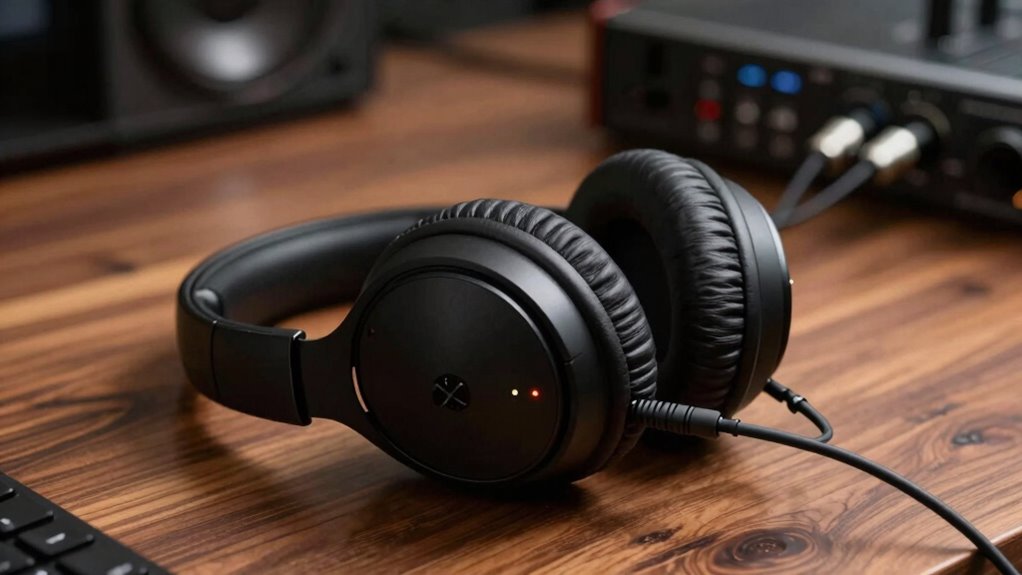

To use crossfeed on headphones effectively, activate it to blend your left and right channels, creating a more natural, immersive sound experience that resembles how we hear in real life. Make sure your headphones fit properly so the drivers align with your ears, ensuring ideal performance. Avoid crossfeed when listening to recordings with detailed stereo fields or when mixing audio to preserve spatial cues. If you want to improve your listening experience, continue exploring how proper techniques can make a difference.
Key Takeaways
- Enable crossfeed when listening to stereo recordings to soften exaggerated imaging and create a more natural soundstage.
- Ensure headphones are properly fitted and positioned to maximize crossfeed effectiveness and sound balance.
- Turn off crossfeed during critical listening, mixing, or when preserving stereo separation and spatial cues.
- Adjust crossfeed settings based on recording type and personal preference for comfort and audio realism.
- Use crossfeed selectively to enhance listening comfort, but disable it when precise stereo imaging is essential.
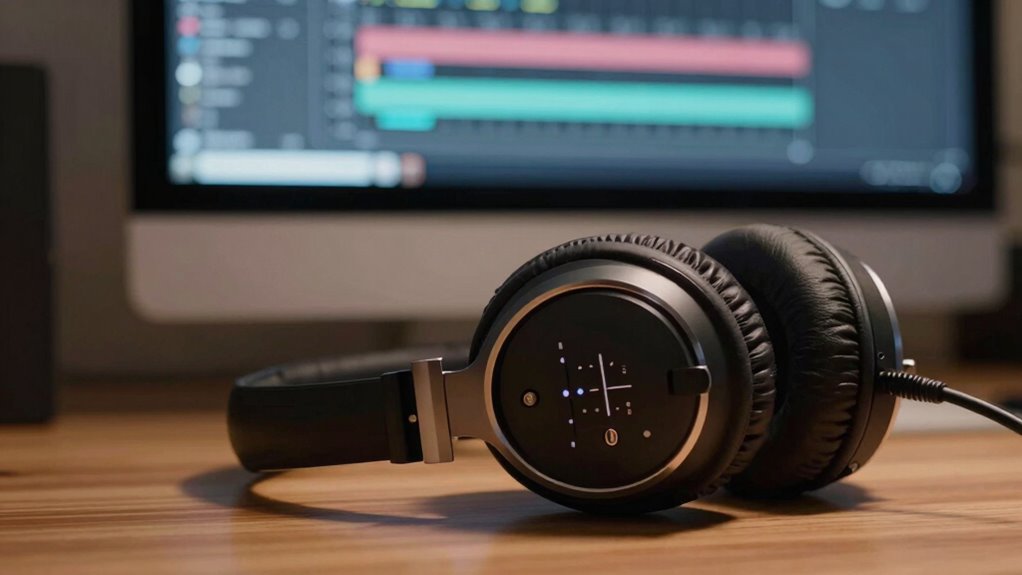
Listening to music on headphones can sometimes create a disconnected or unnatural soundstage, making it difficult to enjoy the full depth of a recording. This is where crossfeed comes into play. Crossfeed is a processing technique that blends the left and right audio channels, helping to replicate how we naturally perceive sound in real life. Without it, headphones often produce exaggerated stereo imaging, where sounds seem to come from specific points outside your head, which can feel unnatural or even fatiguing. Using crossfeed can soften this effect, making the soundstage more cohesive and immersive.
Crossfeed blends stereo channels for a more natural, immersive headphone listening experience.
Proper耳机佩戴技巧 (earphone-wearing techniques) also play a vital role in achieving ideal stereo imaging. If your headphones aren’t positioned correctly, the stereo image can become skewed or imprecise, diminishing the benefits of crossfeed. Make sure your headphones sit comfortably and symmetrically on your ears, with the drivers aligned with your ears’ openings. This alignment ensures that the sound reaches each ear equally, allowing the crossfeed to work effectively, creating a balanced and natural soundstage. When you master these wearing techniques, you’ll notice a more accurate stereo image, where instruments and vocals appear to have proper placement within the soundfield.
Additionally, proper fitting of headphones can significantly influence the effectiveness of crossfeed by ensuring consistent sound delivery and reducing unwanted sound leakage. However, it’s essential to recognize when not to use crossfeed. If you’re listening to music that benefits from a detailed stereo field—like classical recordings or certain spatial audio mixes—adding crossfeed can sometimes diminish the clarity and separation. In these cases, you want to preserve the distinct left and right channels to appreciate the recording’s intended spatial effects. Similarly, if you’re mixing or editing audio, you should avoid crossfeed, as it can obscure the true stereo placement and make precise adjustments more challenging.
In essence, crossfeed can be a valuable tool to enhance listening comfort and realism, especially if you find the typical headphone soundstage too artificial or fatiguing. It’s most effective when your耳机佩戴技巧 are sound and your headphones are properly fitted. But don’t rely on it blindly—know when to turn it off, particularly when you need the purest stereo separation for critical listening or enjoying recordings that depend heavily on spatial cues. By understanding how to incorporate crossfeed appropriately, you can elevate your headphone listening experience, making it more natural and engaging.
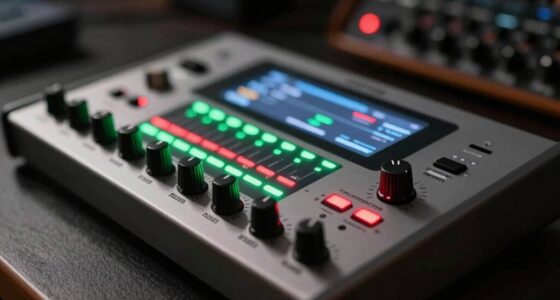
headphone crossfeed processor
As an affiliate, we earn on qualifying purchases.
As an affiliate, we earn on qualifying purchases.
Frequently Asked Questions
Can Crossfeed Damage My Headphones or Audio Equipment?
Crossfeed won’t damage your headphones or audio equipment if used correctly. It’s designed to improve sound quality without affecting headphone durability. Just make certain your device is compatible, as incompatible equipment may cause issues, but generally, crossfeed is safe. Avoid excessive volume levels, which can harm your gear and ears. When used properly, crossfeed enhances listening without risking damage, making it a safe addition to your audio setup.
Is Crossfeed Suitable for All Music Genres?
Think of crossfeed as a versatile bridge connecting different islands of sound; it’s not suited for every genre. For classical or acoustic music, it enhances realism, aligning with your listener preferences. But for genres like EDM or metal, where sharp stereo separation fuels energy, crossfeed might dull the impact. Ultimately, genre compatibility varies—try it out and trust your ears to decide whether it enriches or diminishes your listening experience.
How Do I Choose the Right Crossfeed Settings?
You choose the right crossfeed settings by adjusting them to match your preferred frequency response and stereo imaging. Start with a moderate setting and listen for natural sound; if your music sounds too hollow, decrease it. If you notice a loss of detail, increase it slightly. Experiment to find the balance that enhances your listening experience without compromising clarity or spatial cues. Trust your ears and personal preference.
Does Crossfeed Affect Audio Latency or Synchronization?
Think of crossfeed as a gentle bridge connecting stereo channels, smoothing out sound. It doesn’t add significant audio delay, so your music stays in sync, preserving stereo imaging. While it subtly influences how you perceive directionality, it won’t cause noticeable audio delay or synchronization issues. Instead, it enhances listening comfort by reducing ear fatigue, making your audio experience more natural without sacrificing timing or clarity.
Can Crossfeed Improve Audio for Hearing-Impaired Listeners?
Yes, crossfeed can improve audio clarity for hearing-impaired listeners by blending stereo channels, reducing abrupt sound shifts. If you use hearing aids, enabling crossfeed on your headphones can make the audio feel more natural and easier to interpret. It minimizes sharp left-right differences, helping you focus on the overall sound. Just make certain your device supports crossfeed adjustments, so you get a comfortable, clearer listening experience tailored to your hearing needs.

Bluetooth 6.0 Earphones LED Display, High Fidelity Waterproof Wireless Earphones, Ne20 Earbuds, Ai Translation Real Time, 48H Battery Touchscreen Noise Cancelling in-Ear Earphone for Sports (Black)
🎧【 wireless Bluetooth headphones – the all-scenario audio tool】Still looking for headphones that are suitable for all scenarios?…
As an affiliate, we earn on qualifying purchases.
As an affiliate, we earn on qualifying purchases.
Conclusion
Now that you know how to use crossfeed, you’re equipped to transform your headphone experience from a flat, one-dimensional soundscape into a rich, three-dimensional universe. Just remember, when used wisely, crossfeed can be your secret weapon against the dreaded headphone soundstage that feels like listening through a cardboard box. But don’t overdo it—too much can turn your music into a muddled mess. Master it, and your headphones will become your personal concert hall, anytime, anywhere.

OneOdio Wired Over Ear Headphones Hi-Res Studio Monitor & Mixing DJ Stereo Headsets with 50mm Drivers and 1/4 to 3.5mm Jack for AMP Computer Recording Podcast Keyboard Guitar Laptop – Black
Bass Sound: Enjoy clear sound and superior comfort with the OneOdio Studio Monitor Headphones. Equipped with large 50mm…
As an affiliate, we earn on qualifying purchases.
As an affiliate, we earn on qualifying purchases.
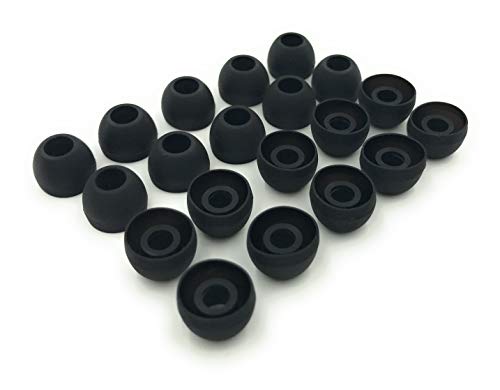
Earbudz 10 Pairs Medium Earbud Tips Silicone Replacement Ear Bud Tips – Black
10 Pairs of Medium Black Rubber Replacement Earbud Tips (20 pieces)
As an affiliate, we earn on qualifying purchases.
As an affiliate, we earn on qualifying purchases.