
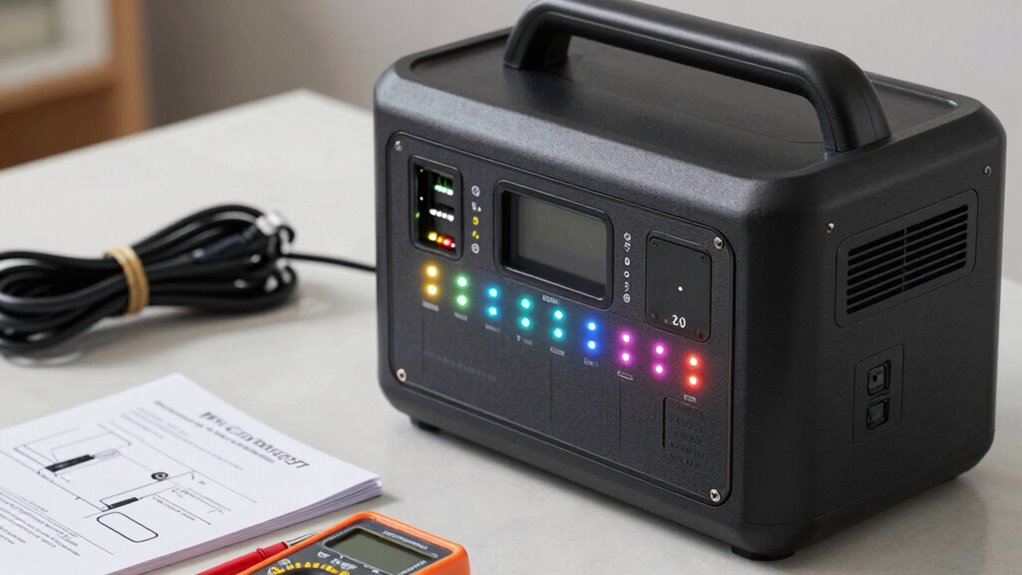

When setting up your portable power station with UPS functions, avoid common mistakes like mismatching battery capacity with your power needs, skipping inverter compatibility checks, and ignoring secure connections. Make sure all cables are tight, outlet types match your devices, and follow safety guidelines carefully. Proper setup prevents damage and ensures reliability during outages. To ensure everything runs smoothly, pay attention to details—if you want to learn more, continue exploring the essential setup steps.

Get audio and creator gear delivered free with Prime
- Fast, free delivery on millions of items
- Prime Video, Amazon Music and more included
- Member-only deals all year
Key Takeaways
- Verify the power station’s capacity matches your device’s wattage and runtime needs.
- Confirm inverter’s rated wattage and surge capacity align with your device’s startup requirements.
- Ensure all cables and connections are secure and plugged into appropriate outlets for backup power.
- Read and follow the user manual thoroughly to ensure correct setup and safety compliance.
- Regularly test the system for proper operation and avoid neglecting capacity and compatibility checks.
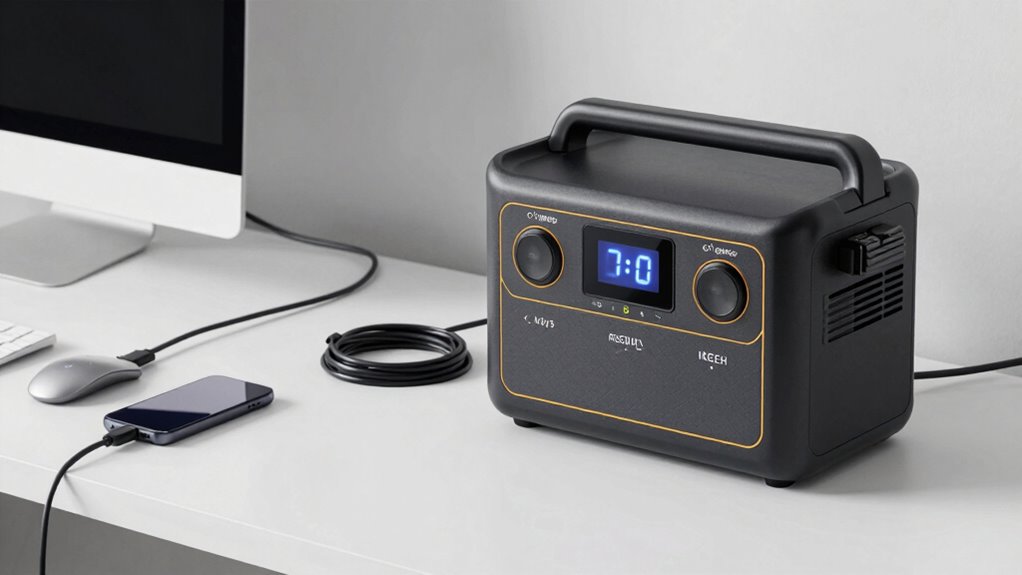
Setting up a portable power station with UPS functionality guarantees your devices stay powered during outages or on the go, but proper setup is vital for peak performance. One of the most common mistakes is overlooking the importance of matching the battery capacity to your power needs. If you don’t assess your energy consumption accurately, you might end up with a unit that can’t sustain your devices long enough. For example, if you plan to run a laptop, small appliances, or essential gadgets, confirm the power station’s battery capacity can handle the total wattage and runtime you require. Underestimating this can lead to frequent recharges or incomplete power backup, defeating the purpose of having a UPS feature. Always check the manufacturer’s specifications and calculate your energy needs carefully before purchasing or setting up your station.
Another critical aspect is inverter compatibility. The inverter converts DC power from the battery into AC power usable by most household devices. If the inverter isn’t compatible with your devices’ power requirements, you could face issues like voltage mismatches, insufficient power output, or even damage to your electronics. Many beginners make the mistake of assuming that any inverter will do, but in reality, you need to verify the inverter’s rated wattage and surge capacity. For devices with high startup currents—like refrigerators or power tools—you need an inverter that can handle those surges without shutting down. Incompatibility between the inverter and your devices can cause interruptions, reduce efficiency, or permanently damage your equipment.
Proper setup also involves ensuring your power station’s connections are secure and correctly configured. Loose cables or improper outlets can lead to power loss or safety hazards. Double-check that all connections are tight, and that your power station’s outlets are suitable for your devices’ plugs. If your station has multiple outlets, confirm that you’re using the correct ones for UPS operation, especially if they’re designated for backup power versus standard use. Neglecting this step can result in devices not receiving power during critical moments or unexpected shutdowns.
Finally, don’t forget to familiarize yourself with the station’s operation manual and safety guidelines. Overlooking this step may result in improper use, reduced lifespan of the unit, or safety risks. Regularly testing your setup ensures that everything functions correctly when needed most. Additionally, understanding the role of color accuracy in your setup can help optimize your device performance. By paying attention to these details—matching battery capacity to your needs, verifying inverter compatibility, ensuring solid connections, and understanding operation procedures—you’ll avoid common setup mistakes and maximize your portable power station’s reliability and lifespan.
Popular right now

Vitamix 5200 Professional-Grade Blender, 64 oz. Container, Black

Shark AI Ultra Robot Vacuum with Self-Empty Base

TCL 85 Designer Series QD-Mini LED TV (Model 85A400U) with Google Smart TV
As an affiliate, we earn on qualifying purchases.
Frequently Asked Questions
How Long Does a Portable Power Station With UPS Last on a Full Charge?
A portable power station with UPS lasts anywhere from several hours to over a day on a full charge, depending on the battery capacity and the devices you’re running. Battery life varies based on usage and load, while charging time depends on the charger’s power input—typically a few hours. To maximize runtime, avoid overloading the station, and make sure it’s fully charged before use.
Can I Connect Multiple Devices Simultaneously to the UPS?
Like a modern knight with a trusty steed, you can connect multiple devices simultaneously to your UPS, but pay attention to device capacity and power distribution. Check the power station’s maximum load capacity to avoid overload. Distribute power wisely across outlets, ensuring no single device hogs all the juice. This way, you keep everything running smoothly without risking system shutdowns or damage.
What Safety Precautions Should I Take During Setup?
During setup, you should guarantee proper electrical grounding to prevent shocks and protect your device. Always read the manufacturer’s safety instructions carefully and avoid overloading the power station. Keep fire safety in mind by placing the unit in a well-ventilated area, away from flammable materials. Use insulated tools if needed, and never bypass safety features. These precautions help ensure a safe and reliable setup process.
Is a Backup Power Station Suitable for Outdoor Use?
A stitch in time saves nine, so consider if your backup power station is built for outdoor durability. Yes, many models feature weather resistance, making them suitable for outdoor use, but always check the specifications. Look for weatherproof casing, sealed ports, and robust construction. If these features are present, your backup power station can handle outdoor conditions, ensuring reliable power when you need it most.
How Often Should I Perform Maintenance on the UPS Function?
You should perform maintenance on the UPS function every 3 to 6 months to guarantee peak performance. Regularly check the battery lifespan and keep an eye out for any signs of wear or corrosion. Following a consistent maintenance schedule helps prevent unexpected failures, extends the lifespan of your power station, and ensures reliable backup power when needed. Stay proactive to keep your system functioning smoothly and efficiently.
Conclusion
By following this setup checklist carefully, you’ll likely avoid common mistakes and guarantee your portable power station with UPS functions smoothly when you need it most. It’s funny how, just when you think you’ve got everything covered, a simple overlooked step can cause unexpected issues—like a missed connection during a power outage. Staying attentive and double-checking your setup helps prevent surprises, letting you enjoy reliable backup power whenever you need it most.





![Nancy 10/13/26 [Nancy]](https://deadsetlive.com/wp-content/uploads/2026/10/nancy-10-13-26-nancy-featured-260x140.jpg)