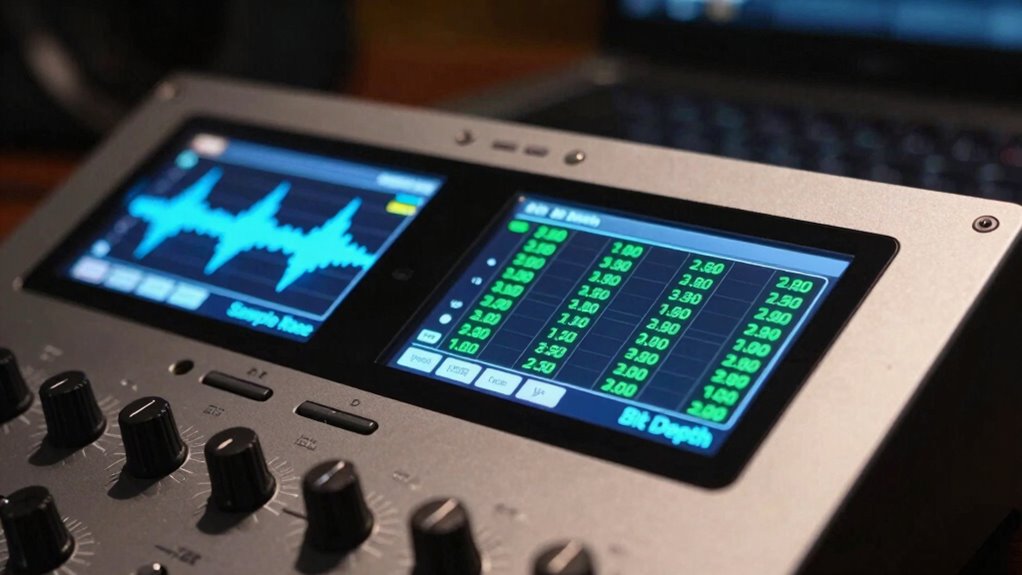

Sample rate and bit depth might seem similar, but they affect your audio differently. The sample rate controls how often the sound wave is captured each second, impacting clarity and naturalness. Bit depth determines how much detail is recorded in volume levels, affecting dynamic range and quiet sounds. Mixing these up could limit your audio quality, but understanding their roles helps you create better recordings. Keep exploring to uncover how to optimize both for first-rate sound.
Key Takeaways
- Sample rate measures how many snapshots per second are taken, affecting sound accuracy over time, while bit depth controls amplitude resolution and dynamic range.
- Higher sample rates improve naturalness and reduce aliasing, whereas greater bit depth captures quieter sounds and prevents distortion.
- Common sample rates include 44.1 kHz and 48 kHz, with higher rates used for professional recording; typical bit depths are 16-bit and 24-bit.
- Sample rate influences the overall clarity and naturalness of audio, while bit depth impacts loudness, quietness, and detail during playback.
- Both parameters are essential for high-fidelity recordings: sample rate for waveform accuracy, bit depth for amplitude and dynamic range.
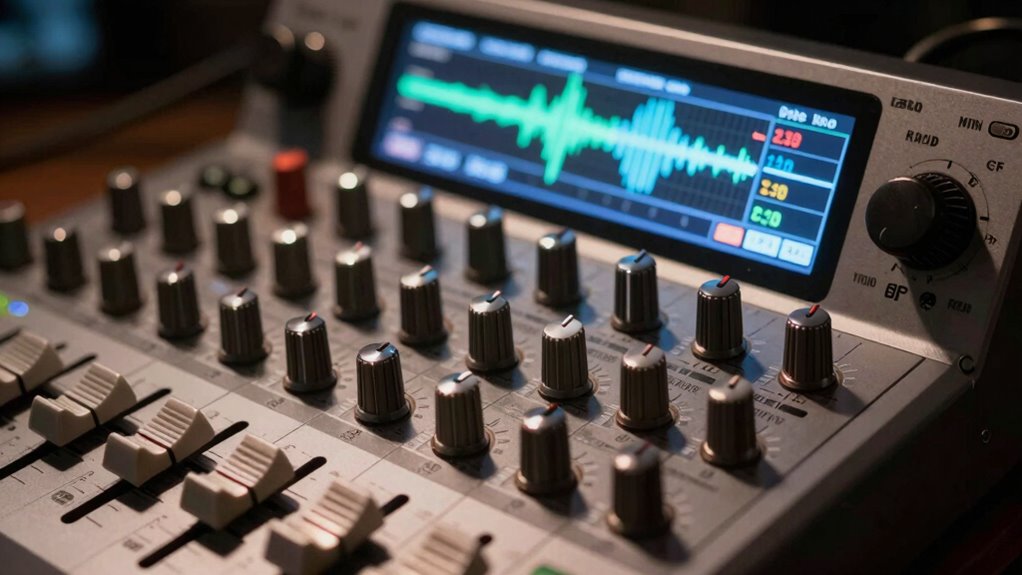
Have you ever wondered what makes digital audio sound clear and detailed? The answer often comes down to two key numbers: sample rate and bit depth. These parameters directly influence the audio fidelity you experience when listening to music, podcasts, or recordings. While they might seem technical or interchangeable, they serve distinct purposes in shaping the quality of digital sound. Understanding how they work can help you produce better recordings or choose the right equipment for your needs.
Starting with sample rate, think of it as the number of snapshots taken per second of an analog sound wave. The higher the sample rate, the more accurately the digital version captures the original sound. This means that a higher sample rate results in a richer, more natural audio reproduction because more data points are sampled to recreate the wave. Common sample rates like 44.1 kHz or 48 kHz are standard for music and video, but professional recordings can go much higher. The sample rate directly affects digital resolution, which determines how precisely the audio waveform is reconstructed. When you increase the sample rate, you reduce the risk of aliasing or distortion, ensuring the sound remains true to the source. Sample rate also influences how well complex sounds are preserved without loss of detail.
Higher sample rates capture more detail, resulting in clearer, more natural sound reproduction.
Bit depth, on the other hand, controls the dynamic range of the audio. It’s like the number of shades of gray in a black-and-white photo, with each additional bit allowing for finer nuances. More bits mean a higher digital resolution, which translates into more accurate representation of the quietest and loudest sounds in a recording. If you’ve ever noticed a recording with background noise or distortion during quiet parts, it’s often related to lower bit depth. Typical bit depths like 16-bit or 24-bit are common in consumer and professional audio respectively. Increasing bit depth improves audio fidelity by capturing subtle details and preventing distortion during playback, especially in quiet passages.
Both sample rate and bit depth are vital, but they serve different roles. The sample rate influences how accurately the waveform is sampled over time, impacting the overall clarity and naturalness of sound. The bit depth determines how well the amplitude of sounds is represented, affecting the dynamic range and detail. When combined properly, they maximize digital resolution, making your audio crisp, clear, and true to the original. Whether you’re recording, mixing, or listening, understanding these numbers helps you appreciate the technical precision that makes digital audio so lifelike. So next time you hear a track that sounds especially detailed, you’ll know it’s partly thanks to the perfect balance of sample rate and bit depth working behind the scenes.
audio interface with high sample rate
As an affiliate, we earn on qualifying purchases.
As an affiliate, we earn on qualifying purchases.
Frequently Asked Questions
How Do Sample Rate and Bit Depth Affect Recording Latency?
Higher sample rates and bit depths can increase audio buffering, which may cause more latency during recording. This happens because your system processes more data per second, requiring more time to handle the information. To reduce latency, you should lower the sample rate or bit depth slightly, balancing audio quality and responsiveness. Adjusting your buffer size also helps with latency reduction, ensuring smoother recording without noticeable delays.
Can Altering Sample Rate or Bit Depth Improve Audio File Compatibility?
Imagine you’re a DJ in 1984, spinning records on a vintage turntable—altering sample rate or bit depth can improve audio file compatibility across different playback devices. Adjusting these settings changes the audio format, making files more adaptable to various systems. Higher sample rates and bit depths often enhance quality, but make certain your playback devices support those formats to avoid playback issues. So, tweak wisely to optimize compatibility.
Do Higher Sample Rates Increase File Storage Requirements Significantly?
Higher sample rates do increase storage capacity, but the impact depends on your file compression settings. Larger sample rates produce more data per second, so your files take up more space unless you use effective compression techniques. If storage capacity is a concern, you might opt for a balance between quality and size. Keep in mind, higher sample rates can also demand more processing power during playback or editing.
How Do Sample Rate and Bit Depth Influence Live Sound Quality?
You notice that higher sample rates and bit depths enhance live sound quality by balancing digital precision and analog warmth. Increased sample rates capture more detail, making the sound clearer, while higher bit depths improve dynamic range, reducing noise. Together, they help you achieve a richer, more authentic experience—preserving the warmth of analog and the accuracy of digital. This results in a more immersive, high-quality live sound for your audience.
Is There a Recommended Minimum Bit Depth for Professional Audio Production?
You should aim for at least 24-bit depth in professional audio production, as it balances quality and flexibility. This standard helps you avoid bit depth limitations that can introduce noise or reduce dynamic range. Industry standards favor 24-bit for recording and mixing, ensuring your audio maintains clarity and detail. Going higher, like 32-bit, offers more headroom but isn’t necessary for most projects, so stick with 24-bit to keep your work first-rate.
24-bit recording audio interface
As an affiliate, we earn on qualifying purchases.
As an affiliate, we earn on qualifying purchases.
Conclusion
Remember, understanding the subtle dance between sample rate and bit depth can make all the difference in your audio quality. While they might seem like minor details, paying attention to these numbers helps you craft a clearer, more polished sound. Don’t overlook their importance; instead, embrace them as your secret tools. With a little care, your recordings will naturally bloom into something truly mesmerizing, revealing the full beauty of your creative vision.
professional digital audio converter
As an affiliate, we earn on qualifying purchases.
As an affiliate, we earn on qualifying purchases.
high fidelity audio recording equipment
As an affiliate, we earn on qualifying purchases.
As an affiliate, we earn on qualifying purchases.