To guarantee high-quality live audio for video and taping rigs, start with a solid wireless microphone setup, tuning channels to avoid interference. Monitor audio levels with meters and headphones, and use balanced cables for clear signals. Position microphones properly and set gain to prevent distortion. Be aware of potential signal issues, and keep backup channels ready. Managing interference and consistent monitoring boost audio clarity. If you continue exploring, you’ll discover essential tips for perfect live sound capture.

Get audio and creator gear delivered free with Prime
- Fast, free delivery on millions of items
- Prime Video, Amazon Music and more included
- Member-only deals all year
Key Takeaways
- Use wireless microphones with proper tuning and open channels to ensure reliable, interference-free audio during live recording.
- Manage signal flow carefully, from microphone to mixer or recorder, to maintain sound quality and prevent distortion.
- Monitor audio levels continuously with meters and headphones to avoid clipping, feedback, and signal loss.
- Select appropriate microphone placement and use balanced cables for clear, noise-free audio capture.
- Scan for interference sources and have backup channels ready to maintain consistent audio quality in dynamic environments.
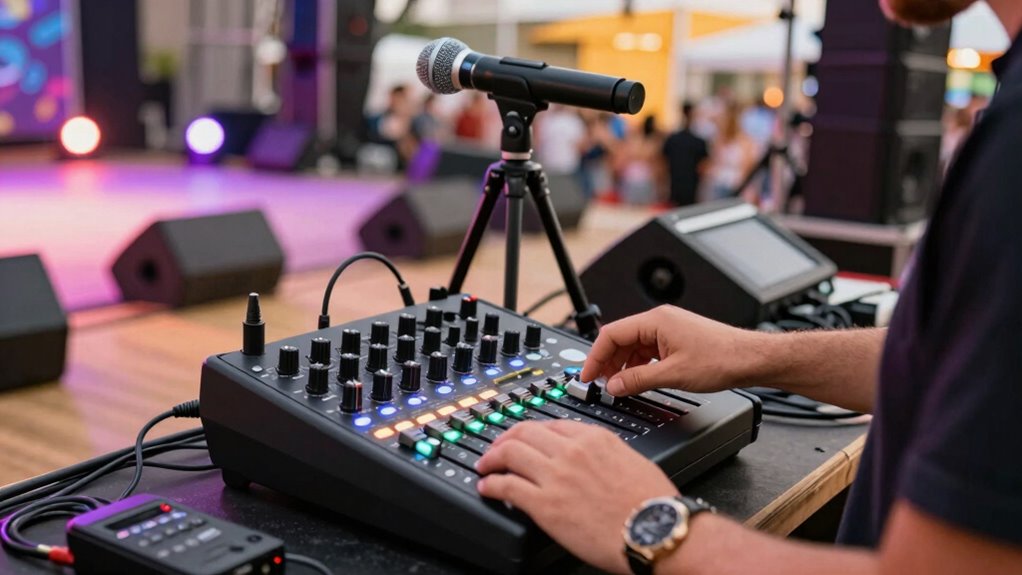
Have you ever wondered what it takes to capture clear, professional-quality sound during a live event? It’s all about understanding how to properly set up your audio equipment and manage the audio signal flow. When working with wireless microphone setups, you’re dealing with a versatile and mobile way to pick up sound without the clutter of cables. These setups are ideal for dynamic environments because they allow performers or speakers to move freely while maintaining a reliable audio connection. But to get the best results, you need to know how the signal travels from the microphone to your recording device.
The audio signal flow begins at the source—the wireless microphone. When you speak or sing into the mic, it converts your voice into an electrical signal, which is then transmitted via radio frequency to the receiver. The receiver picks up this wireless signal and outputs it as an audio signal that can be sent to your mixer or directly to your recording device. Making sure that your wireless microphone setup is properly tuned and that the frequency channels are clear is essential. Interference from other wireless devices can cause dropouts or noise, so always scan for open channels before the event starts.
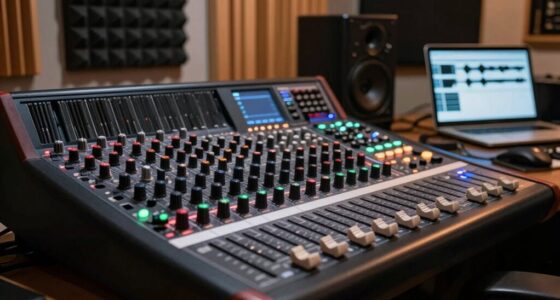
Once the signal reaches your mixer, it’s fundamental to manage the audio signal flow carefully. The mixer acts as the control hub, where you can adjust levels, add effects, and route the sound to various outputs. Proper gain staging is important—set the input gain so the signal is strong but not distorted. From the mixer, the audio signal travels to your recording device or live sound reinforcement system. Using balanced cables and appropriate connectors helps preserve signal quality and reduce noise. Additionally, understanding wireless signal transmission can help prevent issues caused by interference and ensure a smoother recording process. Being familiar with signal flow management techniques can also help troubleshoot problems quickly during live sessions. Furthermore, knowing how to coordinate frequency channels effectively can significantly reduce the risk of signal conflicts during your event. Knowing how interference sources impact wireless signals can also assist in maintaining a clear audio path.
During a live recording or taping, it’s easy to get caught up in managing multiple microphones and sources. Keep a close eye on the audio signal flow to prevent issues like clipping or feedback. Always monitor your audio levels with reliable meters and headphones. If you’re working with wireless microphones, be prepared for potential interference and have backup channels ready. Also, consider the placement of your microphones to minimize background noise and ensure clear coverage of the speakers or performers.
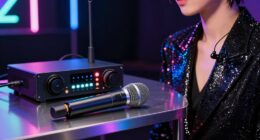
wireless microphone system for live recording
As an affiliate, we earn on qualifying purchases.
As an affiliate, we earn on qualifying purchases.
Frequently Asked Questions
How Do I Troubleshoot Audio Dropouts During Recording?
To troubleshoot audio dropouts, first check for wireless interference, which can disrupt signals. Move your wireless mic closer to the receiver and away from other electronic devices. Make sure your batteries are fully charged and replace them if needed, as poor battery management causes power loss and dropouts. Also, verify all connections are secure and test the equipment before recording. These steps help maintain consistent audio quality during your recordings.
What Are the Best Microphone Placements for Live Recording?
For live recording, use microphone techniques like close-miking for vocals and instruments to capture clear sound. Placement strategies involve positioning mics just outside the sound source’s direct path to minimize background noise and feedback. Keep mics at appropriate distances—about 6-12 inches for vocals—and angle them correctly to avoid phase issues. Experiment with placement to find the best balance between clarity and natural sound, ensuring your recordings sound professional and immersive.
How Do I Manage Multiple Audio Sources Simultaneously?
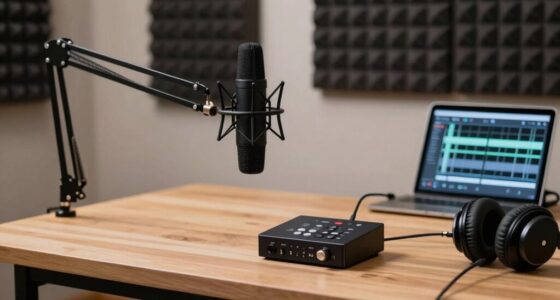
To manage multiple audio sources simultaneously, you should use a good audio interface with multiple inputs. Connect each microphone or device to separate channels and then use sound mixing software to balance levels, pan, and EQ. Keep an eye on your meters to prevent clipping, and adjust each source’s volume for clarity. This setup gives you control over all sources, ensuring a professional, cohesive audio mix during your live recording.
What Equipment Is Essential for Mobile Live Audio Recording?
Worried about bulky gear? You don’t need heavy equipment for mobile live audio recording. Just grab wireless transmitters and a portable mixer—these are essential. Wireless transmitters let you capture audio from multiple sources effortlessly, while a portable mixer helps you manage and balance sound on the go. With this setup, you stay flexible and ready to record high-quality audio anywhere, without sacrificing mobility or convenience.
How Can I Ensure Audio Quality in Noisy Environments?
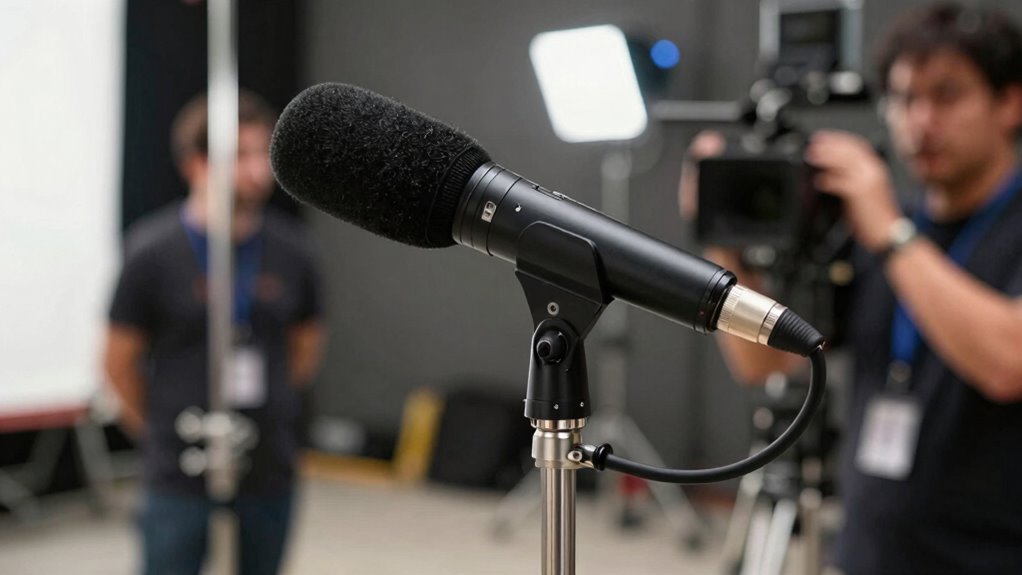
To guarantee good audio quality in noisy environments, you should focus on sound isolation and reducing ambient noise. Use directional microphones like shotgun mics to target your subject and cut out background sounds. Additionally, consider using windshields or foam covers to minimize ambient noise pickup. Position your microphones carefully, close to the source, and monitor audio levels constantly. These steps help you capture clearer, professional-sounding audio even in challenging settings.
audio level monitoring headphones
As an affiliate, we earn on qualifying purchases.
As an affiliate, we earn on qualifying purchases.
Conclusion
Mastering live audio recording isn’t just about capturing sound; it’s about capturing moments and emotions as they happen. While your gear and techniques are essential, don’t forget that the true magic lies in your ability to listen and adapt in real-time. Like a conductor guiding an orchestra through unpredictable waves, your skill bridges the chaos of live sound with the clarity of a perfect recording. Embrace the challenge—your best work often emerges from the unexpected.
balanced audio cables for recording
As an affiliate, we earn on qualifying purchases.
As an affiliate, we earn on qualifying purchases.
RF spectrum scanner for wireless microphones
As an affiliate, we earn on qualifying purchases.
As an affiliate, we earn on qualifying purchases.
Halloween Picks
halloween
As an affiliate, we earn on qualifying purchases.