
To calibrate your listening volume with one reference track, start by placing your speakers in an equilateral triangle with your listening position and at ear level. Play the track at a moderate volume and adjust until you can clearly hear all details without distortion or fatigue. Be mindful of room acoustics—use soft furnishings or acoustic treatments if needed. If you keep adjusting, you’ll find the perfect balanced sound; explore further to learn detailed setup tips.
Key Takeaways
- Play a well-known reference track at a moderate volume to assess clarity and dynamic range.
- Gradually adjust your volume until all instruments and details are comfortably audible without distortion.
- Ensure your speakers are properly positioned at ear level and in an equilateral triangle with your listening spot.
- Use room acoustics and soft furnishings to minimize reflections and achieve a natural sound environment.
- Confirm the volume feels balanced and consistent with the recording, avoiding excessive loudness for safe listening.
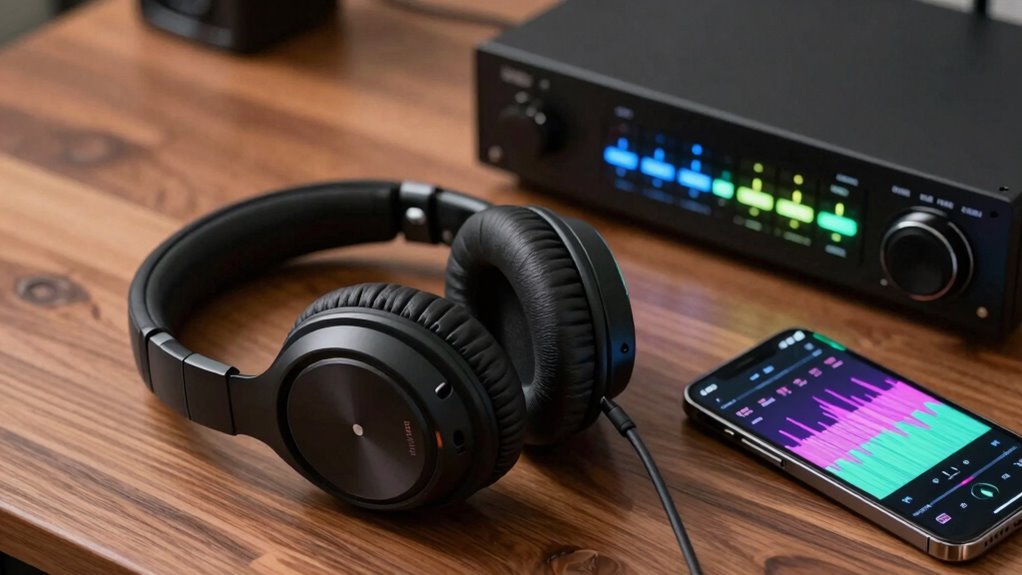
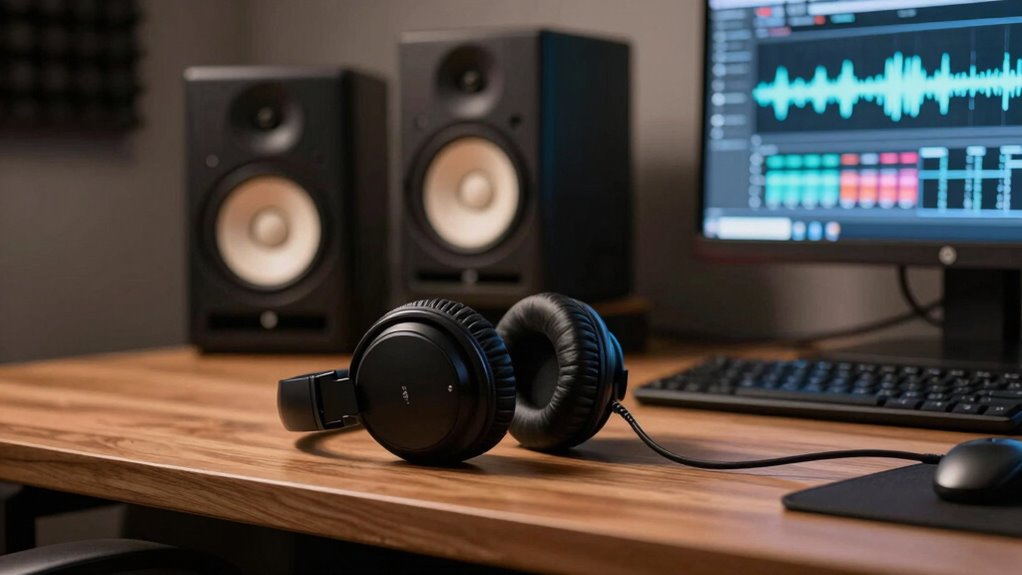
Calibrating your listening volume is essential for enjoying your audio experience without risking hearing damage. To do this effectively, start by focusing on the placement of your speakers and understanding how your room’s acoustics influence sound. Proper speaker positioning ensures that the sound reaches your ears accurately, preventing any one speaker from overpowering the other and creating an uneven listening experience. Position your speakers so they form an equilateral triangle with your usual sitting position, keeping them at ear level for the best sound projection. Avoid placing them too close to walls or corners, as this can cause bass frequencies to become exaggerated, muddying the clarity of your audio. Instead, experiment with slight adjustments to find a balance that delivers clear, balanced sound across the frequency spectrum.
Room acoustics play a significant role in how your audio sounds. Hard surfaces like glass or tile reflect sound waves, potentially causing echo or reverb that skews your perception of volume and clarity. Soft furnishings, carpets, and curtains absorb excess sound, helping create a more controlled environment. When calibrating your volume, consider how your room’s characteristics affect sound distribution. A room with poor acoustics may require you to set your volume slightly higher to compensate for sound reflections and absorption, but be cautious not to turn it up too loud. If possible, use acoustic treatments such as panels or diffusers to improve sound clarity and reduce unwanted echoes, ensuring your reference track provides an accurate listening experience. Additionally, understanding room acoustics can help optimize your setup for better sound accuracy and calibration.
Once your speakers are properly positioned considering your room’s acoustics, select a reference track that you know well—something with a wide dynamic range and clear instrument separation. Play this track at a moderate volume, then gradually adjust until you reach a level where you can comfortably hear all details without distortion or fatigue. Pay attention to how the sound interacts with your room; if certain frequencies seem overly prominent or muffled, tweak your speaker placement or room setup accordingly. Remember, calibration isn’t just about setting a specific volume but about creating a consistent, balanced sound that reflects what’s recorded. This way, you can enjoy your music, movies, or mixes with confidence, knowing your volume is calibrated for both clarity and safety.

PreSonus Eris 3.5 Studio Monitors, Pair — Powered, Active Monitor Speakers for Near Field Music Production, Desktop Computer, Hi-Fi Audio
HONEST. Eris 3.5 near field studio monitors deliver studio-quality, accurate sound perfect for music production, hi-fi audio listening,…
As an affiliate, we earn on qualifying purchases.
As an affiliate, we earn on qualifying purchases.
Frequently Asked Questions
What Equipment Do I Need for Calibration?
You’ll need a good pair of calibrated headphones or speakers, a computer or audio interface, and calibration tools like a microphone and software. These tools help you match your equipment to your audience preferences, ensuring accurate sound levels. Make sure your setup includes a reliable reference track and calibration software to fine-tune your volume. With the right gear, you’ll get consistent, high-quality sound calibration every time.
How Often Should I Recalibrate My Listening Volume?
Think of calibration like tuning a musical instrument—your ears need regular fine-tuning for perfect harmony. You should perform audio testing and recalibrate your listening volume whenever you notice a change in sound quality, environment, or after equipment updates. Recalibrating ensures consistent volume normalization, keeping your listening experience balanced. Aim for a monthly check or if your environment or equipment shifts, so your sound stays true to your reference.
Can I Calibrate With Headphones or Only Speakers?
You can calibrate with both headphones and speakers, but each requires different approaches. For headphone calibration, use a headphone calibration tool or app to guarantee accurate sound levels. For speaker setup, position your speakers correctly and use a reference track to adjust volume and balance. While headphone calibration is more convenient and portable, calibrating speakers helps achieve a more natural sound environment. Both methods improve your listening accuracy.
What Is the Ideal Listening Volume Level?
Imagine you’re tuning a vintage radio; the ideal listening volume balances sound pressure and comfort. You should set your volume so that sound pressure isn’t too high, risking hearing damage, and not too low, losing detail. Aim for a level where your ears feel comfortable over extended periods, and the audio remains clear and balanced. This guarantees perfect listening comfort without risking damage to your hearing.
How Do Ambient Noise Levels Affect Calibration Accuracy?
Ambient noise levels can substantially impact calibration accuracy because background noise interferes with your ability to hear the true sound of your reference track. When noise is high, you might set your volume too high or too low, causing calibration errors. To get precise results, calibrate in a quiet environment and minimize background noise, ensuring your listening environment is as controlled as possible for accurate calibration.

Focusound 52 Pack Acoustic Foam Panels 1" x 12" x 12" Sound Proof Foam Panles Soundproofing Noise Cancelling Wedge Panels for Home Office Recoding Studio with 300PCS Double-Side Adhesive
Soundproofing – Acoustic foam panels triangular grooves structure for better noise absorption, helps to reduce and absorb unwanted…
As an affiliate, we earn on qualifying purchases.
As an affiliate, we earn on qualifying purchases.
Conclusion
By calibrating your listening volume with a reference track, you unknowingly set the perfect foundation for every song you hear afterward. It’s a small step that aligns your ears with a universal standard, creating a subtle harmony between your environment and your music. When you realize that your favorite track sounds just right, you’ll see how this quiet coincidence transforms your entire listening experience—making every note feel more intentional, more connected, as if the music and your space finally align perfectly.

Dayton Audio EMM-6 Precision Omnidirectional Electret Condenser Microphone for Room Acoustic Analyzers and Audio Measurement Systems, Calibration Data File with Response Graph Included
Perfect for use with room acoustic analyzers and audio measurement systems
As an affiliate, we earn on qualifying purchases.
As an affiliate, we earn on qualifying purchases.
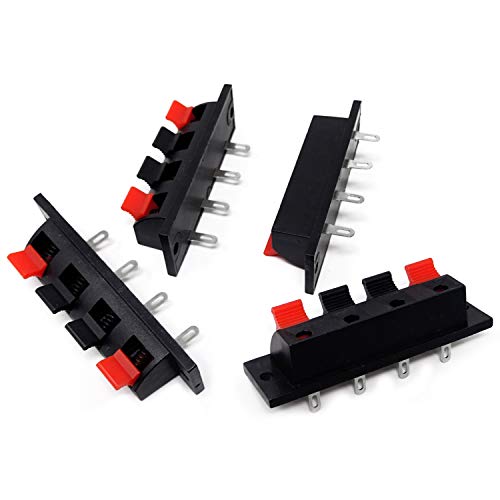
Honbay 4PCS 4 Pin Speaker Terminal Block 4 Position Amplifier Spring Jointing Clamp Test Clip Stereo Speaker Strip Shaped Push Release Connector Plate
Package includes: 4pcs speaker terminal blocks
As an affiliate, we earn on qualifying purchases.
As an affiliate, we earn on qualifying purchases.