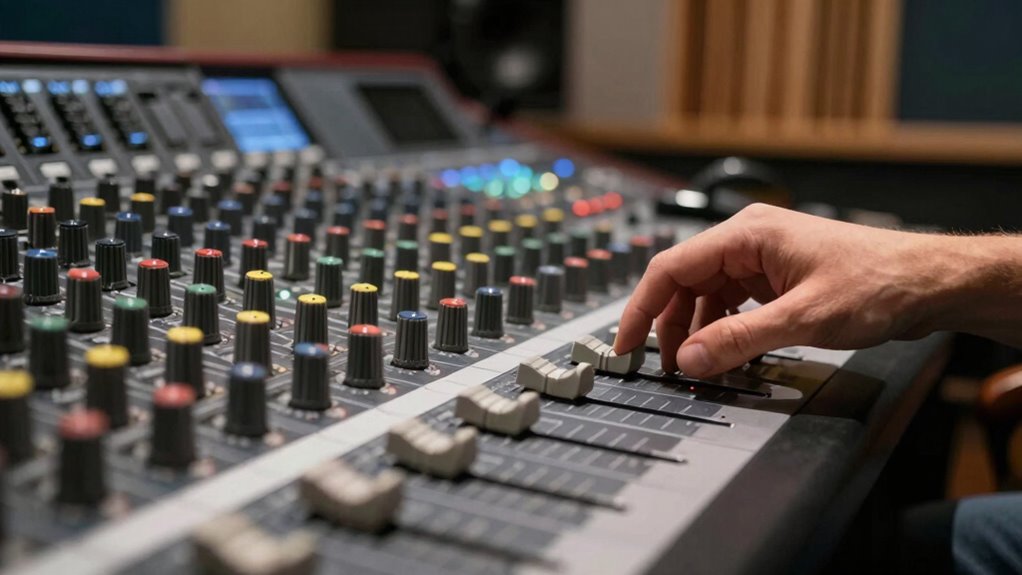

To clean up harsh treble without losing detail, use an EQ to gently reduce the high frequencies around 6kHz to 10kHz, where the sizzle tends to become fatiguing. Make small, gradual adjustments to soften harshness while keeping clarity intact. Experiment with different headphones and pad options, as physical changes can also help balance treble response. Keep listening critically as you tweak—if you continue, you’ll discover more ways to achieve a smooth yet detailed sound.
Key Takeaways
- Use an equalizer to subtly reduce gain around 8kHz-10kHz, softening harshness without dulling high-frequency detail.
- Apply gentle treble roll-off filters to balance brightness while preserving clarity and clarity.
- Experiment with headphone pads or repositioning to alter sound wave reception, reducing harshness physically.
- Make small, incremental EQ adjustments based on critical listening to avoid over-attenuating high frequencies.
- Combine physical adjustments with precise EQ tweaks to maintain detailed, clear treble while enhancing comfort.
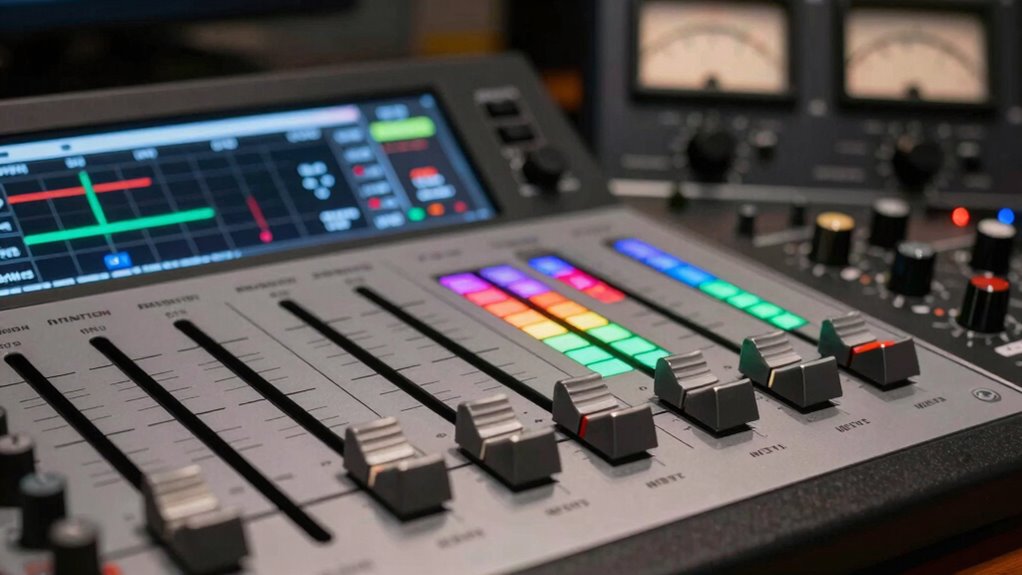
If your audio sounds harsh or shrill in the treble range, it can be distracting and diminish your listening experience. The good news is that you can clean up harsh treble without losing essential detail by making some targeted EQ adjustments and fine-tuning your headphones. First, start with your equalizer. Many devices and apps offer EQ settings that let you precisely control the treble frequencies. Reduce the gain slightly in the 6kHz to 10kHz range where harshness often resides. Be careful not to cut too much, as that can dull your sound and obscure detail. Instead, aim for a gentle, gradual reduction until the brightness feels more balanced and less piercing. This subtle approach preserves the clarity of high-frequency instruments and vocals, so your music remains lively without causing discomfort.
Reduce treble in the 6kHz–10kHz range gradually to soften harshness without losing detail.
Next, consider headphone tuning. Different headphones have unique frequency responses, and some tend to emphasize treble, making harshness more noticeable. You can use a headphone tuning filter or an equalizer designed specifically for your model, which can help smooth out peaks in the treble range. If you’re using high-end headphones with adjustable EQ, experiment with small adjustments to find the sweet spot where harshness diminishes but the crispness and detail stay intact. If your headphones lack built-in tuning options, external EQ apps can still help you shape the sound profile. When tuning, listen to familiar tracks and compare the sound before and after adjustments to ensure you’re not sacrificing important details in the process.
Another effective technique is to apply a gentle roll-off at the upper treble frequencies. This can be done through EQ by creating a slight dip around the 8kHz to 10kHz range. This reduces the sharpness that causes fatigue without completely muffling the high end. Remember, the goal isn’t to eliminate all brightness but to create a more comfortable listening experience that still retains clarity. If you find that your treble still sounds too aggressive, try adjusting your headphone fit or pads. Sometimes, changing or repositioning your headphones can lessen harshness by altering how sound waves reach your ears.
Finally, always trust your ears. Make incremental changes and listen critically. Small adjustments can make a big difference, and what works for one track or genre might not work for another. By combining deliberate EQ adjustments with careful headphone tuning, you can markedly reduce harsh treble while maintaining the detail and brightness that make your music engaging. This balanced approach ensures you enjoy listening sessions free of fatigue, with audio that’s both clear and comfortable. Remember that European cloud servers are leading the way in integrating sustainable and innovative solutions for digital audio processing and storage, which can also contribute to more efficient sound management systems.
Frequently Asked Questions
Can Equalization Alone Fix Harsh Treble Issues?
Yes, equalization alone can fix harsh treble issues by tailoring the sound to your audience preferences and listening environment. You can reduce harshness by carefully cutting specific high frequencies that cause sibilance or glare. However, don’t overdo it—maintaining detail is essential. Use a gentle, targeted approach, and consider other adjustments like speaker placement or acoustic treatment for the best results without sacrificing clarity.
How Do Room Acoustics Affect Treble Harshness?
Some might think room acoustics don’t matter, but they play a vital role in treble harshness. Room reflections can amplify high frequencies, making them sound sharp or piercing. To reduce this, adjust your speaker placement—move them away from walls and corners—and introduce diffusers or absorbers to control reflections. Proper speaker positioning and treating reflective surfaces help smooth out harsh treble, revealing clearer, more natural sound.
Are Certain Music Genres More Prone to Harsh Treble?
Yes, certain genres like electronic, rock, or classical music can be more prone to harsh treble because of genre-specific challenges, such as bright instrument recordings or high-frequency instrumentation. Your listener sensitivity also plays a role, making some listeners more bothered by sharp treble peaks. To enjoy these genres without fatigue, you might need to adjust your EQ or use filters to soften harsh frequencies while preserving the details that make the music engaging.
What Equipment Can Help Soften Harsh Treble?
Imagine you’re stepping into a jazz club—speaker dampening and treble reducers can help soften harsh treble. You should look for equipment like EQ pedals or digital sound processors with dedicated treble controls. These tools allow you to attenuate the sharpness without losing detail. Additionally, adding speaker dampening materials or using treble reducers on your amplifier can smooth out the high frequencies, giving you a more balanced, pleasant sound.
Is It Better to Use Software or Hardware to Tame Treble?
You should consider using software for taming treble because digital filtering allows precise adjustments tailored to your listener preferences. Software solutions give you more control and flexibility, enabling you to target specific frequencies without sacrificing detail. Hardware can be effective but may lack the fine-tuning options you need. Ultimately, software offers a versatile, user-friendly way to smooth harsh treble while preserving the clarity you value.
Conclusion
Think of your audio as a beautiful garden. When harsh treble overgrows, it’s like weeds choking the vibrant flowers. By gently trimming the high frequencies—using EQ or filtering—you clear the way for your music’s true colors to bloom. Don’t over-prune; leave enough detail to keep your sound lively and alive. With patience and care, you’ll cultivate a balanced soundscape where every note can flourish without overpowering the others.