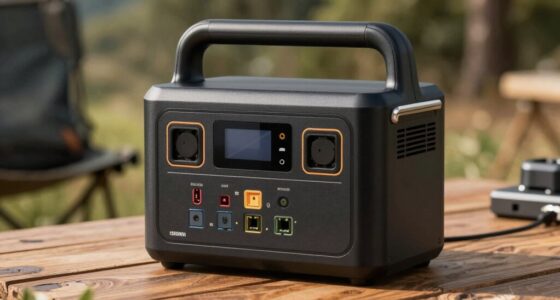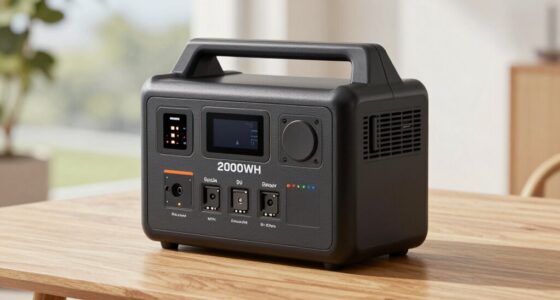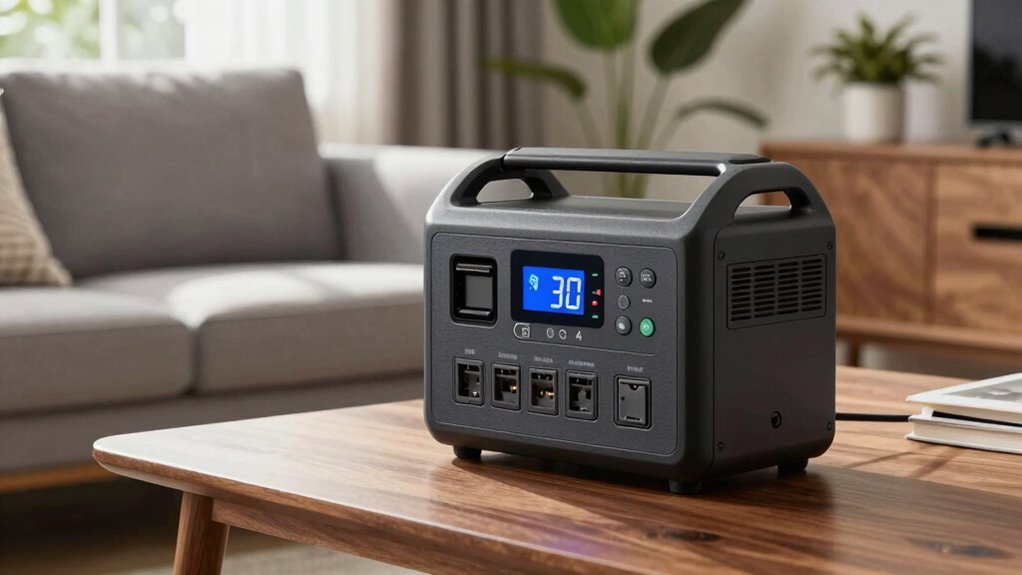

When choosing a home backup power station, understanding specs like watts, watt-hours, surge power, and recharge time helps you pick the right unit. Watts show how much power appliances need at once, while watt-hours indicate total energy stored for use. Surge power handles appliance startup bursts. Recharge time tells you how long it takes to replenish energy, whether from solar or AC. To get a clear picture of these features and how they work together, keep exploring these details further.
Key Takeaways
- Watts measure how much power an station can deliver at any moment, indicating appliance compatibility.
- Watt-hours show the total energy storage capacity, influencing how long devices can run during outages.
- Surge power is the maximum wattage the station can provide temporarily for appliance startup, critical for high-initial-load devices.
- Recharge time depends on method (AC, solar, or both), with solar offering eco-friendly, flexible recharging options.
- Balancing battery capacity and surge power ensures reliable support for essential appliances during power outages.
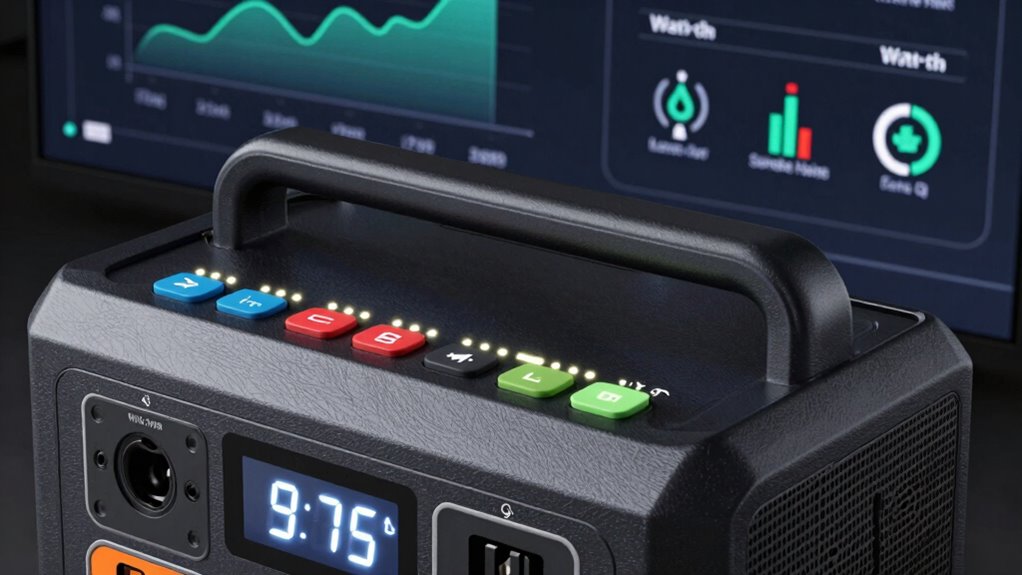
During power outages, a home backup power station becomes an indispensable tool to keep your household running smoothly. When you’re evaluating different models, understanding the specs like watts versus watt-hours, surge power, and recharge time is essential. These specifications help you determine whether a station will meet your energy needs and how quickly it can get ready again after use. For instance, many backup systems are paired with solar panels, which can supplement or even replace traditional recharging methods. The solar panel’s output, combined with the battery capacity of the power station, determines how much energy you can generate and store daily. A larger battery capacity means more stored power, allowing you to run essential appliances longer during outages. When shopping, look at both the watt rating and the watt-hour rating to get a full picture of a unit’s capabilities.
Watts measure the rate at which power is used or produced at any given moment, which is fundamental for understanding what appliances the station can support simultaneously. For example, a small backup station might support basic devices like phones and LED lights, while larger units can handle refrigerators or medical equipment. Remember, appliances often need a surge of power to start, which is where surge power ratings come into play. Surge power indicates the maximum wattage the station can deliver momentarily, allowing your appliances to start without tripping the system. If your fridge or air conditioner has a high surge requirement, you’ll need a station with a higher surge power rating to accommodate that initial power draw. Additionally, understanding the energy storage capacity of the unit helps you plan how long your essential devices can run during an outage.
Recharge time is another key factor in your decision. After a power outage, you’ll want your backup station to be ready quickly, so understanding how long it takes to recharge—whether via AC wall outlets, solar panels, or both—is essential. Stations that support solar charging can be particularly advantageous if you have a solar panel set up. The solar panel’s efficiency and the station’s battery capacity influence recharge time. A larger battery takes longer to recharge but provides more stored energy, so you’ll need to balance capacity with how fast you want to get back online. Some units can be recharged in just a few hours with rapid charging features, while others may take a day or more.
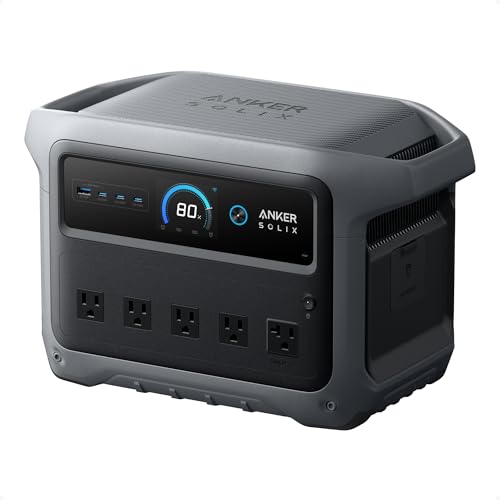
Anker SOLIX C1000 Gen 2 Portable Power Station, 2,000W (Peak 3,000W) Solar Generator, Full Charge in 49 Min, 1,024Wh LiFePO4 Battery for Home Backup, Power Outages, and Camping (Optional Solar Panel)
49 Min UltraFast Recharging: With upgraded HyperFlash tech, fully recharge at 1,600W—for outage prepping, camping trips, or tailgating…
As an affiliate, we earn on qualifying purchases.
As an affiliate, we earn on qualifying purchases.
Frequently Asked Questions
How Do I Determine the Right Capacity for My Needs?
To determine the right capacity, think about your essential devices and how long you’ll need backup power. Consider battery maintenance to guarantee longevity and check port compatibility for your devices. Calculate total watt-hours needed by multiplying device wattage by usage time. Choose a power station with enough capacity to cover these needs comfortably, allowing for some extra buffer. This way, you ensure reliable backup with easy maintenance and compatible ports.
What Is the Lifespan of a Backup Power Station?
You can expect a backup power station’s lifespan to be around 3 to 5 years, depending on usage and maintenance. Battery longevity influences how long it lasts before needing replacement, while power degradation gradually reduces its capacity over time. To get the most out of your station, follow manufacturer guidelines for charging and storage, and consider periodic battery health checks to guarantee peak performance.
Can I Connect Multiple Units for Increased Power?
Think of connecting multiple backup power stations like building a LEGO castle—each piece adds to the whole. You can indeed connect units for increased power, thanks to modular configurations that enable power scalability. Just guarantee the units are compatible and designed for daisy-chaining. Doing so boosts your total watt-hour capacity, giving you more reliable backup during outages while maintaining system flexibility and ease of expansion.
Are Backup Power Stations Safe to Use Indoors?
Yes, backup power stations are generally safe to use indoors if you follow proper indoor safety and ventilation requirements. Keep the unit in a well-ventilated area to prevent heat buildup and avoid CO2 buildup from exhaust gases. Make sure to follow the manufacturer’s guidelines for safe placement and operation. Proper ventilation and safe handling guarantee you can use your power station indoors without risking health or safety.
How Does Temperature Affect the Performance?
Temperature can dramatically impact your backup power station’s performance, making it falter or flourish. When it’s too hot or cold, thermal efficiency drops like a stone, causing power output to plummet. Proper temperature regulation keeps your device running smoothly, preventing overheating or freezing. Extreme temperatures can cause damage or reduce lifespan, so always store and operate your station within recommended ranges to guarantee peak performance no matter the weather.
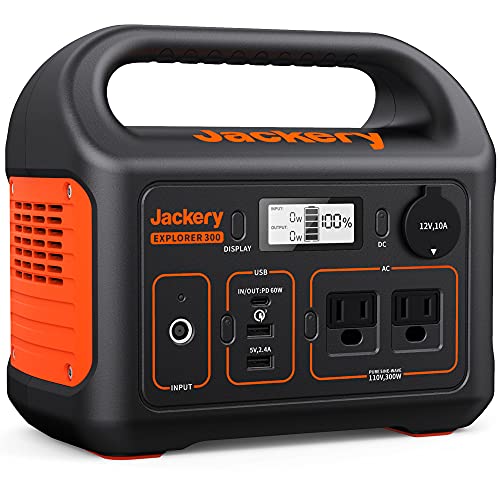
Jackery Portable Power Station Explorer 300, 293Wh Backup Lithium Battery, Solar Generator for Outdoors Camping Travel Hunting Blackout (Solar Panel Optional)
SPEED UP YOUR RECHARGEABILITY: It takes only 2 hours to recharge 80% battery of the power station through…
As an affiliate, we earn on qualifying purchases.
As an affiliate, we earn on qualifying purchases.
Conclusion
Understanding the specs of a home backup power station is like learning a new language—you’ll communicate your needs clearly and confidently. By knowing the difference between watts, watt-hours, surge power, and recharge time, you can choose the perfect station to keep your home running smoothly. Think of it as balancing a delicate dance; each specification plays a crucial role in ensuring you’re prepared for any blackout. With this knowledge, you’re ready to face power outages head-on.

OUPES Mega 1 Portable Power Station 2000W (Surge 4500W), 1024Wh LiFePO4 Battery Solar Generator, Expandable to 5kWh, UPS, for Home Backup Power, Camping & Road Trips (Solar Panel Optional)
REVOLUTIONARY FAST-CHARGING TECHNOLOGY: Experience industry-leading recharge speeds with 0-80% capacity in just 36 minutes via AC, or an…
As an affiliate, we earn on qualifying purchases.
As an affiliate, we earn on qualifying purchases.

EnginStar Portable Power Station 300W 296Wh Battery Bank with 110V Pure Sine Wave AC Outlet for Outdoors Camping Hunting and Emergency, 80000mAh Backup Battery Power Supply for CPAP
PORTABLE BUT POWERFUL: EnginStar Portable Power Station with ETL Certification, and the portable size of 9 x 5.5…
As an affiliate, we earn on qualifying purchases.
As an affiliate, we earn on qualifying purchases.