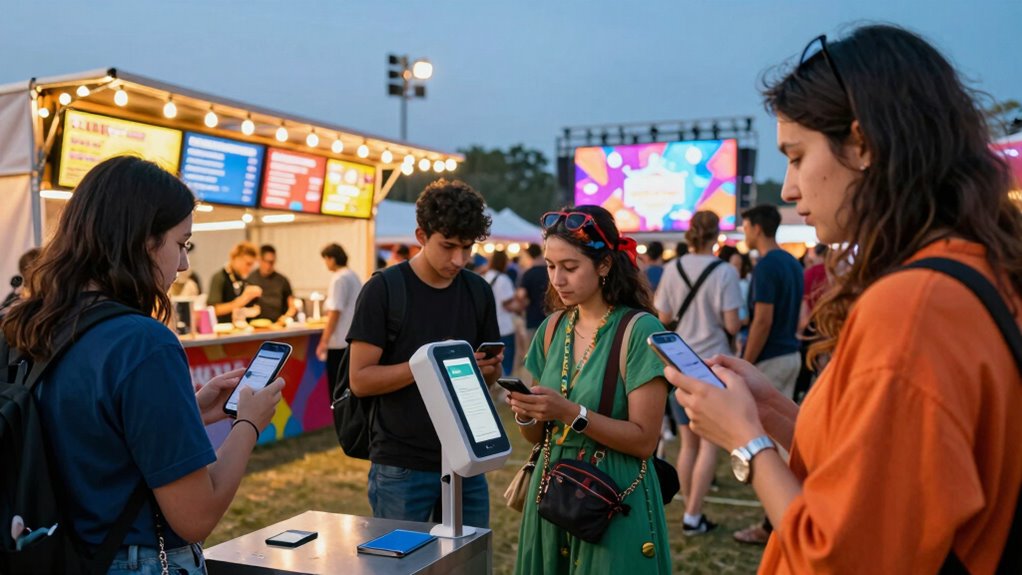

Before arriving at a cashless festival, you should set up your digital payment methods by linking secure apps to bank accounts with limited funds, enable two-factor authentication, and verify your device software is up-to-date. Familiarize yourself with the festival’s security technology like RFID wristbands or facial recognition, and avoid public Wi-Fi to protect your data. Taking these steps helps prevent delays and keeps your financial info safe—keep going to learn more about making your festival experience seamless.

Get audio and creator gear delivered free — and shop member deals
- Fast, free delivery on millions of items
- Access to Prime Big Deal Days deals on October 6–7
- Prime Video, Amazon Music and more included
Key Takeaways
- Download and register official festival apps early for integrated ticketing, payments, and schedules.
- Link your payment apps to bank accounts or cards with limited balances for security.
- Enable two-factor authentication and set strong, unique passwords on all payment and festival accounts.
- Keep your device updated, and avoid public Wi-Fi; use VPNs for safer connectivity.
- Familiarize yourself with RFID wristbands, facial recognition, or biometric systems used at the festival.
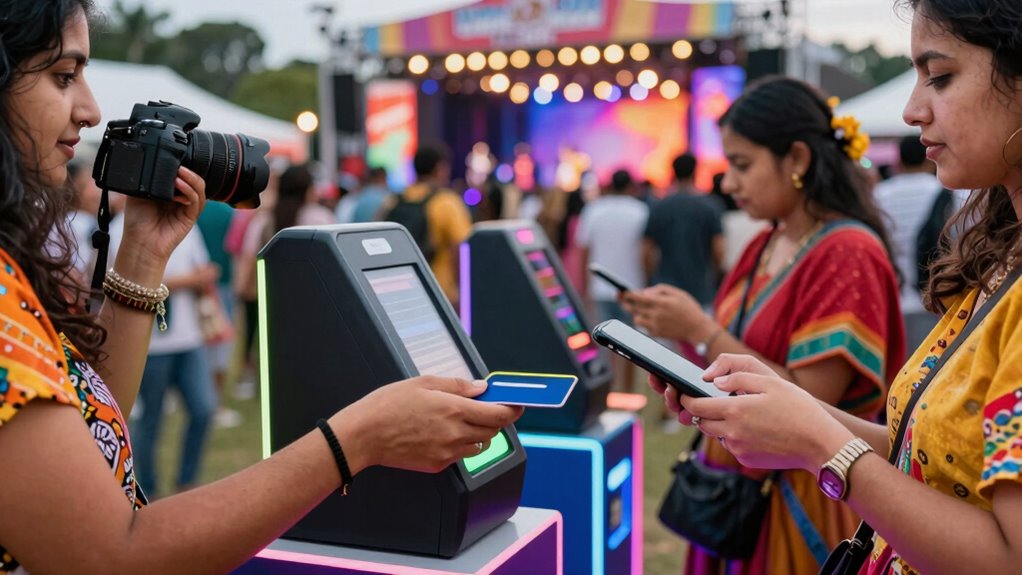
Have you ever wondered how festivals are becoming more seamless and secure? The shift toward cashless festivals is transforming the way you experience events, making everything smoother from entry to purchases. To fully enjoy this new era, you need to prepare before you arrive. One of the most important steps is setting up your payment app security. Many festivals now rely on digital wallets or dedicated festival apps for transactions, so ensuring your accounts are protected is essential. Use strong, unique passwords and enable two-factor authentication whenever possible. This way, even if someone tries to access your account, they’ll be met with multiple layers of security, reducing the risk of fraud or theft.
Festival security extends beyond just protecting your payment information. It also involves safeguarding your personal data and ensuring the overall safety of your festival experience. Before heading out, double-check that your mobile device has the latest software updates, which often include security patches. Be cautious about connecting to public Wi-Fi networks at the event; instead, use your mobile data or a trusted VPN. Many festivals employ advanced security measures like facial recognition, RFID wristbands, or biometric scans for entry and payments. Familiarize yourself with these technologies beforehand if they’re part of the festival’s setup, so you aren’t caught off guard or confused on arrival. Knowing how these systems work can help you navigate entry lines more efficiently and avoid delays.
Additionally, consider downloading any official festival apps early, which often integrate your ticket, payment methods, and event schedule. These apps typically have built-in security features, but it’s wise to review their privacy policies and permissions. Be mindful of what personal information you share, and avoid linking multiple payment methods that could complicate your transactions if compromised. When using a payment app at the festival, make sure it’s linked to a bank account or credit card with a limited balance, so even if something goes wrong, your financial exposure remains minimal. Vetting your payment methods is an important step to prevent unauthorized access and ensure your financial safety.
Preparing in advance for festival security and payment app safety creates a worry-free environment, allowing you to focus on enjoying the event. By taking these steps, you reduce the chances of encountering issues and increase your overall safety. Remember, the key to a successful cashless festival experience isn’t just what happens during the event but what you do beforehand. Setting up your devices, securing your accounts, and understanding the technology involved ensures that your festival adventure is as seamless and secure as possible.
As an affiliate, we earn on qualifying purchases.
Frequently Asked Questions
How Do I Register for a Cashless Festival?
To register for a cashless festival, you need to complete the festival registration process through the online signup. Visit the festival’s official website and follow the prompts to create your account. You’ll typically enter personal details, link a payment method, and receive a digital wristband or card. Make sure to verify your registration email. Doing this ahead of time ensures a smooth, hassle-free entry and spending experience at the event.
What Payment Methods Are Accepted for Cashless Transactions?
You can use digital wallets and contactless payments for cashless transactions at festivals. Most festivals accept popular options like Apple Pay, Google Pay, and Samsung Pay, making it easy to pay quickly without cash or cards. Simply link your preferred digital wallet to your device before arriving, and look for the contactless payment symbol at vendors. This guarantees smooth, secure transactions while enjoying your festival experience.
Can I Use Multiple Payment Methods at the Festival?
Yes, you can usually use multiple payment options at the festival to enjoy transaction flexibility. Most cashless systems allow you to link different methods, such as a card, mobile wallet, or app account, giving you more convenience. Just make sure each method is properly set up beforehand, so you can seamlessly switch between them during the event. This way, you stay flexible and avoid any payment issues while enjoying your festival experience.
What Should I Do if My Cashless Card or Wristband Is Lost?
If you lose your cashless card or wristband, act quickly. Visit the festival’s designated lost and found or emergency support area to report your lost card. They can assist you in obtaining a replacement or link your account to a new card. Always keep emergency support contacts handy, and notify staff immediately to prevent theft or misuse. Prompt action ensures you can continue enjoying the festival without hassle.
Are There Any Fees Associated With Setting up a Cashless Account?
Setting up your cashless account is like opening a treasure chest—most festivals don’t charge extra fees, but it’s wise to check their refund policies first. Festival security is tight, and there usually aren’t hidden charges for account creation. Some events may have a small service fee for top-ups or transactions, so read the terms carefully. Being informed helps you enjoy the festival stress-free and fully immersed in the experience.
As an affiliate, we earn on qualifying purchases.
Conclusion
As you step into the vibrant world of a cashless festival, you’re freed from worries about lost cash or long lines, letting the music and atmosphere take center stage. Yet, behind the convenience lies a reminder—without cash, you lose a bit of that spontaneous generosity or last-minute purchase magic. Embrace the ease, but remember to cherish those small, unexpected moments that cash often brings, making your festival experience truly unforgettable.
As an affiliate, we earn on qualifying purchases.
digital wallet security accessories
As an affiliate, we earn on qualifying purchases.
As an affiliate, we earn on qualifying purchases.
Fall Picks
fall essentials
As an affiliate, we earn on qualifying purchases.