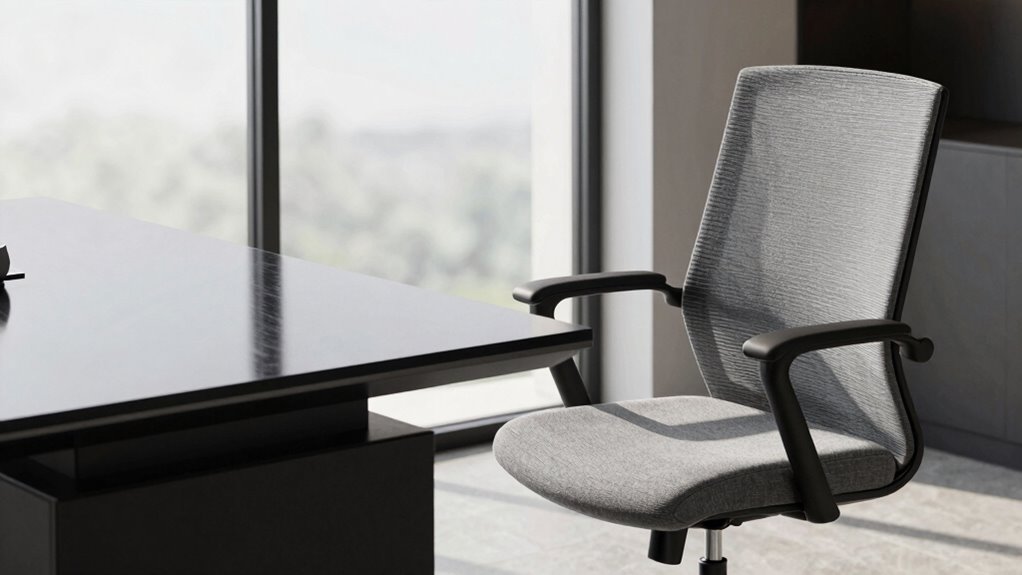

Hidden factors in your desk and chair setup can greatly impact your comfort and productivity during long work sessions. Small adjustments like elevating your chair, ensuring lumbar support, and placing your monitor at eye level help maintain proper posture. Proper placement of accessories reduces strain and encourages natural movements. These subtle tweaks prevent discomfort, boost focus, and protect your long-term health. Keep exploring to discover how minor changes can make a major difference in your workspace.

Get audio and creator gear delivered free with Prime
- Fast, free delivery on millions of items
- Prime Video, Amazon Music and more included
- Member-only deals all year
Key Takeaways
- Proper ergonomic chair adjustments, like lumbar support and seat height, prevent discomfort during extended sessions.
- Correct monitor placement at eye level promotes better posture and reduces neck strain over long periods.
- Adjusting keyboard and mouse positioning minimizes shoulder tension and repetitive strain injuries.
- Incorporating movement breaks and posture shifts enhances circulation and reduces stiffness.
- Well-organized desk accessories support natural arm and hand movements, preventing awkward postures and fatigue.
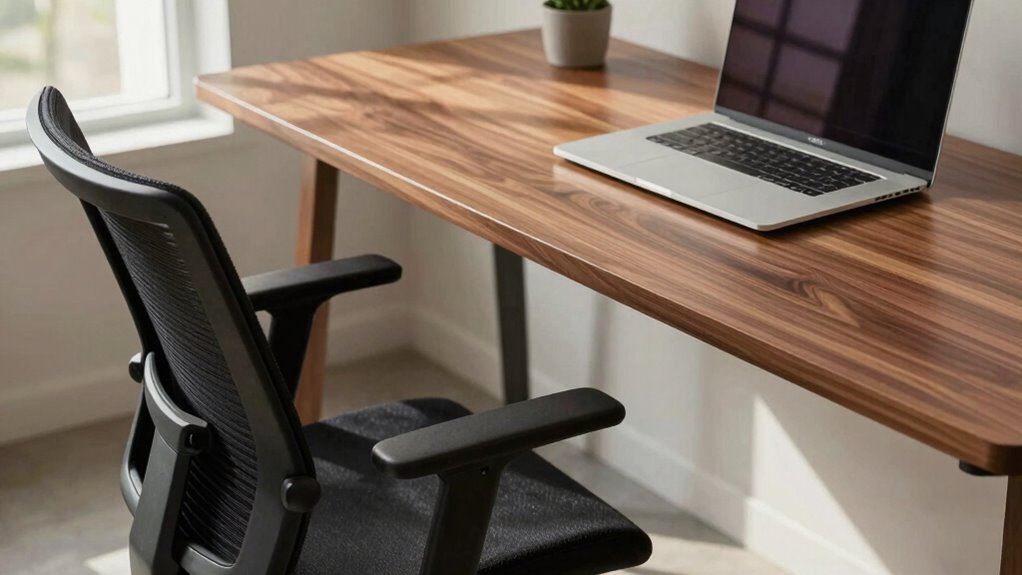
When choosing a desk and chair setup, many people focus on obvious features like size and style, but there are concealed factors that can profoundly influence your comfort and productivity. One of the most overlooked aspects is how ergonomic adjustments influence your overall experience during long sessions. Small changes, like elevating your chair or adjusting the lumbar support, can make a significant difference in preventing discomfort and fatigue. These adjustments help maintain proper spinal alignment, reducing strain on your neck, shoulders, and lower back. When your workspace isn’t ergonomically optimized, even minor discomforts can escalate into chronic pain over time, distracting you from your work and decreasing efficiency.
Another critical, yet often ignored, factor is how posture variations throughout the day influence your comfort. It’s natural to shift positions as you work, but without proper ergonomic support, these movements can lead to awkward postures that strain muscles and joints. By making ergonomic adjustments, you can encourage healthier posture variations, such as sitting with your feet flat on the ground, keeping your knees at a 90-degree angle, and ensuring your monitor is at eye level. These small tweaks promote better circulation and reduce muscle fatigue, making it easier to stay focused during long hours. Maintaining ergonomic support throughout your work session can help prevent fatigue and discomfort. Additionally, incorporating movement breaks can further enhance your comfort and reduce stiffness over extended periods.
Your seat’s adjustability is essential because it allows you to customize your sitting position to fit your body’s needs. Whether it’s adjusting the height, tilt, or lumbar support, these features help you find a comfortable posture that minimizes pressure points. When your chair supports your natural posture variations, you’re less likely to develop aches and pains that disrupt your workflow. Furthermore, ergonomic adjustments aren’t just about comfort—they also boost productivity. When you’re not distracted by discomfort or muscle tension, your mind can stay focused on your tasks longer. Proper ergonomic principles can also help you develop better habits that prevent long-term musculoskeletal issues.
Additionally, paying attention to the placement of your desk accessories, like keyboard and mouse, can support ergonomic adjustments and healthy posture variations. Positioning these tools within easy reach helps prevent overreaching and awkward arm positions. This reduces shoulder tension and prevents repetitive strain injuries over time. Incorporating correct ergonomics into your workspace setup ensures that your entire environment supports your body’s natural needs and movements.
In essence, understanding and implementing these hidden factors—ergonomic adjustments and posture variations—can transform your long work sessions from uncomfortable marathons into sustainable, healthy routines. Small, intentional changes ensure that your workspace supports your body’s natural needs, keeping you comfortable, focused, and productive for hours on end.
ergonomic adjustable office chair with lumbar support
As an affiliate, we earn on qualifying purchases.
As an affiliate, we earn on qualifying purchases.
Frequently Asked Questions
How Do Desk Height Adjustments Affect Posture During Long Sessions?
Adjusting your desk height to an ergonomic level can substantially improve your posture during long sessions. When your desk features adjustable height, you can set it to match your sitting or standing position, reducing strain on your neck, shoulders, and back. Proper ergonomic height encourages you to sit upright with your elbows at a comfortable angle, preventing fatigue and discomfort. Always make certain your workspace is tailored to your body for maximum comfort and productivity.
What Role Does Lumbar Support Play in Reducing Fatigue?
Lumbar support plays a vital role in reducing fatigue by maintaining proper spinal alignment, which prevents muscle strain during long sessions. Using ergonomic cushions can enhance lumbar support, ensuring your lower back stays supported and aligned. When your spine is properly supported, you experience less discomfort and fatigue, allowing you to work longer comfortably. Prioritizing lumbar support helps sustain focus and prevents long-term back issues.
Are There Specific Chair Materials That Improve Comfort Over Extended Periods?
You’ll find that ergonomic fabric and memory foam make a real difference over long periods. While sleek metal or plastic might look modern, they can feel cold and unforgiving. In contrast, ergonomic fabric contours comfortably, and memory foam molds to your body, reducing pressure points and fatigue. These materials create a cozy, supportive environment that keeps you comfortable, even during extended work sessions.
How Does Desk Surface Texture Influence Wrist and Arm Comfort?
The desk surface texture directly impacts your ergonomic wrist positioning and overall arm comfort. A smooth, non-abrasive surface helps reduce friction, preventing strain during long sessions, while a textured surface might cause discomfort or awkward wrist angles. To enhance comfort, incorporate arm support strategies like cushioned pads or adjustable armrests, ensuring your arms stay supported and your wrists remain in a neutral position, reducing fatigue over extended periods.
What Are the Best Ways to Prevent Pressure Points While Seated?
To prevent pressure points while seated, you should use ergonomic cushions that distribute your weight evenly and reduce pressure on sensitive areas. Adjustable armrests help support your arms properly, preventing unnecessary strain on your shoulders and neck. Make sure your chair height allows your feet to rest flat on the ground, and shift positions regularly. These strategies keep you comfortable during long sessions and help avoid discomfort or injury.
As an affiliate, we earn on qualifying purchases.
Conclusion
Remember, the hidden factors of your desk and chair can make or break your long sessions. By adjusting your setup, you’re not just avoiding discomfort—you’re transforming your work into a comfortable, almost zen-like experience. Just like a trusty steed from the days of yore, your ergonomic choices can carry you smoothly through hours of effort. Don’t let poor posture turn your productivity into a Dickensian plight—embrace these secrets for a better, more comfortable day.
ergonomic keyboard and mouse set
As an affiliate, we earn on qualifying purchases.
As an affiliate, we earn on qualifying purchases.
desk accessories organizer for ergonomic setup
As an affiliate, we earn on qualifying purchases.
As an affiliate, we earn on qualifying purchases.
Fall Picks
fall essentials
As an affiliate, we earn on qualifying purchases.