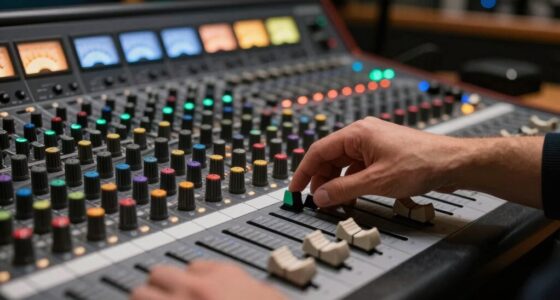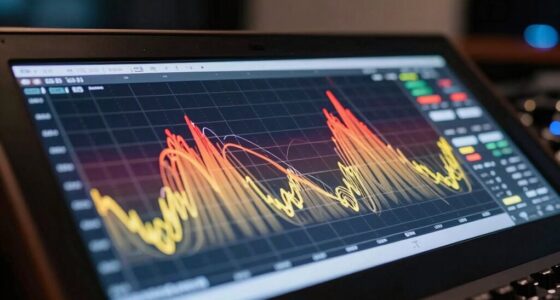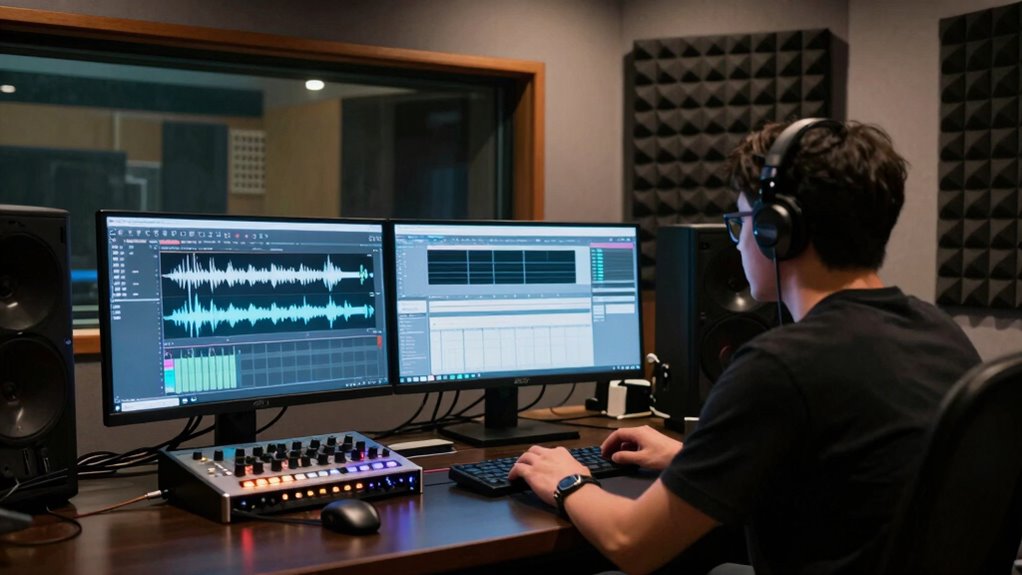
To catch recording problems early, stay vigilant and monitor your audio throughout each session. Use checklists to verify equipment functions—such as microphones, connections, and levels—before and during recording. Listen carefully for issues like distortion or background noise now, not later. Regular maintenance and updates improve detection, ensuring your setup stays reliable. By consistently checking and addressing tweaks, you prevent small problems from becoming costly ones. Keep exploring to discover even more effective strategies.

Get audio and creator gear delivered free with Prime
- Fast, free delivery on millions of items
- Prime Video, Amazon Music and more included
- Member-only deals all year
Key Takeaways
- Conduct regular equipment checks and maintenance to identify issues early.
- Use checklists before, during, and after recordings to verify equipment performance.
- Monitor audio quality continuously with high-quality equipment for subtle problem detection.
- Listen attentively throughout the session to catch anomalies immediately.
- Address issues promptly to prevent minor problems from escalating into major setbacks.
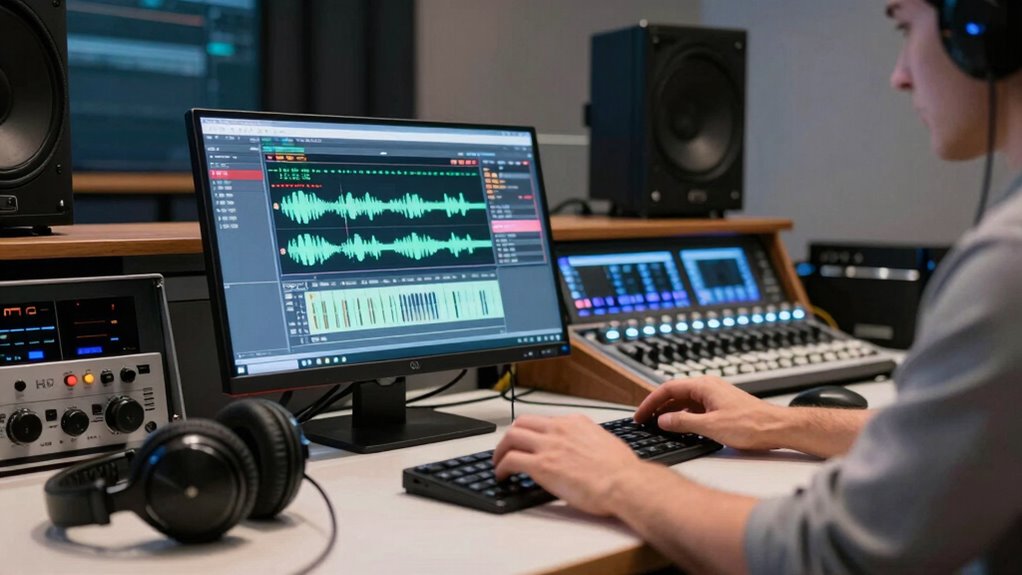
Recording problems can quickly escalate if left unnoticed, causing costly delays and compromised quality. That’s why catching issues early is vital to maintaining smooth workflows and delivering high-caliber recordings. One of the most effective ways to do this is by paying close attention to audio quality during the recording process. If your audio suddenly sounds muffled, distorted, or inconsistent, it’s a clear sign something’s off. Addressing these problems immediately prevents them from multiplying into larger, more complicated issues later on. Regularly monitoring your recordings as you go helps you catch anomalies early, saving you time and resources.
Early detection of recording issues prevents costly delays and maintains high-quality sound.
Equally important is consistent equipment maintenance. Your gear, whether microphones, mixers, or recording interfaces, needs regular checks to stay in top shape. Dust, loose connections, or worn-out components can all degrade audio quality and cause unexpected problems. By establishing routine maintenance routines—cleaning connectors, testing equipment, and updating software—you ensure your setup remains reliable. When you regularly inspect and care for your equipment, you reduce the chances of encountering sudden failures during critical recording sessions. Preventative maintenance isn’t just about avoiding breakdowns; it’s about creating a stable environment where you can focus on capturing the best sound without interruptions. Maintaining proper equipment care is essential for reliable recordings. Additionally, understanding the importance of calibration can help ensure your equipment delivers consistent audio quality over time.
To further improve your ability to detect problems early, keep a checklist handy during each session. Before recording, verify that all equipment is functioning correctly—check microphone connections, levels, and headphone outputs. During the session, listen carefully to the audio, looking out for any signs of distortion or background noise. After recording, review the tracks thoroughly before moving on to editing or mixing. This step-by-step vigilance helps you identify issues like low signal levels, interference, or poor audio quality before they become bigger concerns. Incorporating routine checks into your workflow enhances your capacity to catch issues before they affect the final product. Over time, this habit becomes second nature, making it easier to spot problems quickly and address them promptly. Remember, the quality of monitoring equipment you use can significantly impact your ability to detect subtle issues early on. Regularly updating your monitoring setup and staying informed about latest audio technology can further improve your detection capabilities. When you’re diligent about these practices, you minimize the risk of flawed recordings slipping through, which ultimately saves you time, money, and frustration. Remember, the key is to stay attentive throughout the entire process—your sound quality depends on it. Regular checks and attentive listening are your best tools to prevent minor issues from turning into major setbacks.
Popular right now

Vitamix 5200 Professional-Grade Blender, 64 oz. Container, Black

Bose QuietComfort Headphones (2nd Gen), Wireless Noise-Cancelling Over-Ear Headphones, Eucalyptus Green

Vitamix Propel Series 750 Professional-Grade Blender, 4 Programs, Black
As an affiliate, we earn on qualifying purchases.
Frequently Asked Questions
What Are Common Signs of Upcoming Recording Issues?
You might notice audio calibration issues, such as inconsistent sound levels or unexpected noise, signaling upcoming recording problems. User error, like incorrect microphone placement or settings, can also lead to issues. Stay alert for sudden drops in audio quality or unexpected distortions, which often indicate a need to verify your equipment or settings. Addressing these signs early helps prevent bigger problems and guarantees your recordings stay clear and professional.
How Often Should Recording Systems Be Checked?
You should check your recording systems weekly to guarantee peak performance. During these checks, perform audio calibration to maintain sound quality and verify storage maintenance to prevent data loss. Regularly inspecting hardware connections and system settings helps catch issues early, avoiding bigger problems down the line. Consistent monitoring keeps your recordings clear and reliable, saving time and resources while ensuring your content remains flawless and ready when needed.
Can Software Updates Fix Recording Problems?
Yes, software updates can fix recording problems caused by firmware glitches and hardware compatibility issues. When you update your recording software, it often includes bug fixes and improvements that address these specific problems. Staying current with updates helps guarantee your system runs smoothly, reducing the chances of glitches and compatibility issues. Regularly checking for updates and installing them promptly can save you time and prevent recording problems from multiplying.
What Equipment Is Most Prone to Recording Failures?
Your microphone and audio interface are most prone to recording failures, and they’re more fragile than glass. Equipment durability plays a big role—cheap gear often breaks down unexpectedly. Power supply stability is essential too; fluctuations can cause sudden recording drops. To avoid these issues, invest in reliable, well-made gear and use a surge protector. Regularly check connections and keep spare parts handy, so your recordings don’t turn into a catastrophic mess.
How Do Environmental Factors Affect Recording Quality?
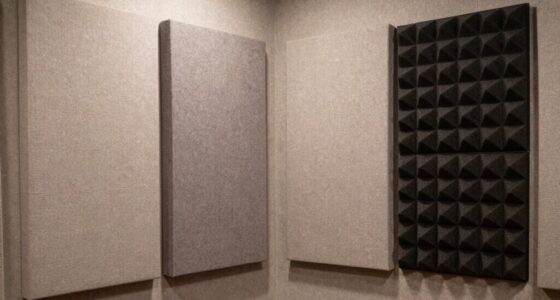
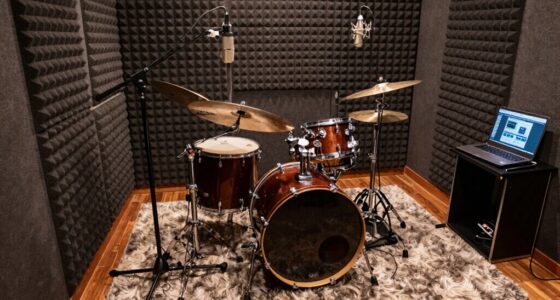
Environmental noise can considerably lower your recording quality by introducing unwanted sounds, making it harder to capture clear audio. Poor acoustic treatment in your space allows echoes and background noise to distort recordings. To improve quality, you should minimize environmental noise sources and add acoustic treatment like foam panels or bass traps. This creates a controlled environment, ensuring your recordings are cleaner, clearer, and more professional.
Conclusion
By catching recording problems early, you’re like a vigilant gardener tending to budding plants before pests take hold. With sharp eyes and quick action, you prevent tiny issues from blossoming into a tangled jungle of chaos. Think of your setup as a delicate ecosystem—nurture it with care, and it’ll flourish with crystal-clear recordings. Stay attentive, and you’ll keep your soundscape pristine, ensuring your recordings shine like a well-tended garden in full bloom.