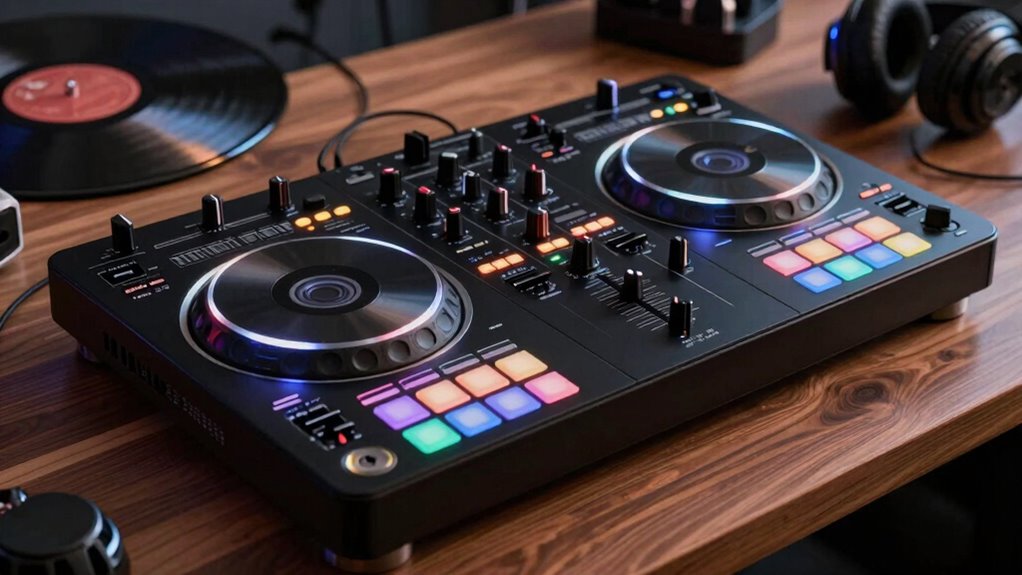

To grow into better DJ setups, focus on mastering your controller’s basic features like jog wheels, pitch sliders, and playback controls. Practice beatmatching to keep your mixes smooth and enhance your timing and phrasing. Learn how to troubleshoot equipment issues quickly and keep your gear well-maintained to prevent problems during performances. Staying familiar with your equipment and industry updates will boost your confidence and versatility. Keep exploring these fundamentals to elevate your DJ skills even further.

Get audio and creator gear delivered free with Prime
- Fast, free delivery on millions of items
- Prime Video, Amazon Music and more included
- Member-only deals all year
Key Takeaways
- Understand essential features like jog wheels, pitch sliders, and EQ controls to optimize your setup.
- Practice beatmatching and phrasing to improve mixing skills and build confidence.
- Regularly clean and maintain your controller to ensure smooth operation and longevity.
- Familiarize yourself with troubleshooting common issues to minimize performance disruptions.
- Stay updated on industry trends and firmware updates to enhance compatibility and features.
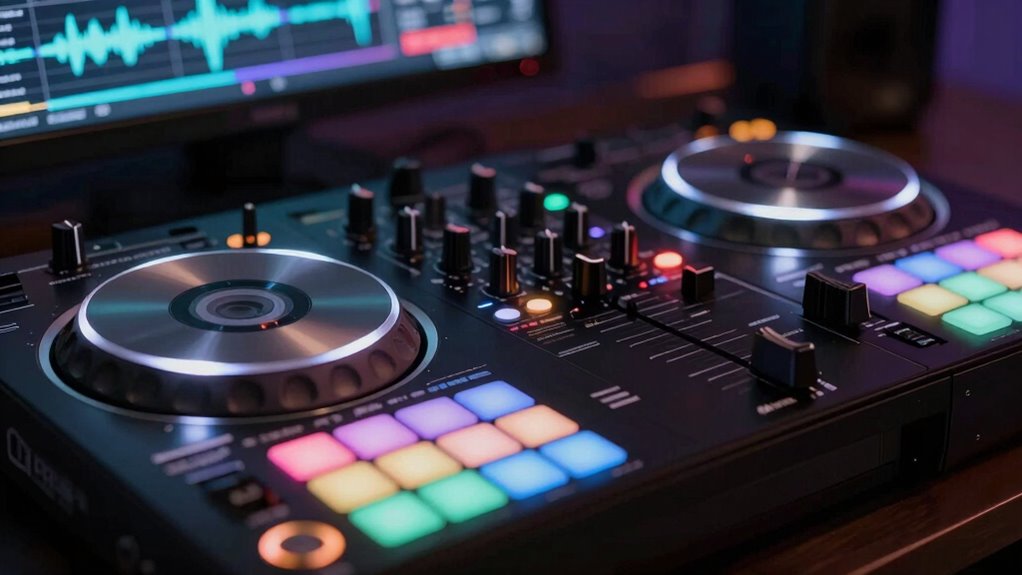
Have you ever wondered what makes a DJ’s setup so adaptable and energetic? It all starts with understanding the fundamentals, especially when you’re starting out with a DJ controller. A good grasp of beatmatching techniques is vital because it allows you to blend tracks seamlessly, creating smooth progressions and maintaining the energy on the dance floor. When you practice beatmatching, you’re fundamentally aligning the tempos and phrasing of two songs, which might seem tricky at first, but with consistent effort, it becomes second nature. Your controller’s jog wheels and pitch sliders are key tools here—they give you the precision needed to match beats accurately. As you grow more comfortable, you’ll learn how to manipulate these controls to keep the music flowing naturally. Developing a solid understanding of equipment also helps you troubleshoot issues more efficiently, ensuring your performances stay uninterrupted. Additionally, familiarizing yourself with equipment features can significantly speed up your problem-solving process during live sets. Staying informed about current industry trends can also help you adapt to new technologies and styles, keeping your performances fresh and engaging. Keeping your gear in top condition is essential for reliable performances, especially during long sets or demanding gigs.
Equally important is equipment maintenance. Your DJ controller is your primary tool, and keeping it in top shape guarantees reliable performance during gigs. Regularly cleaning the jog wheels, knobs, and faders helps prevent dust and grime from affecting the responsiveness. Check your connections and cables often; loose or faulty connections can cause audio dropouts, which disrupt your set. Updating your controller’s firmware and software basically ensures compatibility with new features and fixes bugs that could hinder your performance. Knowing how to troubleshoot common issues and maintaining your equipment not only boosts your confidence but also prolongs its lifespan. Incorporating preventative maintenance techniques can help you identify potential problems early, saving you time and stress during performances. When your gear is well-maintained, you can focus more on perfecting your mixes rather than dealing with technical glitches.
Starting with a solid understanding of beatmatching and prioritizing equipment maintenance sets a strong foundation. It’s easy to get overwhelmed by all the features and controls on a DJ controller, but mastering these basics helps you become more intuitive with your setup. As you practice beatmatching, you’ll develop a better sense of timing and phrasing, giving your mixes a professional edge. Meanwhile, regular equipment upkeep ensures your controller consistently performs at its best, reducing downtime and frustration. This combination of skills makes your setup more versatile—ready to handle different music styles and environments. Whether you’re playing at a small house party or a club, your ability to blend tracks smoothly and keep your gear in prime condition will make you a more confident and adaptable DJ. Ultimately, these foundational practices empower you to grow into a better, more skilled performer.
DJ controller jog wheel replacement
As an affiliate, we earn on qualifying purchases.
As an affiliate, we earn on qualifying purchases.
Frequently Asked Questions
How Do I Choose the Right DJ Controller for My Skill Level?
To choose the right DJ controller for your skill level, consider your gear evolution and how you plan to grow. Start with a beginner-friendly model that offers essential features, then upgrade as your skills progress. Look for controllers with intuitive layouts, quality build, and expandability. This approach guarantees you stay motivated, learn effectively, and seamlessly shift to more advanced setups, supporting your ongoing skill progression and long-term DJ journey.
What Accessories Are Essential for Improving My DJ Setup?
Did you know that 78% of DJs prefer wireless connectivity for flexibility? To improve your setup, prioritize accessories like portable options—compact speakers and batteries—that make mobile gigs easier. Also, consider investing in a quality pair of headphones for precise mixing. Wireless gadgets, such as Bluetooth transmitters, can streamline your workflow. These accessories enhance your control, convenience, and sound quality, helping you grow into a more confident and versatile DJ.
How Do I Connect a DJ Controller to Different Sound Systems?
To connect your DJ controller to different sound systems, first check sound system compatibility and identify available connection types like RCA, XLR, or 1/4-inch jacks. Use appropriate cables to guarantee a secure fit. If needed, employ adapters to match connection types. Always verify the output levels to prevent distortion. Test the setup before your event to confirm audio clarity and proper functioning.
What Are Common Troubleshooting Tips for Controller Issues?
If you’re experiencing controller issues, start by checking for audio latency problems, which can cause delays or glitches. Make sure your firmware is up to date, as updates fix bugs and improve performance. Restart your controller and computer, reconnect cables securely, and test on different sound systems if needed. If issues persist, reset your controller settings or consult the manufacturer’s support resources for specific troubleshooting steps.
How Can I Customize or Upgrade My DJ Controller Software?
Think of your DJ software as a blank canvas awaiting your personal touch. You can customize it by exploring settings, mapping controls, or adding plugins to suit your style. Firmware updates are like renewing your gear’s strength—install them regularly to enhance performance and fix bugs. Immerse yourself in software forums and manuals, experiment with options, and let your creativity flow—this is your instrument, ready to grow with you.
As an affiliate, we earn on qualifying purchases.
Conclusion
Now that you’ve unlocked the fundamentals, think of your DJ controller as the steering wheel of your musical journey. With each beat you master, you’re exploring new horizons, turning your passion into a vibrant adventure. Keep experimenting, learning, and pushing boundaries — your setup is the canvas, and your beats are the colors. Soon, you’ll be painting nights with rhythms that make hearts race and feet move, transforming every gig into a masterpiece.
As an affiliate, we earn on qualifying purchases.
professional DJ gear cleaning supplies
As an affiliate, we earn on qualifying purchases.
As an affiliate, we earn on qualifying purchases.
Halloween Picks
halloween
As an affiliate, we earn on qualifying purchases.