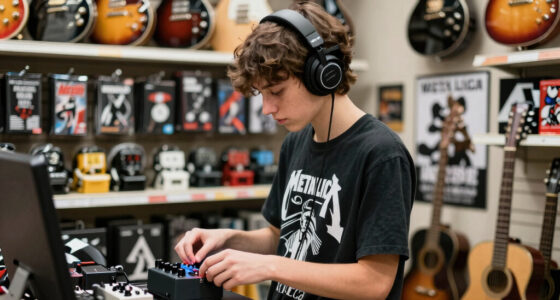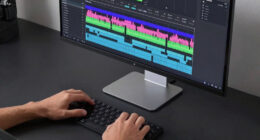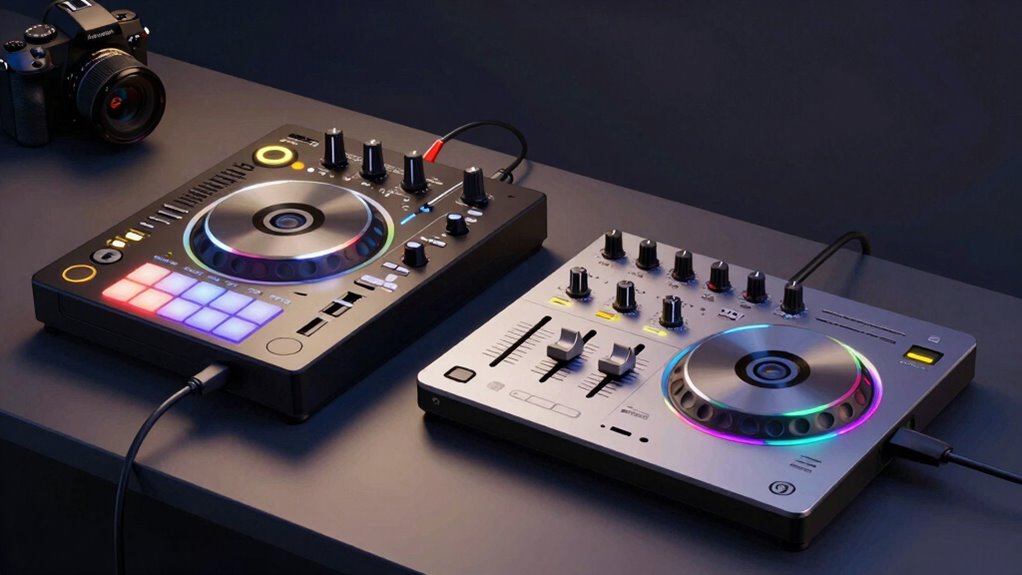
Standalone DJ systems are all-in-one units with built-in hardware, offering quick setup and seamless performance, ideal if you prioritize portability and simplicity. Laptop controllers rely on external software and hardware, giving you more customization and advanced features, perfect if you enjoy tweaking your setup and using your computer’s power. Your choice depends on your style and environment. Keep exploring to discover which option fits your needs best and what each can truly do.
Key Takeaways
- Standalone DJ systems integrate hardware and software in one unit, while laptop controllers depend on external computers and software.
- Standalone units offer simplified setup and portability, whereas laptop controllers provide extensive software customization options.
- Sound quality on standalone systems is hardware-optimized, while laptop controllers rely on external audio interfaces for high fidelity.
- Standalone systems are ideal for quick, wireless setups; controllers suit users needing advanced features and workflow flexibility.
- Choice depends on preference for portability and simplicity versus software flexibility and customization.
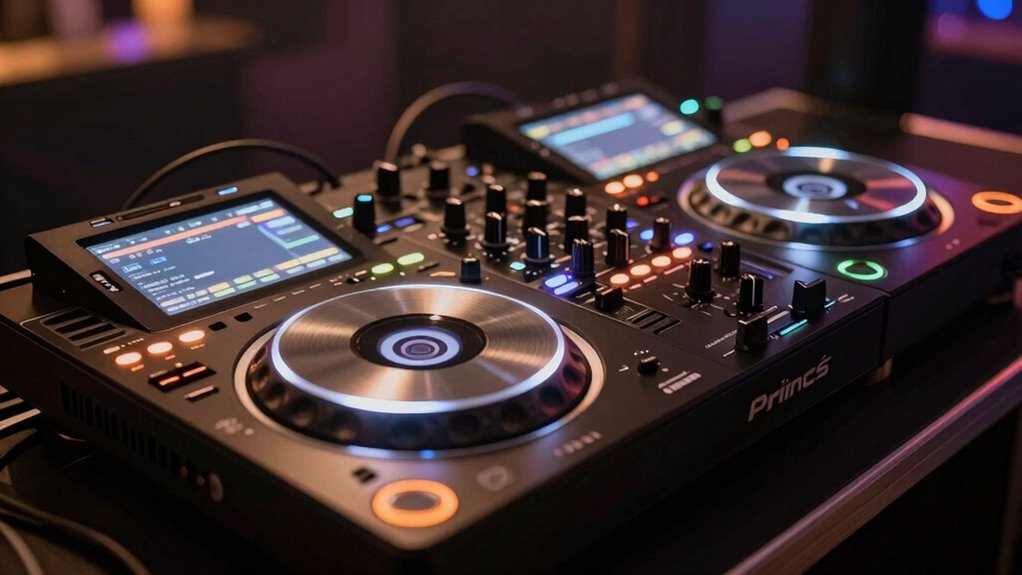
Choosing the right DJ setup can substantially impact your performance, whether you’re just starting out or upgrading your gear. With options like standalone DJ systems and laptop controllers, it’s essential to understand how each fits your style and needs. Standalone DJ systems come as all-in-one units, offering built-in processors, decks, and mixers. They often have integrated wireless connectivity, allowing you to connect wirelessly to speakers, tablets, or other devices. This feature simplifies setup and reduces clutter, making it easier to move around and focus on your performance. The sound quality on standalone systems is usually optimized for live performance, with dedicated hardware designed to deliver clear, powerful audio. This means you get consistent, high-quality sound without worrying about external audio interfaces or complicated configurations. Additionally, the hardware design of standalone systems tends to be more optimized for live performance, providing a more seamless experience during gigs.
On the other hand, laptop controllers rely heavily on software running on your computer. They provide a flexible, customizable experience, especially if you’re comfortable with digital DJing. With a laptop controller, you can choose from a variety of software options, giving you access to extensive libraries, effects, and advanced features. However, the sound quality can depend on your computer’s audio interface and how well you configure your setup. To achieve the best sound, you might need to invest in an external audio interface, which can add to your overall cost and complexity. Wireless connectivity options vary among controllers—some offer built-in Wi-Fi or Bluetooth, but many depend on wired connections for stability. This can be a drawback if you’re performing in a crowded or mobile environment where wireless signals might be disrupted. Considering the importance of audio fidelity can help you choose the right setup for your needs.
Furthermore, understanding the hardware integration of each setup can influence your overall experience, especially if you prefer a more streamlined or modular approach. When comparing these two setups, consider how much mobility and simplicity matter to you. Standalone DJ systems excel in providing a streamlined, all-in-one experience with minimal setup time. They’re ideal if you want quick setup, reliable wireless connectivity, and consistent sound quality. Laptop controllers, meanwhile, shine when you need flexibility, extensive software features, and the ability to customize your workflow. They’re perfect if you’re comfortable managing software and want to integrate your computer’s processing power into your performance.
Ultimately, your choice hinges on your style, skill level, and performance environment. If you prefer a straightforward, portable solution with dependable sound quality, a standalone system might be your best bet. If you value customization and software flexibility and don’t mind a bit more setup, a laptop controller could serve you better. Whichever you choose, understanding these core differences will help you make an informed decision that enhances your DJing experience.

Pyle PA Speaker DJ Mixer Bundle – 300 W Portable Wireless Bluetooth Sound System w/ USB SD XLR 1/4" RCA Inputs – Dual Speaker, Mixer, Microphone, Stand, Cable – Home/Outdoor Party – PPHP28AMX,Black
8 CHANNEL MIXER: This portable stage and studio PA speaker system and DJ mixer bundle by Pyle includes…
As an affiliate, we earn on qualifying purchases.
As an affiliate, we earn on qualifying purchases.
Frequently Asked Questions
How Do Standalone DJ Systems Compare in Price to Laptop Controllers?
Standalone DJ systems tend to be more expensive than laptop controllers. The price comparison shows that standalone units often include built-in features like mixers, screens, and audio interfaces, which raise their cost. Cost factors like brand, features, and build quality influence prices. If you’re on a tight budget, a laptop controller with a laptop might be cheaper, but standalone systems offer more convenience and integrated functionality for professional setups.
Can Standalone DJ Systems Be Upgraded With New Features?
Think of your standalone DJ system as a living, breathing entity that can evolve. You can upgrade it with new features through firmware updates, like giving it a fresh coat of paint. Hardware enhancements are also possible, turning your setup into a more powerful tool. While not as flexible as a laptop controller, many standalone systems allow you to keep pace with advancing technology, ensuring your setup stays current and ready to perform.
What Is the Learning Curve for Beginners Using Each System Type?
You’ll find that the learning curve varies based on the user interface and setup complexity. Standalone DJ systems often have an intuitive interface, making them easier for beginners to learn quickly, with fewer setup steps. Laptop controllers may seem more complex at first due to customizable features and software integration, but they offer flexibility as you gain experience. Overall, both systems require practice, but standalone units usually offer a smoother start.
Are There Compatibility Issues With Popular DJ Software?
Did you know over 80% of DJs prefer versatile gear? Compatibility issues depend on your setup. Standalone DJ systems often have built-in software, reducing integration problems, while laptop controllers rely heavily on software compatibility. Hardware flexibility varies; controllers may need specific software versions, but most popular DJ software like Serato or Rekordbox offers broad support. Understanding software integration helps you choose gear that seamlessly works with your preferred programs, avoiding frustrating glitches.
How Do Power Requirements Differ Between Standalone Systems and Controllers?
You’ll find that standalone DJ systems generally have higher power consumption because they include built-in hardware like amplifiers and displays, making them less energy-efficient than laptop controllers. Laptop controllers rely on your computer’s power supply, which can be more energy-efficient if used carefully. When choosing, consider how much power you need, especially for long gigs, and look for systems designed for better energy efficiency to save on electricity costs.

Hercules DJControl Inpulse 200 MK3 DJ Controller, 2 Deck DJ Mixer with Jog Wheels, Pads, Crossfader, Beginner DJ Equipment with Tutorials and Streaming, Compact Portable DJ Board, Compatible with PC
START DJING IN MINUTES – This beginner dj equipment comes preloaded with professional software and step by step…
As an affiliate, we earn on qualifying purchases.
As an affiliate, we earn on qualifying purchases.
Conclusion
Choosing between a standalone DJ system and a laptop controller depends on your style and needs. While some might worry that standalone systems lack flexibility, they actually offer quick, intuitive access to all essential features without the fuss of software. If you prioritize simplicity and reliability for live gigs, a standalone system can be a game-changer. Don’t let the fear of limited customization hold you back—sometimes, straightforward is best for an unforgettable performance.

Pioneer DJ XDJ-RX3 All-In-One DJ System (Black)
HIGH QUALITY: Equipped with a 10.1-inch touchscreen, 1280:800 resolution, and a host of new features for easy navigation
As an affiliate, we earn on qualifying purchases.
As an affiliate, we earn on qualifying purchases.
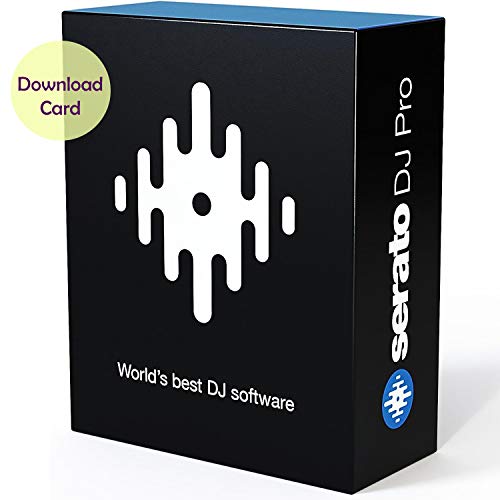
Serato DJ Pro – Professional DJ Software (Download Card)
This item is sold and shipped as a download card with printed instructions on how to download the…
As an affiliate, we earn on qualifying purchases.
As an affiliate, we earn on qualifying purchases.