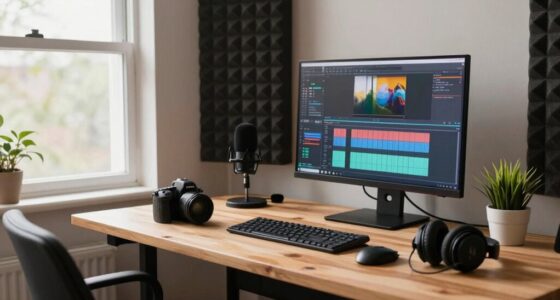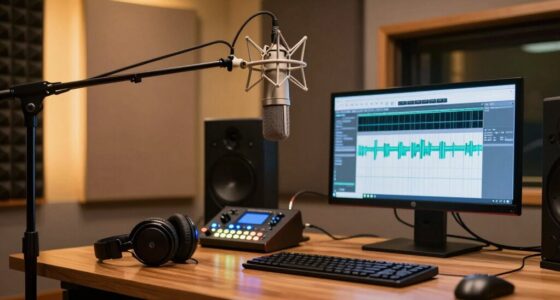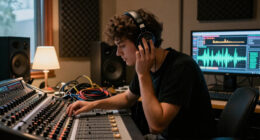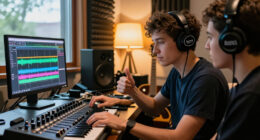

A monitor controller is essential in your small studio setup, helping you manage audio signals easily. It allows you to switch between speakers, headphones, and sources smoothly, ensuring accurate sound for reliable monitoring. With features like level controls, phase switches, and calibration tools, you can optimize your sound and prevent issues like phase cancellation or frequency imbalance. Mastering these basics will give you the confidence to improve your workflow and sound quality—there’s more to discover that can make a real difference.

Get audio and creator gear delivered free with Prime
- Fast, free delivery on millions of items
- Prime Video, Amazon Music and more included
- Member-only deals all year
Key Takeaways
- Monitor controllers centralize audio management, enabling easy switching between speakers, headphones, and sources in small studios.
- They provide precise level controls and phase switches for accurate sound reproduction and phase correction.
- Calibration features help tune speakers for balanced, true-to-source audio, reducing distortion and frequency issues.
- Support for multiple speaker setups enhances versatility and allows for effective comparison across systems.
- Proper setup and calibration improve overall sound quality, ensuring reliable monitoring for high-quality music production.
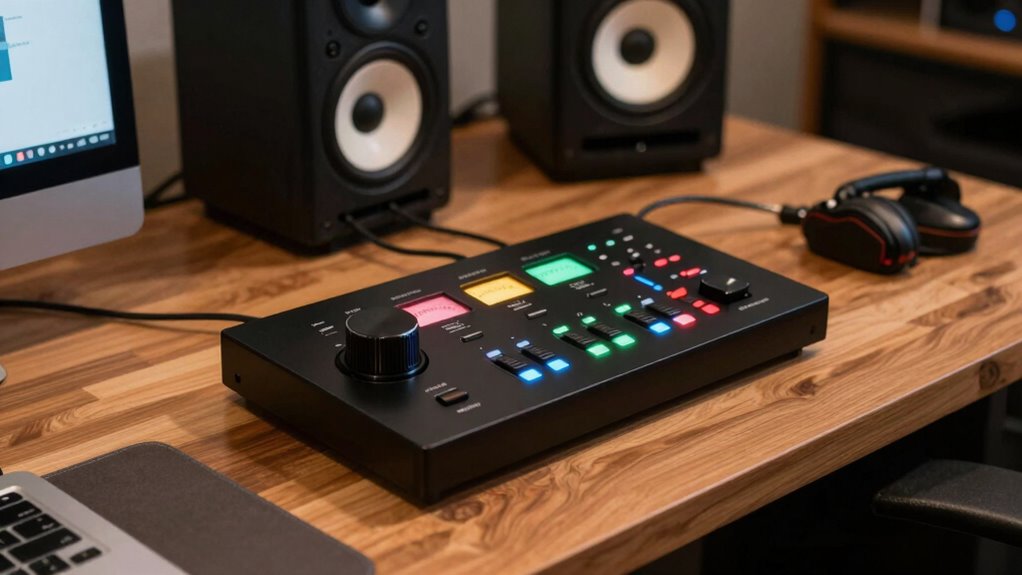
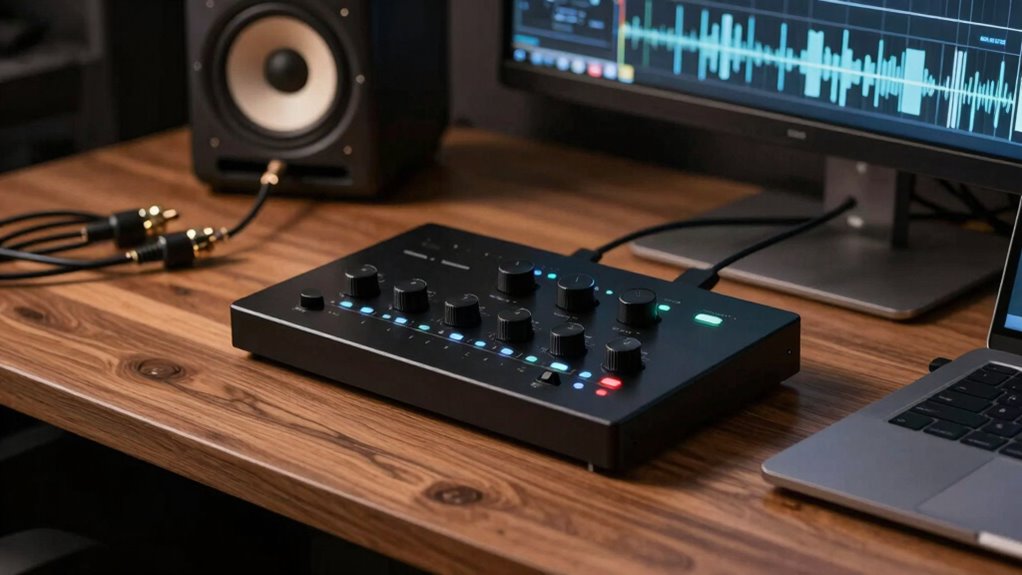
If you’re setting up a small studio, understanding monitor controllers is essential for creating a reliable and efficient listening environment. These devices serve as the hub for managing your audio signals, allowing you to switch between different speakers, headphones, and sources with ease. Proper use of a monitor controller guarantees your sound remains accurate, giving you confidence in your mixes and recordings. One of the key functions of a monitor controller is speaker calibration. This process involves adjusting your studio monitors so they produce a balanced and true sound, which is vital for making precise mixing decisions. Many monitor controllers include features like level controls, phase switches, and calibration tools to help you fine-tune your speakers. By calibrating your speakers correctly, you can eliminate issues like frequency imbalance or phase cancellation that can distort your hearing and affect your work. Additionally, a good monitor controller makes it simple to switch between different sets of speakers, so you can compare how your mix sounds on various systems. This is especially useful in small studios where space and equipment are limited but versatility is needed. Proper speaker calibration is crucial for achieving an accurate listening environment that reflects real-world sound. Understanding the audio signal management process helps ensure you maintain clarity and precision in your mixes. Moreover, mastering monitor controller basics can help you streamline your workflow and improve your overall sound quality.
monitor controller for small studio
As an affiliate, we earn on qualifying purchases.
As an affiliate, we earn on qualifying purchases.
Frequently Asked Questions
How Do I Connect Multiple Studio Monitors to One Controller?
You connect multiple studio monitors to one controller by using appropriate speaker cables for each monitor, ensuring secure connections. Keep cable management tidy to avoid confusion and signal degradation. Make sure each monitor has its own power supply or is connected to a power strip with a reliable power source. Proper cable management and a stable power supply help prevent noise issues and maintain clear audio, giving you ideal control over your studio sound.
Can a Monitor Controller Improve Audio Quality?
Think of a monitor controller as a high-quality lens for your audio universe. It can enhance your audio fidelity by maintaining pristine signal integrity, so your sound remains clear and accurate. While it doesn’t inherently improve the raw quality of your recordings, it guarantees you’re hearing your mix as intended, reducing distortion and noise. This precision helps you make better mixing decisions, ultimately elevating your studio’s overall sound quality.
What’s the Typical Price Range for a Good Monitor Controller?
A good monitor controller usually costs between $200 and $1,000, depending on features like audio calibration and signal routing options. With this range, you can find devices that help optimize your sound, ensuring accurate monitoring. Investing in a quality monitor controller allows you to easily calibrate your audio for better accuracy and route signals efficiently, making your small studio setup more professional and versatile.
Do I Need a Monitor Controller if I Use Headphones Often?
Sure, if you’re dedicated to headphone amplification and fine-tuning your volume control, a monitor controller can be your best friend—think of it as your personal audio butler. It simplifies switching between sources, guarantees consistent volume, and saves your sanity during long sessions. Without one, you’re stuck juggling multiple devices and risking ear fatigue. So yes, if headphones are your main gig, a monitor controller is a wise investment for seamless control.
How Do I Troubleshoot Common Monitor Controller Issues?
If you’re facing monitor controller issues, start troubleshooting by checking for calibration problems and power issues. Make sure your connections are secure, and verify the power source is working properly. For calibration issues, reset the controller or update firmware if available. If power problems persist, test the power cable or try a different outlet. Keeping these in mind helps you quickly identify and resolve common problems, guaranteeing smooth operation.
studio monitor calibration tools
As an affiliate, we earn on qualifying purchases.
As an affiliate, we earn on qualifying purchases.
Conclusion
Understanding monitor controllers is like having a trusty compass in your small studio. They keep your sound balanced and clear, guiding you through your mix with ease. With the right controller, you’ll navigate your projects smoothly, making adjustments quickly and confidently. Think of it as the conductor of your audio orchestra, ensuring every element harmonizes perfectly. Mastering this tool puts you in control, turning your creative vision into a polished, professional sound.
audio signal switcher for studio
As an affiliate, we earn on qualifying purchases.
As an affiliate, we earn on qualifying purchases.
As an affiliate, we earn on qualifying purchases.
Halloween Picks
halloween
As an affiliate, we earn on qualifying purchases.