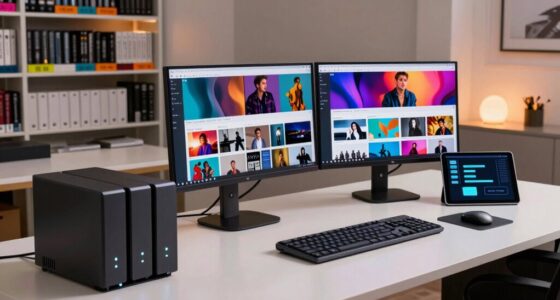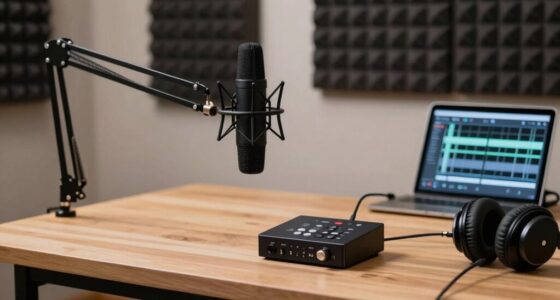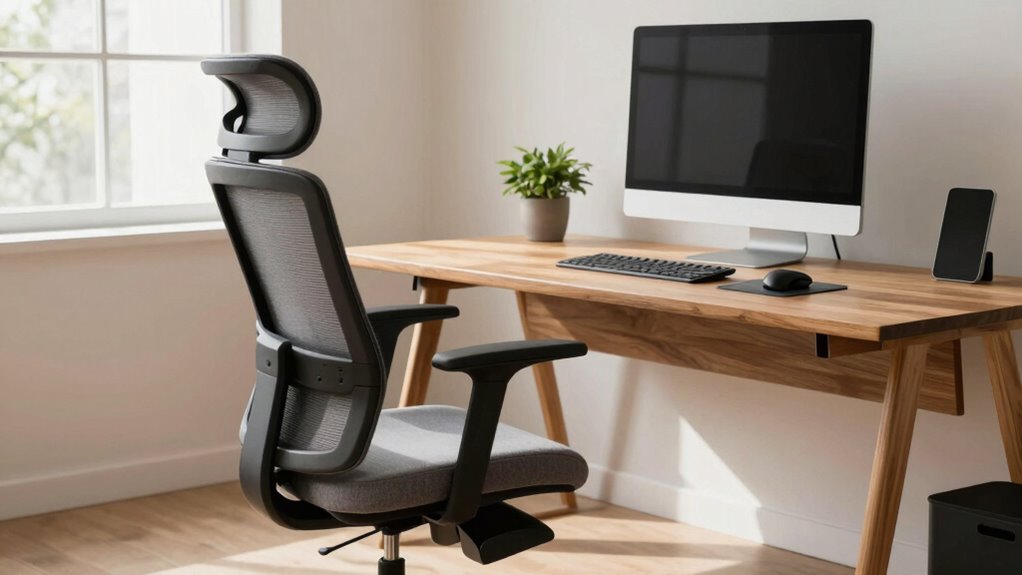

To improve comfort while sitting too long, choose adjustable studio furniture like standing desks and ergonomic accessories such as monitor stands, lumbar cushions, and anti-fatigue mats. Make sure your monitor is at eye level, your feet are flat on the floor, and your workspace encourages good posture. Incorporate movement and regular breaks to boost circulation and reduce stiffness. Stick with these basics, and you’ll discover simple ways to stay healthier and more productive throughout your creative sessions.

Get audio and creator gear delivered free with Prime
- Fast, free delivery on millions of items
- Prime Video, Amazon Music and more included
- Member-only deals all year
Key Takeaways
- Use an adjustable standing desk to switch between sitting and standing to reduce strain and improve posture.
- Incorporate ergonomic accessories like keyboard trays and monitor stands for proper alignment and comfort.
- Add anti-fatigue mats and lumbar cushions to support prolonged standing and seated periods.
- Take regular breaks to stretch, walk, and change positions, promoting circulation and reducing stiffness.
- Create a workspace with natural elements and proper lighting to enhance comfort, focus, and mental well-being.
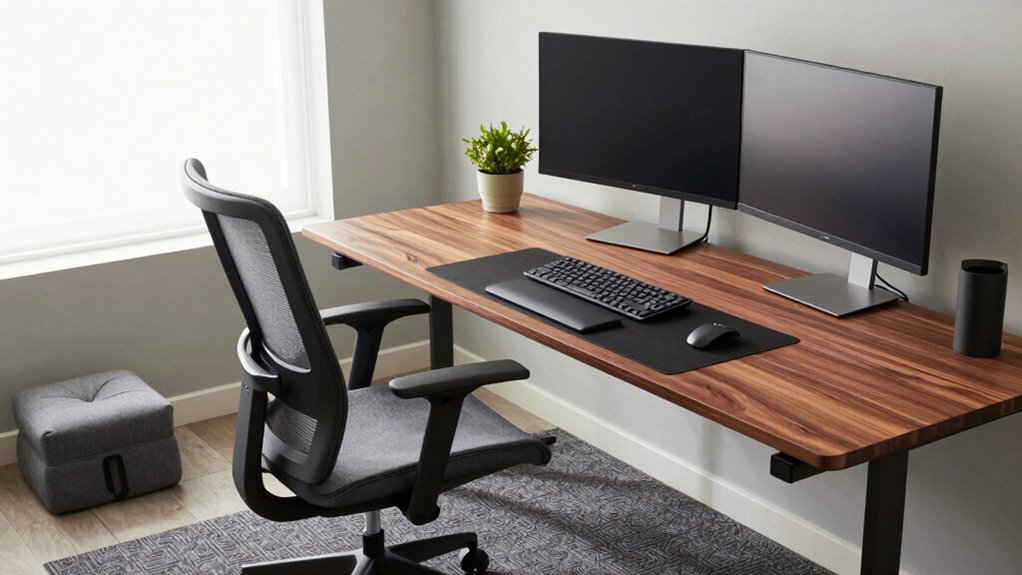
Do you spend hours sitting at your studio workspace, often neglecting your comfort and health? It’s easy to get lost in your creative flow and forget about your posture, but long periods of sitting can lead to discomfort and even long-term health issues. The good news is that you can make simple yet effective adjustments to your studio furniture to stay comfortable and boost your productivity. One of the best ways to do this is by investing in a good standing desk. Unlike traditional desks, standing desks allow you to alternate between sitting and standing throughout your work session. This variation reduces the strain on your back, neck, and shoulders, and keeps your energy levels up. When choosing a standing desk, look for one that’s adjustable in height, so you can find the perfect position whether you’re working on your computer, sketching, or reviewing your work. Pairing your standing desk with ergonomic accessories can further enhance your comfort. A well-designed keyboard tray, an adjustable monitor stand, and an anti-fatigue mat can make a huge difference in preventing strain and fatigue. Ergonomic accessories are designed to support your body’s natural posture, reducing the risk of aches and pains. For example, an adjustable monitor stand ensures your screen is at eye level, which minimizes neck strain. An ergonomic keyboard and mouse setup can prevent wrist discomfort, especially during long editing or drawing sessions. An anti-fatigue mat placed on the floor provides cushioning and support when you’re standing, making it easier to stay upright for longer periods without discomfort. When setting up your studio, consider the placement of these accessories to encourage proper alignment. Keeping your monitor directly in front of you, your keyboard at a comfortable height, and your feet flat on the floor will help maintain good posture. Additionally, don’t forget to take regular breaks—stand up, stretch, and walk around to boost circulation and prevent stiffness. Incorporating movement into your routine is just as important as having the right furniture. While ergonomic accessories and a height-adjustable standing desk set the foundation, your mindset towards movement and comfort plays an essential role. Small adjustments like adjusting your chair height, using footrests, or adding lumbar support cushions can further improve your setup. Ultimately, prioritizing your comfort with the right studio furniture and ergonomic accessories helps you stay focused, creative, and healthy in the long run. You’ll notice less fatigue, fewer aches, and an overall better work experience when your workspace supports your body’s needs. Additionally, understanding the importance of ergonomic workplace design can help you create a more health-conscious environment that promotes well-being. Incorporating biodiversity principles into your workspace, such as adding plants or natural elements, can also support mental health and overall comfort. Being mindful of ergonomics in your workspace setup can lead to sustained productivity and long-term health benefits.
As an affiliate, we earn on qualifying purchases.
Frequently Asked Questions
How Often Should I Take Breaks During Long Studio Sessions?
You should take breaks every 30 to 60 minutes during long studio sessions. Use this time for stretching routines to reduce tension and improve circulation. Incorporate ergonomic accessories, like an adjustable chair or wrist supports, to maintain good posture. These breaks help prevent strain and fatigue, keeping you comfortable and focused. Remember, regular movement and proper setup are key to staying productive and avoiding discomfort.
What Are Signs of Poor Ergonomics Affecting My Health?
Think of your body as a delicate tree, and poor ergonomics as a storm that bends it out of shape. Signs like persistent back, neck, or shoulder pain, tingling in your limbs, or headaches reveal your posture needs correction. Using ergonomic accessories and practicing posture correction can help you stand tall against these symptoms. Pay attention to these signs to prevent long-term damage and keep your creative energy flowing smoothly.
Can Specific Exercises Improve Comfort While Sitting?
Yes, specific exercises can improve your comfort while sitting. Incorporate stretch routines that target your neck, shoulders, and back to relieve tension. Regular posture adjustments, like sitting upright and aligning your monitor at eye level, help maintain proper ergonomics. These practices reduce discomfort and strain, making your sitting experience more comfortable. Consistently practicing stretch routines and posture adjustments can greatly enhance your overall sitting comfort and health.
How Do I Choose the Right Desk Height for My Workspace?
You should choose a desk height that allows your elbows to rest at a 90-degree angle when you sit comfortably. Consider desk materials like adjustable wood or metal surfaces for flexibility, and add ergonomic accessories such as a keyboard tray or monitor stand to optimize your setup. Test different heights if possible, and prioritize comfort and posture to prevent strain during long work sessions.
Are Standing Desks Effective for Creators Who Sit All Day?
Thinking about shaking up your routine? Standing desks can be quite effective for creators who sit all day, helping you stay energized and reduce discomfort. Pair them with ergonomic accessories like cushioned mats, adjustable monitor arms, and supportive footwear to maximize comfort. Regularly switching between sitting and standing keeps your body engaged, boosts productivity, and prevents strain. Give it a try—you might find a new rhythm that keeps your creativity flowing.
As an affiliate, we earn on qualifying purchases.
Conclusion
Remember, spending long hours at your studio desk can lead to serious health issues—studies show that prolonged sitting increases the risk of cardiovascular disease by up to 64%. Prioritize ergonomic furniture and take regular breaks to protect your well-being. By making small adjustments, you’ll boost your comfort, creativity, and productivity. Don’t wait until discomfort becomes a problem—your body will thank you for creating a healthier workspace today.
As an affiliate, we earn on qualifying purchases.
As an affiliate, we earn on qualifying purchases.
Fall Picks
fall essentials
As an affiliate, we earn on qualifying purchases.