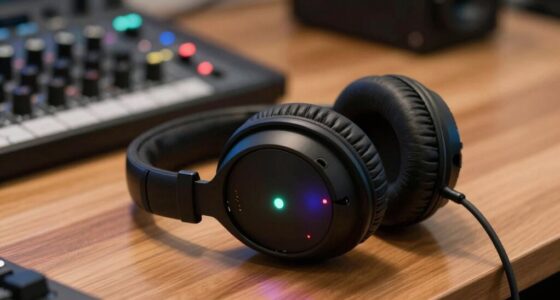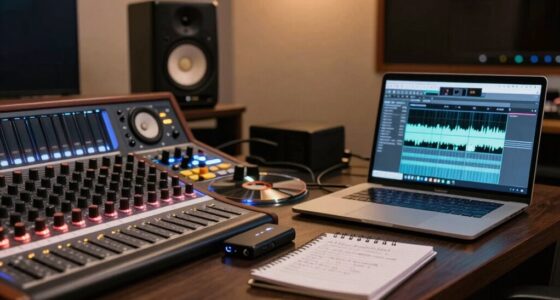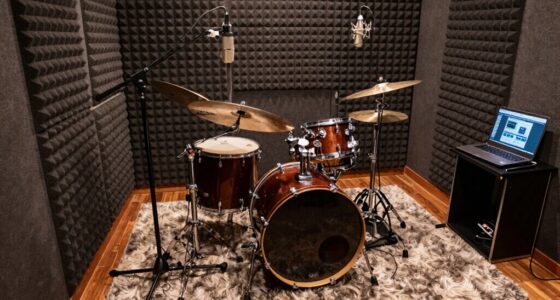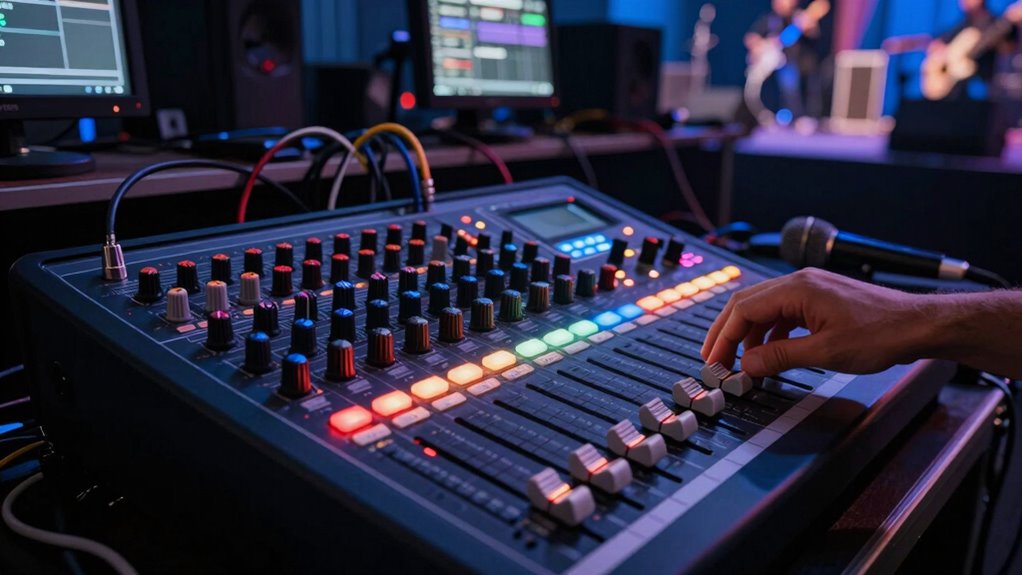
To minimize problems during a live show, start with a thorough soundcheck, adjusting levels for each instrument and microphone to guarantee clarity and balance. Use proper mic placement and directional mics to reduce feedback, and keep speakers away from microphones. Manage monitor levels carefully and communicate clearly with your band to make quick adjustments on the fly. Paying attention to sound quality throughout the performance helps create a smooth experience—keep exploring for more tips to master your mixing skills.
Key Takeaways
- Conduct a thorough soundcheck, adjusting levels and microphone placement to identify and resolve issues early.
- Maintain proper microphone placement and use directional mics to reduce feedback and improve sound clarity.
- Balance stage monitors carefully to ensure performers hear themselves clearly without causing feedback.
- Use EQ and feedback suppression tools proactively to prevent common sound issues during the show.
- Communicate consistently with band members about monitor needs and make quick adjustments as needed.
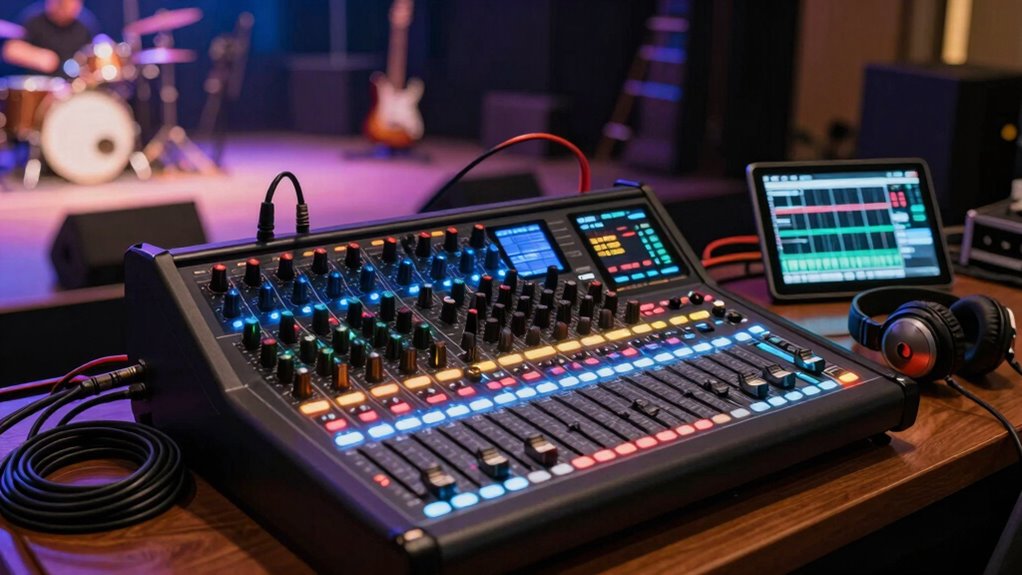
When you’re on stage or behind the mixing board, even small sound issues can disrupt a performance and frustrate everyone involved. That’s why mastering the basics of live sound mixing is essential, especially when it comes to soundcheck procedures. A thorough soundcheck isn’t just about testing your equipment; it’s about setting a solid foundation for the entire show. You want to make sure each instrument and microphone sounds clear and balanced before your band hits the stage. Start by checking individual channels, adjusting levels so no sound is too loud or too quiet. Pay attention to the tone of each instrument, and make sure your monitors are appropriately set so performers can hear themselves clearly. During soundcheck, walk around the venue, listen from different spots, and tweak your settings accordingly. This process helps identify potential issues early, saving you time and stress during the actual performance. Additionally, understanding the importance of soundcheck procedures can greatly improve your overall sound quality and prevent common problems. Feedback prevention is another crucial aspect of live sound mixing. The moment you hear that piercing squeal, you know it’s a problem that needs immediate action. To prevent feedback, keep your microphones away from loud speakers and monitors, and avoid pointing mics directly at speakers. Use equalization (EQ) to cut frequencies that tend to feed back, usually in the mid-range or high frequencies. You can also employ feedback suppression tools available on many mixing consoles. During the soundcheck, listen carefully for any signs of feedback and address them proactively. It’s better to fix these issues beforehand than to scramble during the show. Reducing feedback during the performance is critical, so always stay alert to potential issues as they develop. Implementing proper microphone placement techniques can significantly reduce feedback risks and improve sound clarity. Proper sound levels should be maintained throughout the performance to ensure clarity and prevent distortion, which can be especially challenging in larger venues. Reduce the volume of monitors if feedback persists, and consider using directional microphones that pick up sound from a specific direction, minimizing unwanted noise. Remember, feedback often results from poor placement, so be mindful of where you position your mics and speakers. Throughout the performance, stay attentive to sound levels and be ready to make quick adjustments. Keep your ear tuned to the overall mix, and don’t hesitate to tweak settings if something sounds off. Consistent communication with your band members is key—make sure everyone’s monitors are balanced and their needs are met without creating new feedback issues. By sticking to solid soundcheck procedures and actively preventing feedback, you’ll create a more enjoyable experience for both your band and your audience. When you control the sound effectively, you’ll reduce problems on stage, allowing the music to shine without interruptions or distractions.
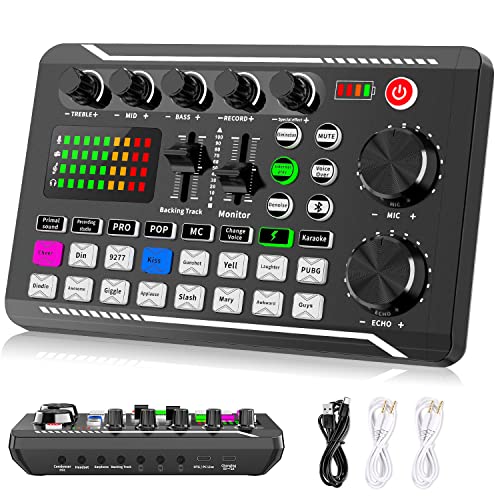
Facmogu F998 Live Sound Card Audio Mixer, Podcast Audio Interface with DJ Mixer Effects, Voice Changer with Sound Effects for PS4 PS5 Karaoke Tiktok YouTube Live Streaming Record Gaming
【Multi-Function Podcast Audio Mixer】– 7 Independent volume knob adjustments and 2 fader button adjustments, covering bass, alto, treble,…
As an affiliate, we earn on qualifying purchases.
As an affiliate, we earn on qualifying purchases.
Frequently Asked Questions
How Do I Choose the Right Mixer for My Band?
To choose the right mixer, consider your band’s needs and venue size. Look for one with enough channels to handle wireless microphones and instruments. Make sure it offers good sound calibration features to balance levels easily. Additionally, check for compatibility with your wireless equipment and durability for touring. A user-friendly interface will help you quickly adjust settings during performances, reducing problems and keeping your sound clear and balanced.
What Should I Do if a Microphone Feed Cuts Out?
If a microphone feed cuts out, first check for wireless interference that might be causing signal issues. Move the microphone or receiver away from potential sources like Wi-Fi routers or other electronic devices. To prevent feedback, make sure your microphone isn’t pointing directly at speakers, and adjust the gain levels carefully. Regularly monitor your system during the performance, and have spare cables or microphones ready in case you need quick replacements.
How Can I Improve Sound Quality in a Noisy Venue?
To improve sound quality in a noisy venue, you should focus on acoustic treatment and noise barriers. Use sound-absorbing materials like foam panels or curtains to reduce echo and background noise. Additionally, position noise barriers or screens around stage areas to block external sounds. Adjust your EQ settings to minimize low-frequency rumble, and guarantee your microphones are well-placed to pick up the desired sound clearly, reducing overall noise interference.
What Are Common Troubleshooting Steps During a Live Show?
During a live show, start by checking for feedback loops, which can cause unwanted noise; adjusting the gain or positioning microphones differently usually helps. Next, inspect your cables for loose or damaged connections, and guarantee proper cable management to prevent accidental disconnections. If issues persist, isolate problem sources one by one, and communicate with your band or crew to quickly resolve any sound problems and keep the performance smooth.
How Do I Manage Monitor Sound Effectively on Stage?
To manage monitor sound effectively, focus on stage positioning to guarantee performers hear clearly without feedback. Place monitors appropriately, avoiding direct line-of-sight with microphones, and use monitor angles to minimize bleed. Regularly control feedback by adjusting EQ settings and gain levels, and communicate with performers about their monitor preferences. Consistent monitoring and quick adjustments help keep sound balanced, clear, and free of feedback issues during your performance.
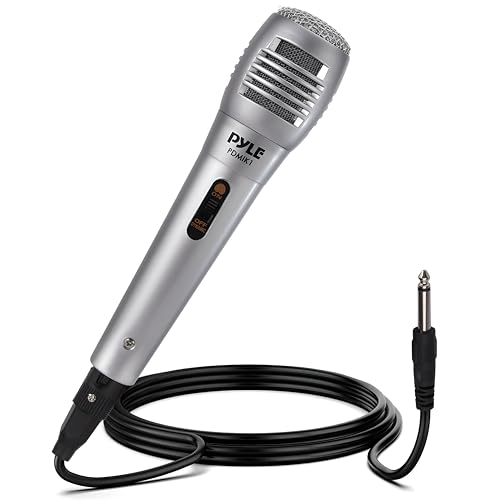
Pyle Wired Dynamic Microphone, Uni-Directional, Handheld Mic with Pop Filter, Steel Mesh Grill, 6.5 ft XLR Cable, Ideal for Stage and Studio Use, Rugged Construction, High Signal Output
TECHNICAL SPECIFICATIONS – Mic Element: Dynamic, Polar Pattern: Uni-Directional, Material: Plastic, Frequency: 50Hz-15KHz, Impedance: 600 Ohm, Sensitivity: -54db,…
As an affiliate, we earn on qualifying purchases.
As an affiliate, we earn on qualifying purchases.
Conclusion
Mastering your live sound mixer is like tending a garden; with careful attention and patience, you nurture clarity and harmony. When you understand the basics, you’re planting seeds of confidence, preventing the weeds of chaos from taking over. With each show, you cultivate a symphony where every instrument blooms in balance. Remember, your mixer is your compass—guiding your sound journey, ensuring your band’s voice rises like a phoenix, resilient and true amidst the chaos.

ALTO TX410 350W 10" Powered PA Speaker with TWS Bluetooth, 2-Channel Mixer, Monitor for Band or DJ and Musicians, Rehersals, Venues or Events
Sonic Might – A sonic beast wrapped in a sleek package, the TX410 PA Loudspeaker excels at providing…
As an affiliate, we earn on qualifying purchases.
As an affiliate, we earn on qualifying purchases.

6 Channel Audio Interface Sound Board Mixing Console 16-Bit DSP DJ Mixer Audio Reverb Effect +48V Phantom Bluetooth Studio Audio Mixer For Karaoke Studio Streaming Recording
【Music Mixer Board】The 6-channel Bluetooth mixer, built-in wireless Bluetooth, DSP reverberation effect, 3-band equalization adjustment, comes with USB…
As an affiliate, we earn on qualifying purchases.
As an affiliate, we earn on qualifying purchases.