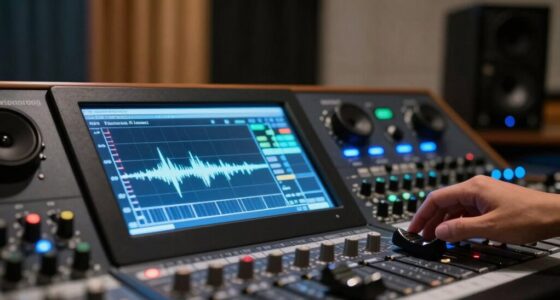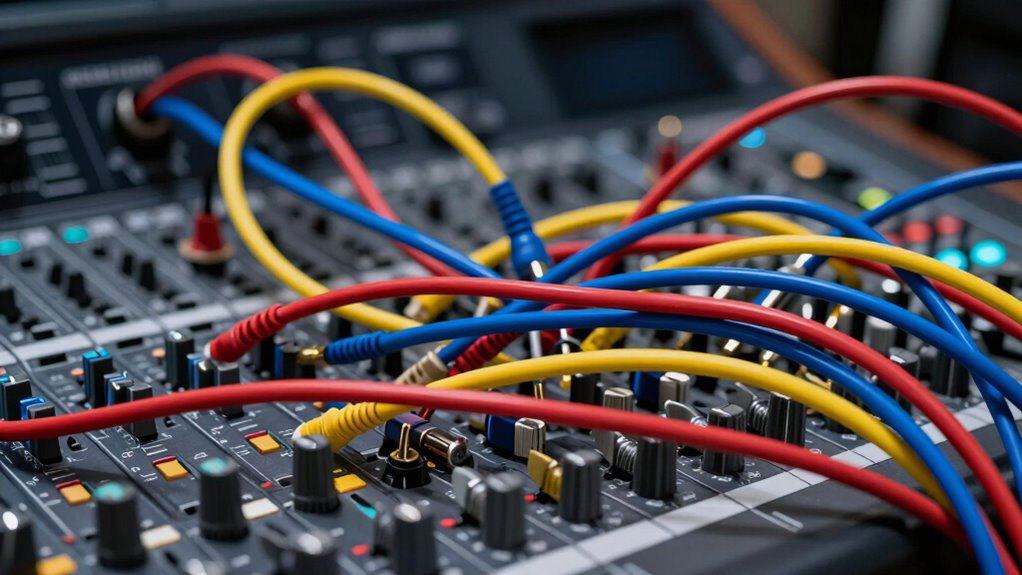

Many creators get confused by signal flow because they don’t visualize how audio travels through their gear, leading to misrouting or feedback issues. Misconnections, such as sending signals to wrong outputs or creating unintended loops, cause chaos and sound problems. Properly mapping your setup and understanding the route from source to output can prevent these issues. Stick around, and you’ll discover how to master your signal flow for clearer, smoother sound.

Get audio and creator gear delivered free — and shop member deals
- Fast, free delivery on millions of items
- Access to Prime Big Deal Days deals on October 6–7
- Prime Video, Amazon Music and more included
Key Takeaways
- Microphone feedback loops are common but often misunderstood, causing confusion even among experienced creators.
- Incorrectly routing signals between devices leads to unexpected audio issues and is a frequent source of frustration.
- Misplacement of microphones and speakers can unintentionally create feedback loops, confusing users about why sound is problematic.
- Overlapping or mislabeled cables make troubleshooting signal flow problems more complicated than necessary.
- Lack of clear signal flow visualization hampers quick diagnosis, increasing confusion during setup or troubleshooting.
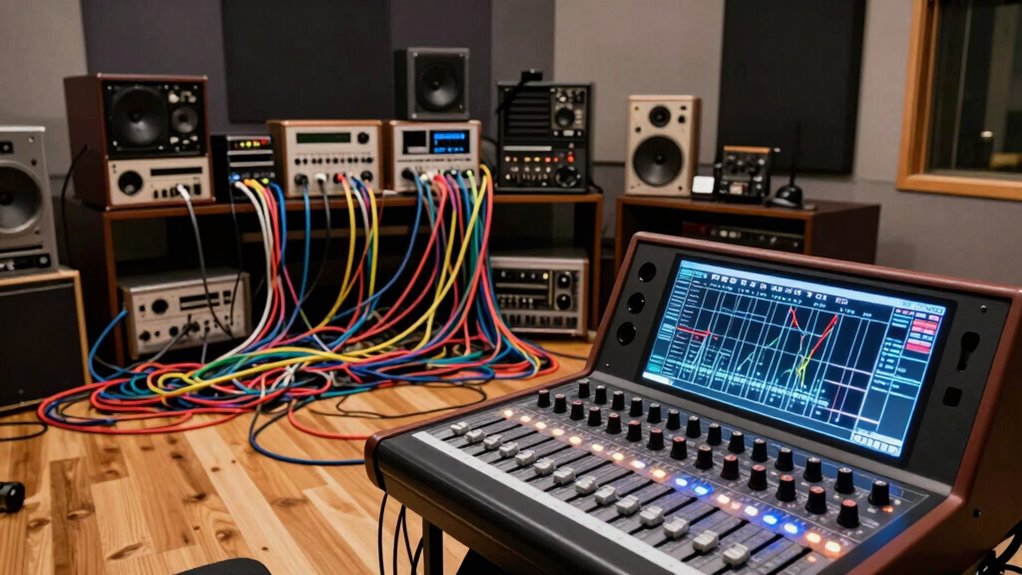
A signal flow problem occurs when there’s a disruption or imbalance in the way signals move through a system, causing errors or inefficiencies. This issue is especially common in audio setups, where improper audio routing can lead to frustrating sounds or silence. When you’re working with multiple devices—mixers, interfaces, microphones, and speakers—it’s easy to get lost in the complex web of connections. The key to avoiding these problems is understanding how audio routing works and how feedback loops can trigger unwanted noise or distortion. Additionally, visualizing your signal path can help prevent misconfigurations before they happen. Recognizing signal flow patterns can also make troubleshooting more straightforward when issues arise.
Audio routing determines how your sound travels from source to output. If even one connection is misconfigured, your signal may not reach the destination correctly. For example, sending an input signal to the wrong output or creating a loop can cause audio to be delayed, cut out, or feed back into itself. Feedback loops happen when a microphone picks up sound from speakers that are part of the same system, creating a continuous cycle of sound that quickly escalates into a loud, screeching noise. This is a common pitfall for beginners who aren’t yet familiar with how to control signal paths or how to isolate microphones from speakers. Understanding audio system design can greatly reduce such issues.
To prevent these issues, you need to keep your audio routing clear and logical. Map out your signal flow before plugging in equipment. Use labeled cables and organized patch bays to trace each connection. When setting up, pay close attention to the placement of microphones and speakers, ensuring they don’t form feedback loops. If you notice a high-pitched squeal, immediately identify the source of the feedback and adjust your microphone or speaker positions. Sometimes, simply moving a mic a few inches away from a speaker can eliminate the problem. Recognizing cable management best practices can also help maintain an organized setup and prevent accidental misconfigurations.
Another common mistake is creating unintended feedback loops by leaving certain devices active when they shouldn’t be. Make sure your mixer’s settings are configured correctly—muting unused channels and setting gain levels properly. Proper audio routing also involves understanding your equipment’s signal path, so you can troubleshoot quickly if issues arise. If you suspect a feedback loop, check your connections, and disconnect or mute devices until you isolate the problem.
In essence, mastering audio routing and paying close attention to feedback loops are vital skills. They help you maintain a clean, efficient signal flow, which minimizes errors and maximizes sound quality. When you understand how signals are supposed to move through your system, you’re less likely to get confused by misconfigurations. Instead, you’ll be able to troubleshoot swiftly and keep your setup running smoothly. The more you practice organizing your signal flow, the less confusion you’ll face, and the better your sound will be.
As an affiliate, we earn on qualifying purchases.
Frequently Asked Questions
How Do I Identify Signal Flow Issues Early?
To identify signal flow issues early, you should check your audio routing and follow the signal path step-by-step. Listen carefully at each stage, ensuring each connection is secure and functional. Use visual cues like meters or clip indicators to spot where the signal drops or distorts. Regularly testing individual components helps you catch problems before they affect your entire project, keeping your audio clear and consistent.
What Are Common Mistakes Causing Signal Flow Confusion?
Common mistakes causing signal flow confusion include poor routing clarity and improper plugin placement. You might accidentally insert plugins in the wrong order or forget to set correct input/output paths, disrupting the signal chain. Always double-check your routing to keep it clear and logical, and place plugins in a sequence that supports smooth signal flow. These steps help prevent issues and guarantee your audio moves correctly through your setup.
Can Signal Flow Problems Affect Mix Clarity?
Yes, signal flow problems can harm mix clarity. If you misroute effects or skip proper gain staging, your audio can become muddy, distant, or harsh. Poor effects routing causes unwanted feedback or misplaced effects, while inadequate gain staging leads to distortion or low volume. To keep your mix clear, double-check your signal path, verify effects are correctly routed, and set proper gain levels throughout your chain.
What Tools Help Visualize Signal Flow Paths?
Visualization tools and routing software help you see signal flow paths clearly, making it easier to troubleshoot and optimize your setup. These tools provide visual diagrams of your connections, pinpointing issues quickly. Routing software allows you to map and adjust signal paths interactively, reducing confusion. When you use these tools, you gain a clearer understanding of your signal flow, ensuring your mix stays clean and well-organized.
How Often Should I Revisit My Signal Routing?
You should revisit your signal routing regularly, ideally every few sessions or whenever you add new plugins or hardware. This practice helps optimize your routing and guarantees plugin placement remains effective. By doing so, you catch issues early, maintain clarity, and prevent signal flow problems. Consistent routing optimization keeps your project organized, making mixing smoother and saving you time in the long run.
microphone and speaker feedback eliminator
As an affiliate, we earn on qualifying purchases.
As an affiliate, we earn on qualifying purchases.
Conclusion
Understanding the signal flow problem is essential for your creative process, yet over 60% of creators admit to struggling with it. By mastering the correct order of signal paths, you’ll avoid confusing feedback loops and achieve clearer mixes. Remember, simplifying your signal flow isn’t just about technical accuracy — it’s about freeing your creativity. When you get it right, you’ll notice a smoother workflow, making your projects more efficient and enjoyable. Keep practicing, and the confusion will fade away.
As an affiliate, we earn on qualifying purchases.
cable management for audio setup
As an affiliate, we earn on qualifying purchases.
As an affiliate, we earn on qualifying purchases.
Fall Picks
fall essentials
As an affiliate, we earn on qualifying purchases.